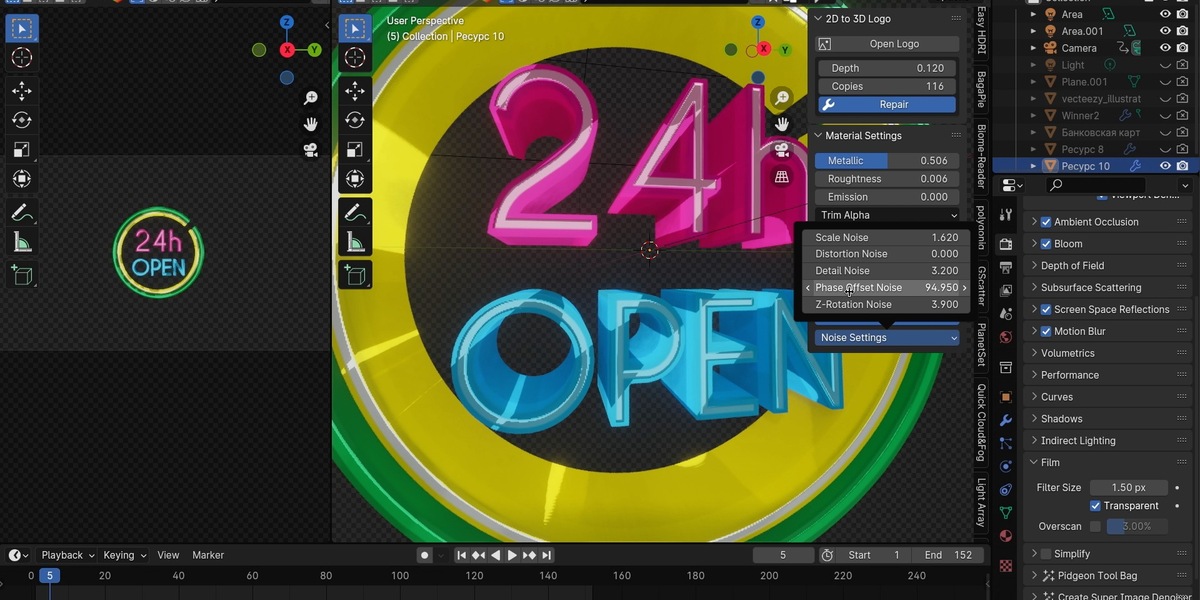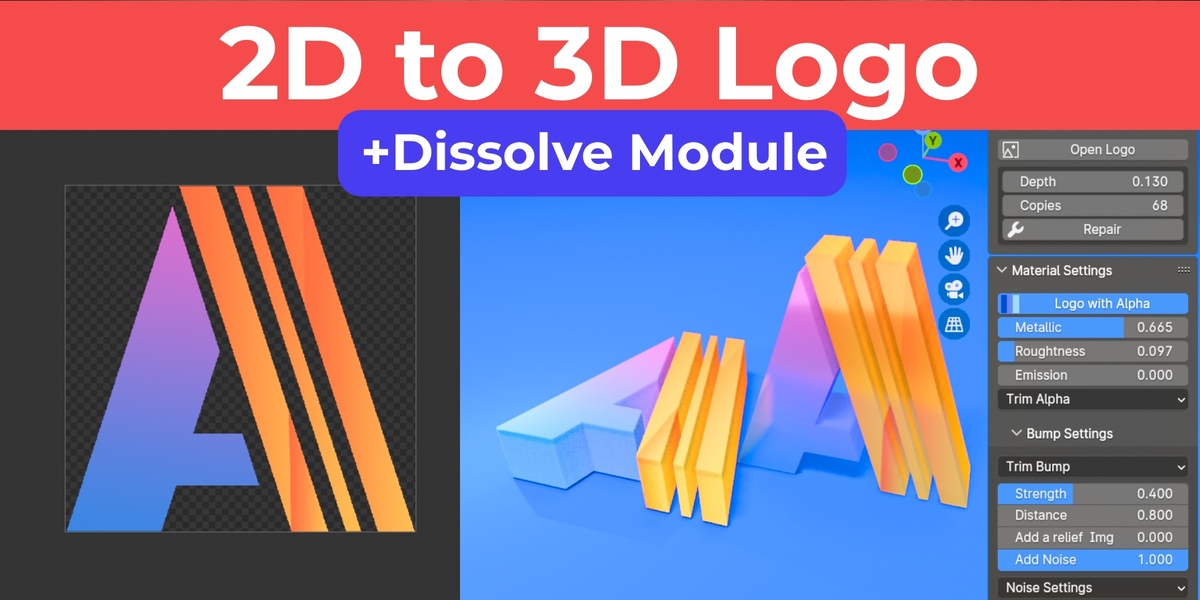
2D To 3D Logo + Dissolving Module is a Blender add-on credited to Alexandr Zhuravlev. It gives a logo image a layered 3D look and lets you animate a dissolving reveal in a scene. The add-on copies the image across multiple layers instead of tracing it into a conventional 3D model. That makes it suited to quick logo treatments and simple animation, rather than geometry intended for close-up inspection.
Give a logo image a 3D look
Adjust the logo's thickness and number of layers, then customize its material. Noise settings create a logo overflow effect. These controls change the image's appearance in the scene while keeping the image-based construction.
Animate a dissolving reveal
For the reveal, connect the dissolving modules and select a mask. Add glow power and mask animation, then adjust the glow color with a gradient ramp. The package includes 100 masks that you can save and reuse for dissolving animations, giving you a set of patterns to choose from as you shape the reveal.
The logo conversion and dissolve features can be used together for a logo animation, or the logo treatment can be used on its own.
Compatibility and documentation
The product listing names Blender 4.2, 4.1, 4.0, and 3.6 and identifies the license as GPL. The Superhive listing marks the add-on unavailable, while AnyPlugins lists it as free and available. The product documentation includes a short video about dissolving a logo and a note for users working with Cycles. See the Superhive product listing for the product details.