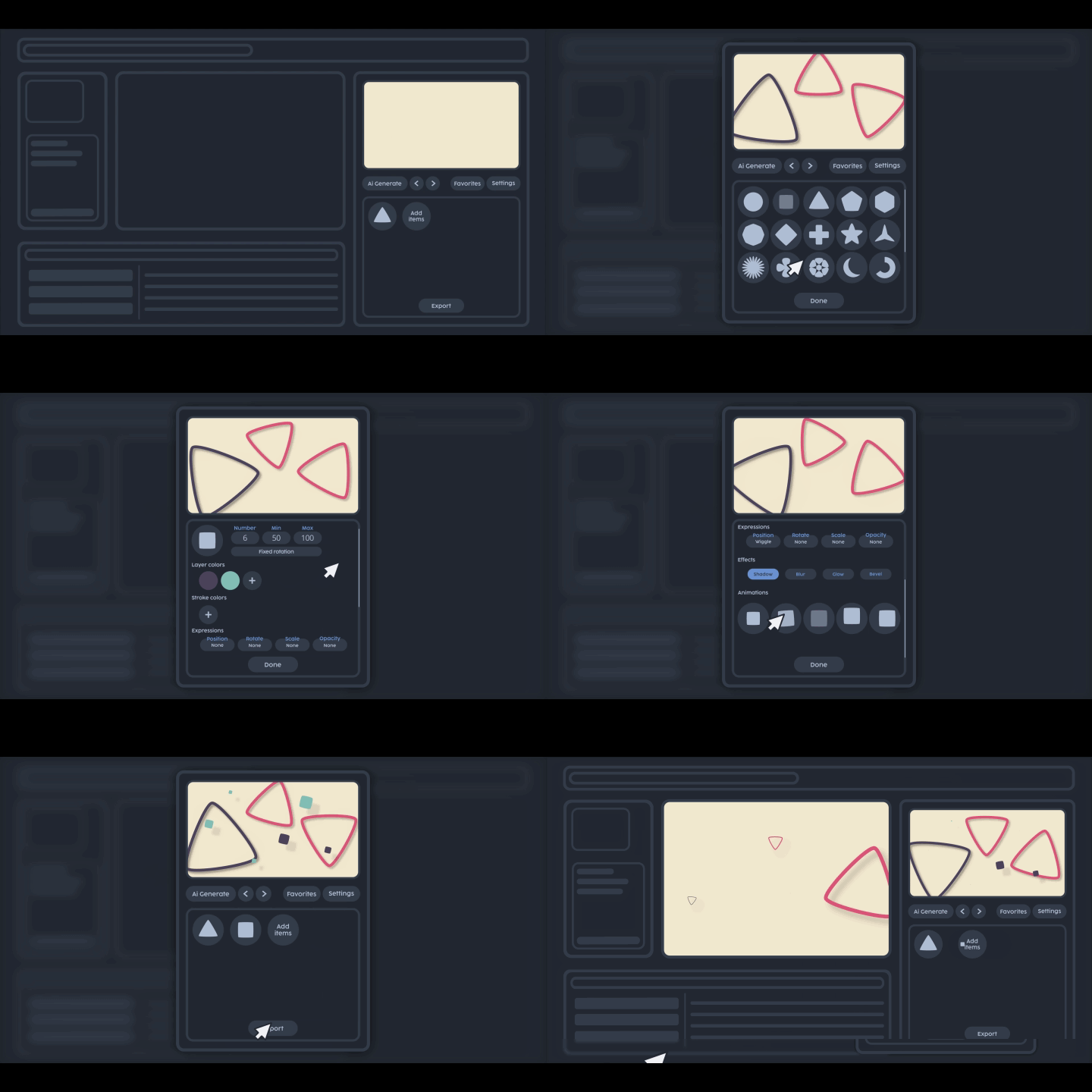
AEJuice Animated Backgrounds is a library of 144 looping animated backdrops for After Effects and Premiere Pro. Its preview page shows examples grouped as gradients, lines, and patterns. The pack suits editors who need moving background material for photo, video, or social content.
Preview and adjust animations
Use AEJuice Pack Manager to preview and import animations. The pack includes smart controls and batch export, with square, horizontal, and vertical orientations. The animations already loop. In After Effects, extend the composition duration and drag the layers’ outpoints to run a background longer. To change speed, use Actions > Edit > Speed in Pack Manager for After Effects. In Premiere Pro, right-click the imported animation and choose Speed/Duration.
Compatibility and file options
AEJuice lists Windows 10 or later, Mac OS X 10.14 or later, and support for M-Series Macs. It lists After Effects CC 2015 through CC 2024 or higher; CS6, CC 12, and CC 2014 are supported as After Effects projects without the plugin and are provided as-is. The listed files include After Effects project files and a plugin installer, with no third-party plugins required. Premiere Pro is named as supported, but the current page does not state a minimum version.
For other editing software, AEJuice says a pre-rendered version can be used in any video editor. The page does not specify the codec or background transparency options for those files, so check those requirements if your project needs a particular format. The page lists autoresizing to 3840 × 3840, while its overview says support extends up to 4K and its detailed 4K field says “No.” Confirm the required output resolution before relying on 4K delivery.
AEJuice lists a single-user license for unlimited videos and clients on two computers.