EditMonkey is an After Effects script for generating and sequencing multi-page animations across text, video, and graphic layers. It can build many pages at once, with marker-driven timing and motion variations you can adjust after the build.
Build and sequence animated pages
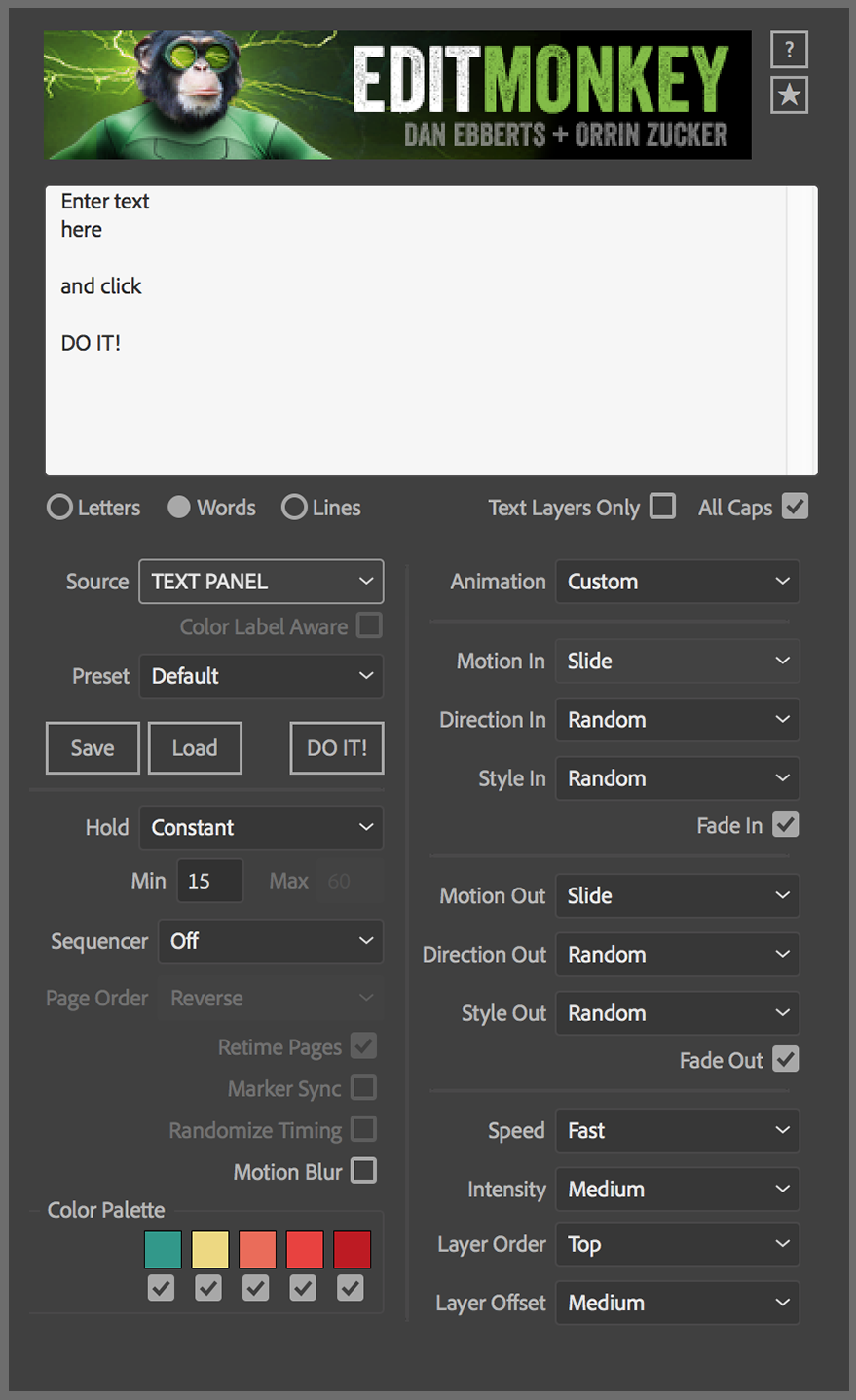
The built-in Text Generator can split text by lines, words, or letters. Color Label Aware supports builds made from multiple layers. EditMonkey can add transitions in and out, then sequence the resulting pages in one build. Automatic Animation provides a faster setup; custom animation settings offer more control over motion.
Control timing with markers
Animations are keyframeless and linked to markers. Marker-based Retime lets you adjust timing, while Marker Sync can retime a build from an existing marker layer. The settings also provide per-page variations, including random choices for some motion and timing options.
Handle pages that need different treatment
When pages have widely different word counts and retiming would make transitions too fast or slow, use settings that suit most pages for the main sequence, then build the exceptions individually and swap them into the sequence, adjusting the sequence manually. A single build cannot mix all three text-break modes (lines, words, and letters); create a separate build for each mode, then swap the pages manually.
EditMonkey does not recognize audio files directly, so pre-compose audio for it to recognize the precomp. You can place the audio with corresponding video or graphic layers on the same page using Color Label Aware, or build with audio on its own.
Compatibility and license terms
aescripts lists compatibility with After Effects CC 2014, CC 2015, CC 2015.3, CC 2017, CC 2018, CC 2019, and 2020 through 2026. The EULA allows one copy for one user on one computer at a time. Additional users or computers require an appropriate license for each copy and user.