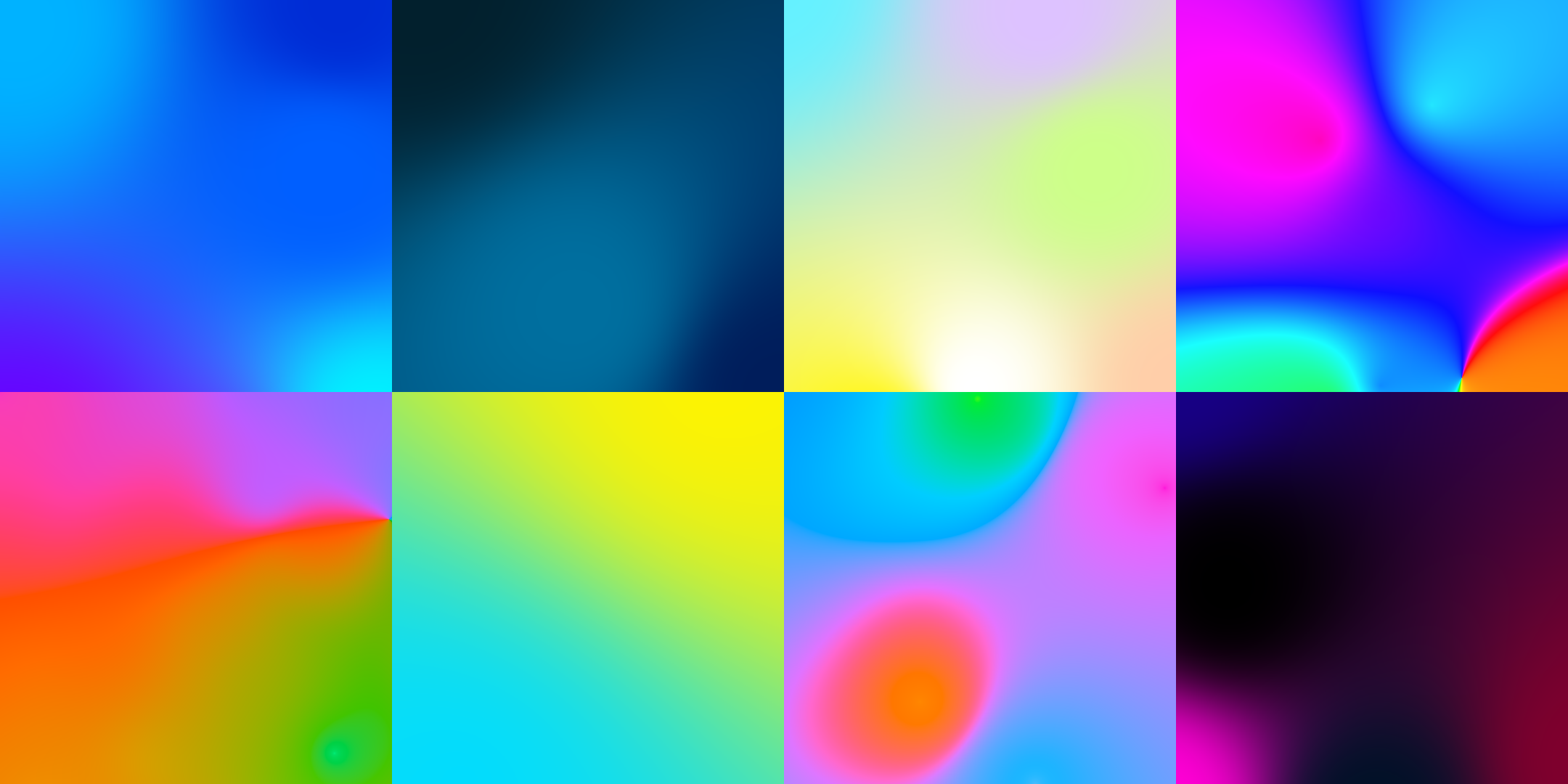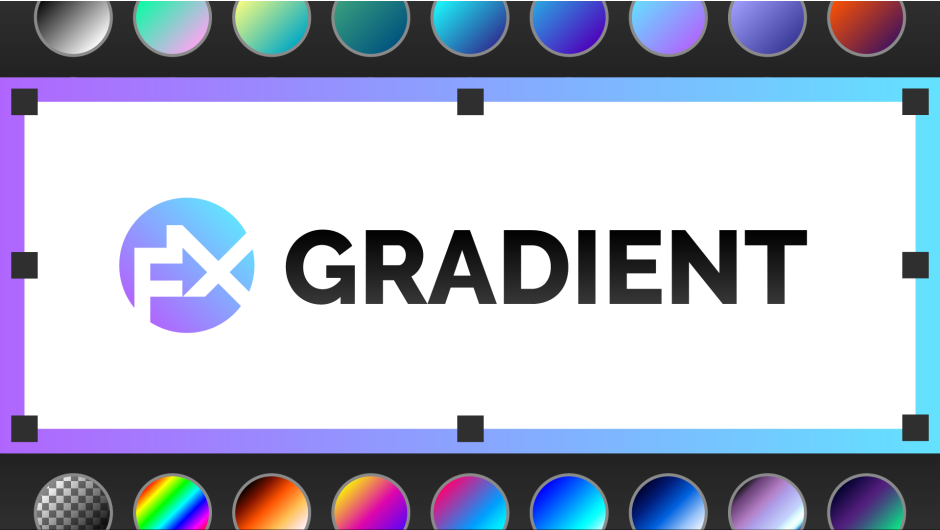
FX Gradient is an After Effects toolset for applying linear, radial, angular, and reflected gradients to a selected layer. Its type buttons and color presets suit motion designers who need to create or recolor gradient effects, with optional controls for adding texture and variation.
Build and adjust a ramp
Select a layer, choose a gradient type, then select a color preset before or after applying it. Shift-click a type button to rotate the gradient shape by 90 degrees. Alt-click swaps the two colors on a ramp. Changing the preset also recolors existing After Effects Gradient Ramp or Tint effects on the selected layer, so you can use the Up and Down arrow keys to compare color schemes.
Color presets and switching
The 30 presets have two modes. The first 21 are two-color schemes. The other nine use After Effects Colorama for gradients with more colors and individually adjustable transparency. The Alpha (C) preset starts black and needs a Fill effect above it to add color.
Choose a preset family when you create the gradient. After applying a two-color preset, you cannot switch that layer to a Colorama preset through the dropdown. The same restriction applies if you start with Colorama and later try to switch to a two-color preset. You can change presets within the family you chose.
Add tiling, grain, and turbulence
Special FX are applied by default with or without YY Ramp+. Tiling options include tile count, angle, cycle, and seamless. Arty Grain has diffusion, clamp colors, and grain evolution controls; Clamp Colors has a visible effect only on a multicolor gradient. Turbulence adds adjustable amplitude, scale, complexity, and evolution, for example when making gradient skies, water, or wood illustrations.
These controls use native After Effects effects linked to the main FX Gradient pseudo-effect through expressions. You can expand the effects in the layer’s effect stack to adjust them further.
Using YY Ramp+
FX Gradient works without YY Ramp+, but it recreates gradient shapes by stacking native effects controlled through expressions. That creates a longer effect stack and uses more computing resources. With YY Ramp+ installed, the gradients are generated by the plugin. You can turn off Special FX so new gradients apply only the YY Ramp+ effect with the chosen shape and colors.
Without YY Ramp+, angular gradients are harder to mimic on shape, text, and masked layers than on plain solid, rectangular, or footage layers.
Compatibility and licensing
FX Gradient is listed for After Effects CS6, CC, CC 2014, CC 2015, CC 2015.3, CC 2017 through CC 2019, and 2020 through 2026. In CS6, presets appear as names instead of round icons, and FX Gradient appears as a missing effect even though its features still work.
The suggested price is $19. Individual users may pay any amount. Businesses and teams must pay the suggested price to receive a valid license. The EULA grants one copy for use on one computer at a time; additional users or copies require an appropriate license for each user and copy.