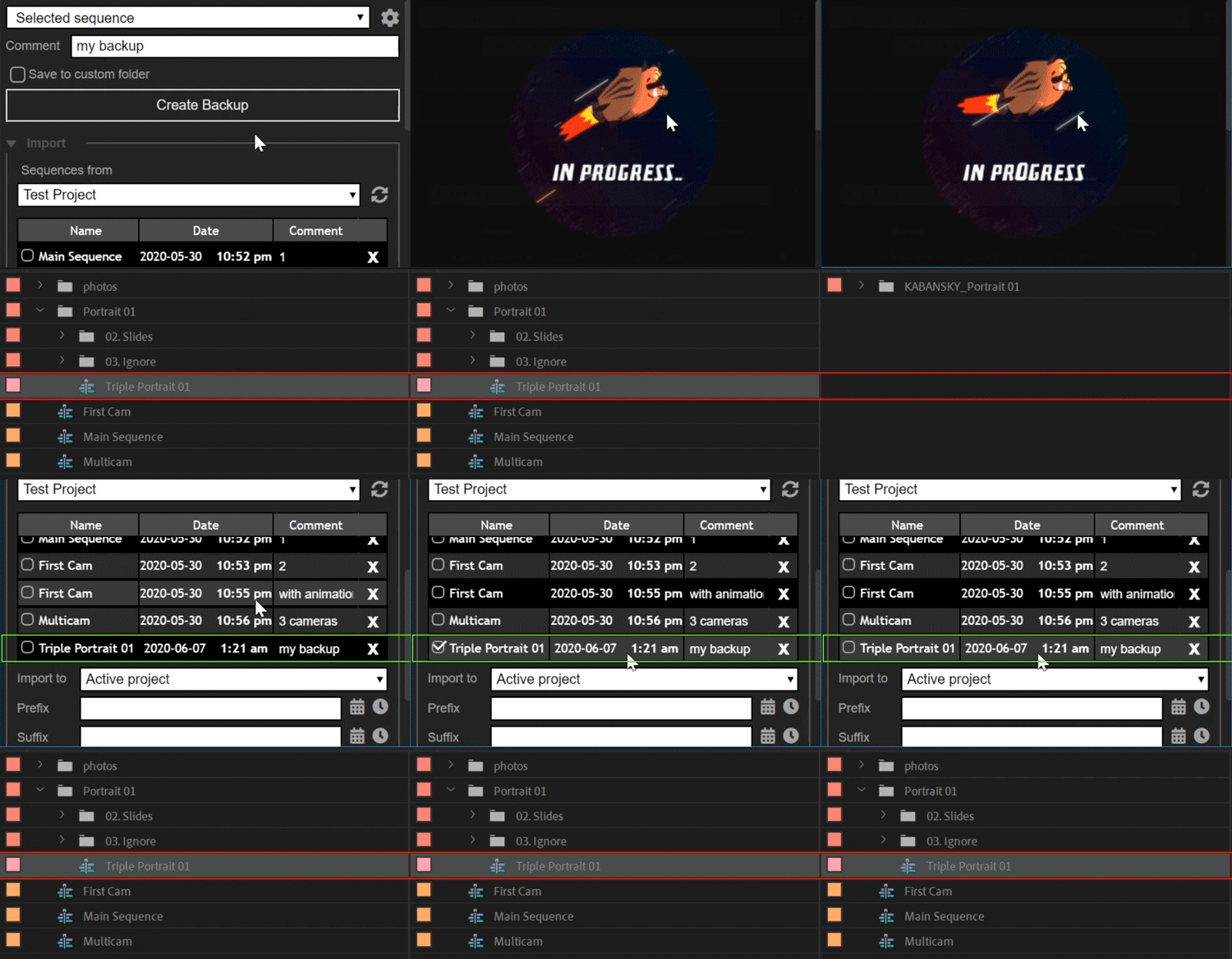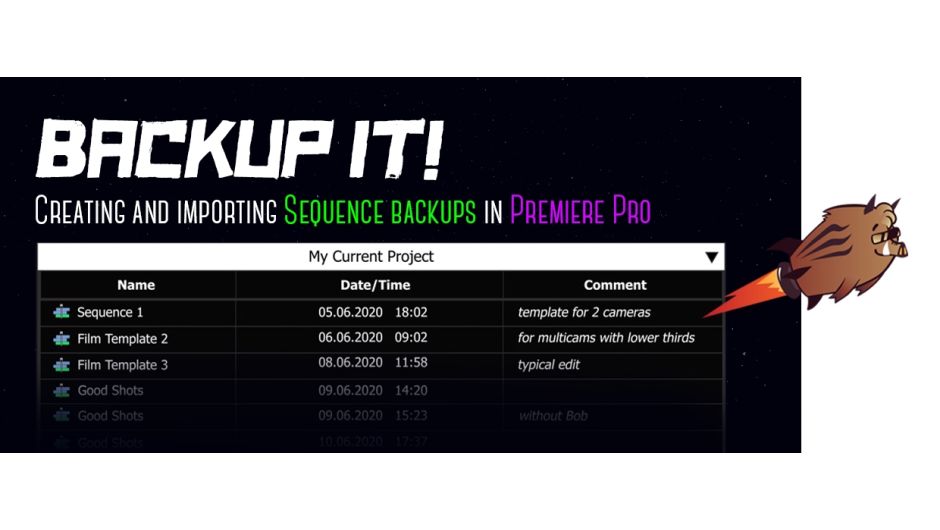
Backup It! is a Premiere Pro extension for saving sequence backups and bringing saved sequences into another project. The product listing names Premiere Pro 2020 under Compatibility. Select any sequence in a project, or back up the active sequence in one click. Each saved copy appears in the project’s backup list with its creation date and time.
Save a sequence checkpoint
Use a backup to preserve a sequence’s current state before revising it, keep a version you may want to return to, or save a sequence for use as a template. You can add a comment to each backup. A short note can explain why you kept that version or what to check when choosing it later.
Import a saved sequence from another project
Backup It! can import a saved sequence from another project without opening that project first. The product listing says a sequence is saved as a project, with its effects and nested items included in the backup. Importing a saved sequence lets you reuse an earlier edit or bring a prepared sequence into the current project.
The sequence still depends on its source files. The listing warns that video, sound, and image files must stay in their original disk locations; moving or renaming them can break the saved paths. Keep the source media in place when importing a backup.
Keep a routine sequence as a template
Backup It! can save a main sequence with the sequences, effects, and items needed for a routine task, so editors can reuse that structure instead of assembling the setup again.
Sort and identify backups
You can sort the backup list by name, date, or comment, and choose how dates and times are displayed. If several copies have similar names, sorting and notes can help you find the one you need.
What the backup depends on
The listing says Backup It! retains paths to source media but does not say it copies those files. Keep separate copies of the project and media if you need a portable archive or protection for the original footage.
For current product details, see the Backup It! listing from aescripts.