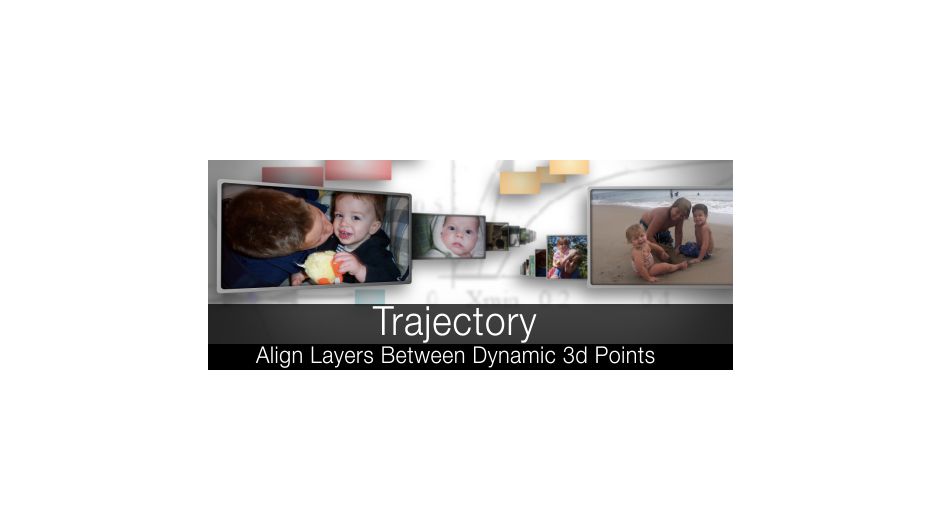
Trajectory is an After Effects script that places composition layers evenly along a line between two nulls. A control null can also drive layer rotation and opacity with a staggered delay.
Place layers between two nulls
Install the script in the scripts folder, select the layers you want linked, then run Trajectory from File > Scripts. When it runs, the script makes all layers in the selected composition 3D and creates three nulls. The startPosition and endPosition nulls define the line. The third null, controlLayer, controls rotation and opacity. Keep the three nulls as the last three layers in the composition, with controlLayer last.
Move either endpoint to change the arrangement. Keyframe the endpoints to animate the layers’ positions over time. The documented path is a straight line between the two nulls.
Stagger rotation and opacity
Use the Transform Delay slider on controlLayer to offset how each layer responds to its rotation and opacity changes. For example, with X Rotation keyframed from frames 1 to 10 and a delay of 5, the first layer responds on frames 1–10, the second on frames 6–15, and the third on frames 11–20. Enable Reverse Delay to run the stagger from the last layer toward the first. Enable Disable Control to set these parameters on individual layers instead of controlling them from the null.
Adjust the line and add layers
The Compress Expand slider changes the line’s length. Positive values lengthen it and negative values shorten it. At zero, the first layer aligns with startPosition and the last aligns with endPosition.
To add a project layer to an existing trajectory, duplicate a non-null layer in the composition. Select the duplicate, then Alt-drag the project item onto the selected layer, as described in the product instructions.
Use the trajectory in a camera scene
To make a trajectory composition respond to cameras in a main composition, place it inside the main composition and enable Collapse Transformations for that layer. This makes the trajectory composition part of the scene.
Compatibility and product details
The listing names After Effects CS3, CS4, CS5, CS5.5, and CS6 as compatible versions. Its visible version history lists version 2.51, dated October 17, 2010; it does not confirm support for newer After Effects releases. Check compatibility before relying on it with a current installation. See the Trajectory product listing for the product details and setup instructions.