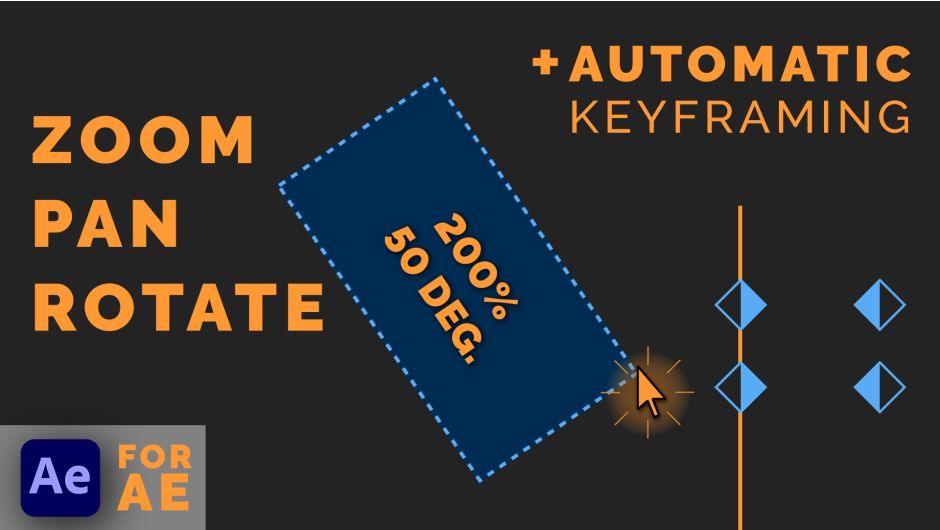
Drag Zoom Pro zooms in on a chosen part of footage. In After Effects, click and drag a rectangle to choose the area to zoom into. The extension sets the keyframes and layer values automatically, instead of requiring you to enter position, scale, and rotation values by hand.
How the zoom workflow works
Drag Zoom Pro creates the zoom transition with natural motion blur. Its customization tools help maintain a consistent look across projects.
Who it suits
Stream-highlight editing is a listed use case. It may also fit other After Effects edits where a zoom into a specific part of a shot helps direct attention.
Compatibility and licensing
The product listing names After Effects versions 2020 through 2025 and offers a free trial. It does not confirm support for later versions.
The listing includes an end user license agreement. It grants a license for one copy and restricts multi-user or multi-computer use under that license; additional copies or users require appropriate licensing. Review the terms for the selected license type before using it across a team.