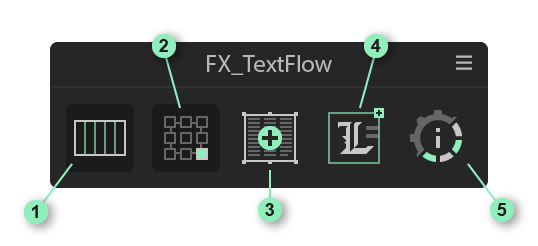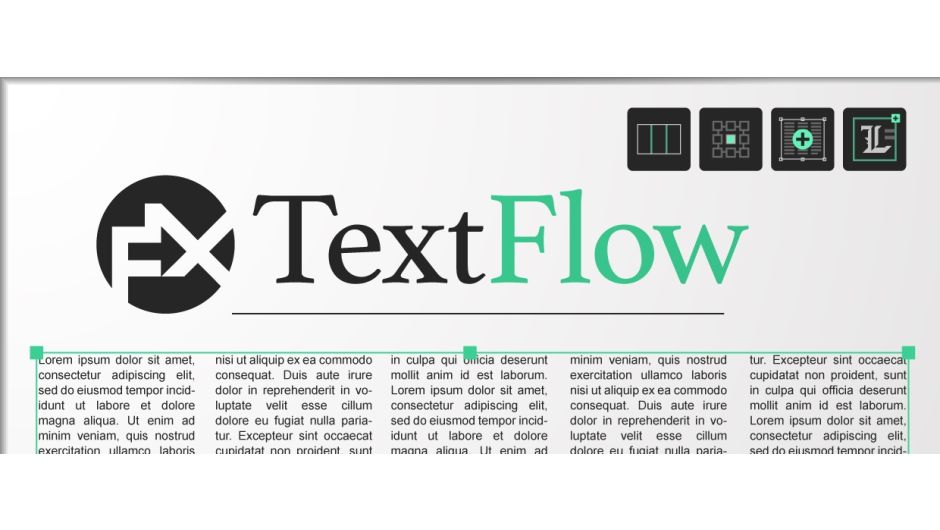
FX TextFlow is an After Effects script panel for creating bounded paragraph text in columns and regular inline text. Motion designers can use it for newspaper-style text blocks, web layouts, menus, file names, or chapter labels, and position text layers as their contents change.
Lay out bounded and inline text
In the active composition, click the creation button to make a bounded paragraph text box. Hold Alt while clicking to create a regular inline layer. Hold Shift to fill a bounded box with Lorem Ipsum text, or Alt and Shift to fill an inline layer with a single Quick Brown Fox sentence. For the Lorem Ipsum option, the script estimates how many words to add from the composition size and bounded text ratio. This calculation can take longer in some compositions.
Bounded text supports one to five columns. Set the count before creating a layer, or use the dropdown to update selected FX TextFlow boxes. The FX_textColumns effect also provides gutter width and maximum lines per column controls. If replacement text is cropped or the visible column count looks wrong, the product instructions advise adjusting the text box transform size by double-clicking the layer.
Generate repeated text and position anchors
The Sample Text Generator fills selected layers by repeating an editable sample a chosen number of times. Choose a separator, such as a return, underscore, or spaced pipe, and add each copy's index as a prefix or suffix. That makes it useful for building numbered chapter titles or repeated menu labels without entering each one separately.
New layers include the expression-driven FX_reposAnchorPoint effect. Set horizontal alignment to left, center, or right and vertical alignment to top, middle, or bottom. Rect At Time (sec) defaults to 3 seconds. When text animators affect the layer, set this time after the end of the in-animation to prevent the anchor point from shifting during the animation. Auto Animate over Time animates Rect At Time (sec) over time with an expression. The anchor effect can also be animated and used in MOGRT templates to align text in Premiere.
Requirements, installation, and license
FX TextFlow requires the Text.style expression features introduced in After Effects 2020 and the JavaScript expression engine. The product listing names After Effects versions 2020 through 2025; it does not list 2026. Install with the aescripts + aeplugins Manager App, or copy both FX_textFlow.jsxbin and the FX_textFlowAssets folder into After Effects' Scripts > ScriptsUI Panels folder.
The EULA allows one copy to be installed and used on one computer at a time, plus one archival copy stored on a medium other than a hard drive for reinstallation. Additional users or copies require appropriate licensing for each user and copy.