Pinna is an After Effects tool from Terrible Junk Show for working with path points through nulls. It supports three setups: nulls that control points, nulls that follow them, and nulls that trace a path. Each setup handles the relationship between nulls and path points differently. See the Pinna product listing for the full feature details.
Choose a null workflow
Nulls that control path points
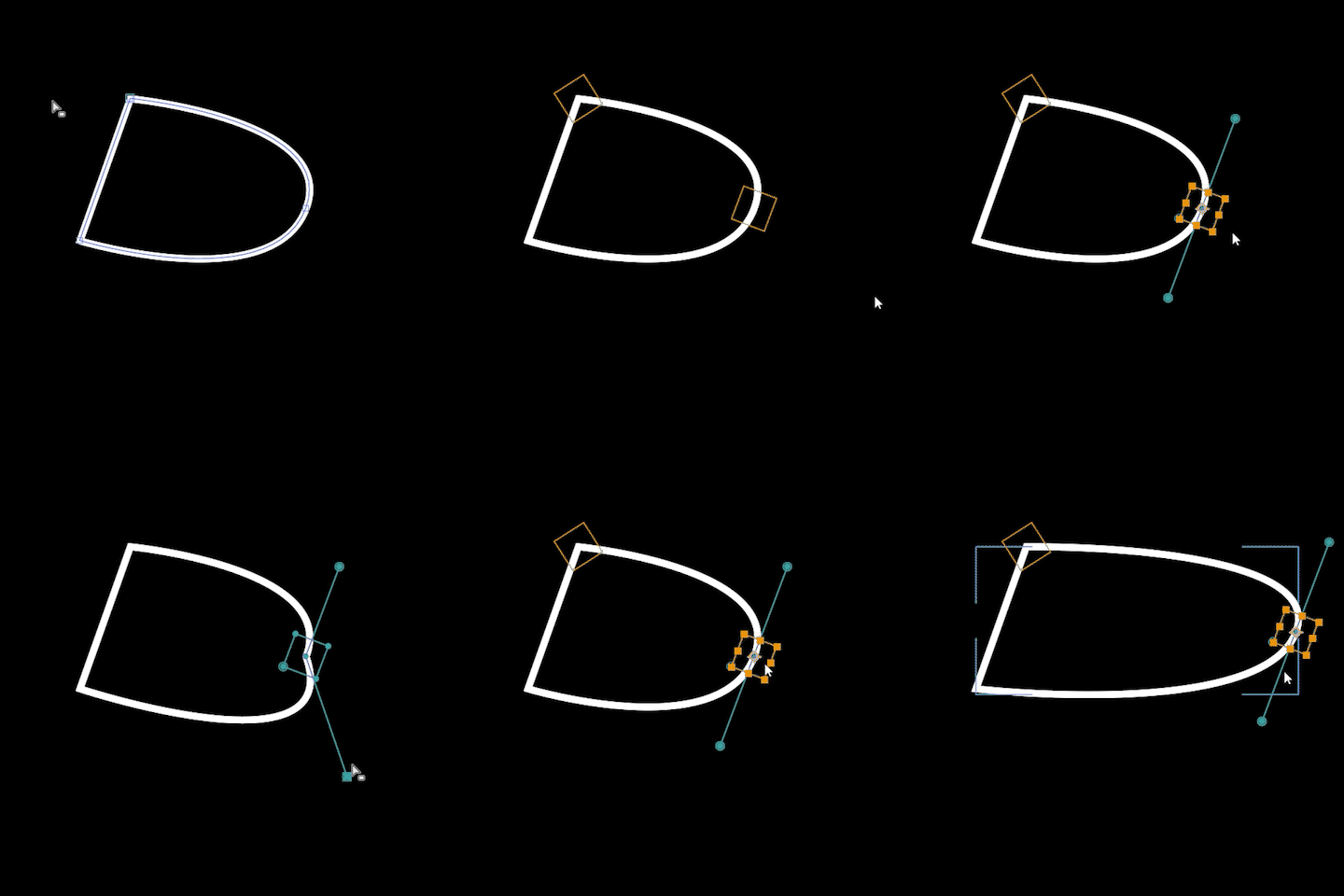
Use controller nulls to move selected path points. Pinna uses masks for the handles, so no layers are added beyond the nulls. The nulls' anchor points are placed in the center. Handles follow the null rotation, and an anchor point based alignment tool is included. You can bake null animation into a path only when the path can reproduce the motion.
Nulls that follow path points
Here, nulls follow path-point angles. Pinna also supports path points that follow null angles.
Nulls that trace a path
Tracing nulls follow the path and its angle. Pinna can create a new path point at a null's location, so you can place a null first and add a point there.
Select and adjust points
Pinna lets you choose individual path points instead of converting every point at once. You can add or delete nulls as needed, prepare path points for selection with a button, and choose mask and handle colors. Nulls can be resized without changing the animation. The listing also says resizing can preserve the parent-child relationship , subject to a limit of 100 or less, but it does not specify what that number measures.
For misalignment caused by group transforms, Pinna can apply an expression to correct the issue or reset the group transform to its default value.
Included Path Aligner and compatibility
Pinna also includes Path Aligner, an additional script for aligning selected path points in various ways. The product listing shows compatibility with After Effects 2020 through 2026 and says the trial has no function restrictions. The developer provides an English Pinna manual for workflow details.