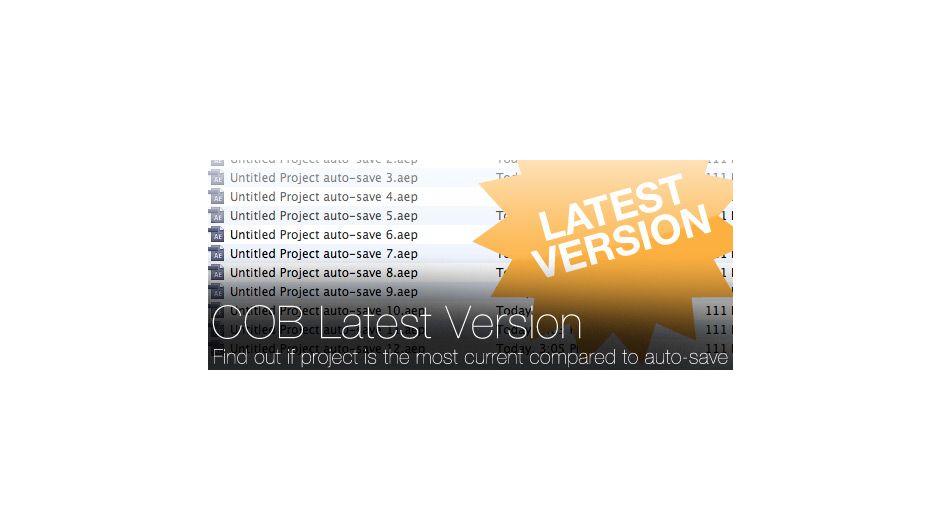
COB_Latest Version is an After Effects script that checks a selected project against files in its Auto-Save directory. It compares modification times to identify whether an auto-saved copy is newer than the main project.
Choose which project to use
Click Get Latest Version, then select a project file. To check the project already open in After Effects, select Use Current Project in the dialog, then click Get Latest Version. If no newer auto-saved copy exists, the script reports that and exits.
When it finds a newer copy, you can open the main project, open the auto-saved project, or overwrite the main file with the auto-saved copy and open it. Overwriting cannot be undone. The script asks for confirmation, then replaces the main file and gives it the main project's filename.
When it fits
The script is for After Effects users who have Auto-Save enabled and want to compare a project with its saved versions without checking file timestamps by hand. It depends on After Effects creating auto-saved files, so it cannot help with projects that have no auto-saved copies.
Compatibility and licensing
The aescripts listing names After Effects CS3, CS4, CS5, CS5.5, and CS6. Its visible version history shows version 1.0.1 dated July 27, 2012. The listing does not document compatibility with newer After Effects releases.
The listing uses Name Your Own Price and displays a suggested price of $9.99. Individual users may choose another amount; business and team purchases must pay the suggested price for a valid license. The EULA grants one copy and requires an appropriate license for additional copies or users. The listing also presents a floating license option, which requires aescripts' Floating License Server.