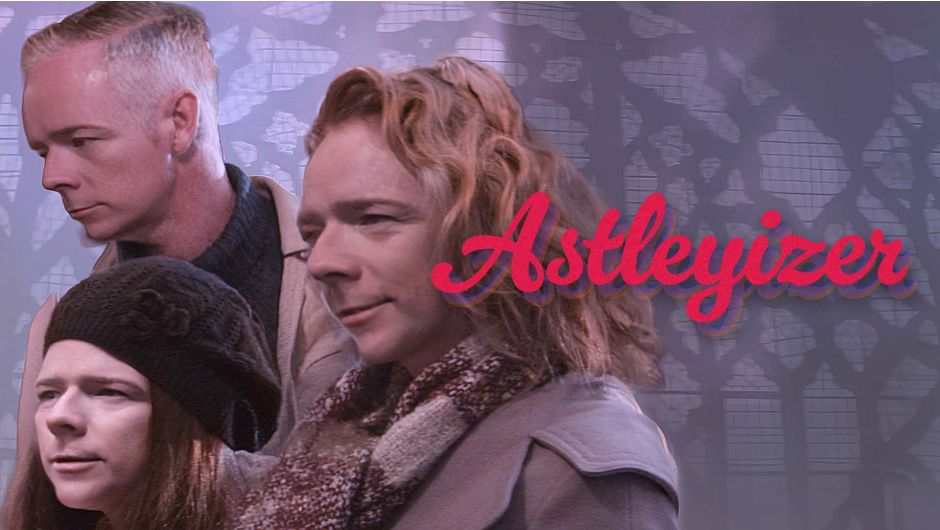
Astleyizer detects faces in video frames and replaces them with Rick Astley's face. It works without masks or tracking, and leaves frames without a detected face unchanged. It suits edits built around that specific face swap.
Face, hair, and song controls
The optional Do the hair too setting recolors hair and beards to match Rick's ginger-red hair color. It is off by default and only applies on frames where the effect finds a face. In After Effects, a separate control can add the song to the composition.
Host versions and setup
The product listing names After Effects 2022-2026, Premiere Pro 2022-2026, DaVinci Resolve 19-21, and Nuke/NukeX 14-16. Baskl's documentation also describes installing and activating Astleyizer in Final Cut Pro on Mac, but gives no version for that host. Install it through Baskl's installer, which sets up AI Machine, Baskl's local engine, and downloads the AI models. On Windows, the installer requires administrator rights. Close host applications before installing, then restart them when installation finishes.
On 64-bit Windows, Astleyizer uses an NVIDIA GPU with CUDA when available and otherwise uses the CPU. The Baskl documentation conflicts on Mac processor support: its requirements section lists Apple Silicon or Intel, but its installation instructions say the installer stops on Intel Macs. Confirm Intel Mac eligibility with Baskl before relying on that setup.
Trial and license conditions
The Baskl and aescripts product pages list Astleyizer at $0.00. The documentation says unlicensed use runs as a trial with watermarked renders until registration, and activation requires an internet connection. The EULA allows one installed copy for use on one computer at a time; shared or multi-user setups require appropriate licenses for each user and copy.