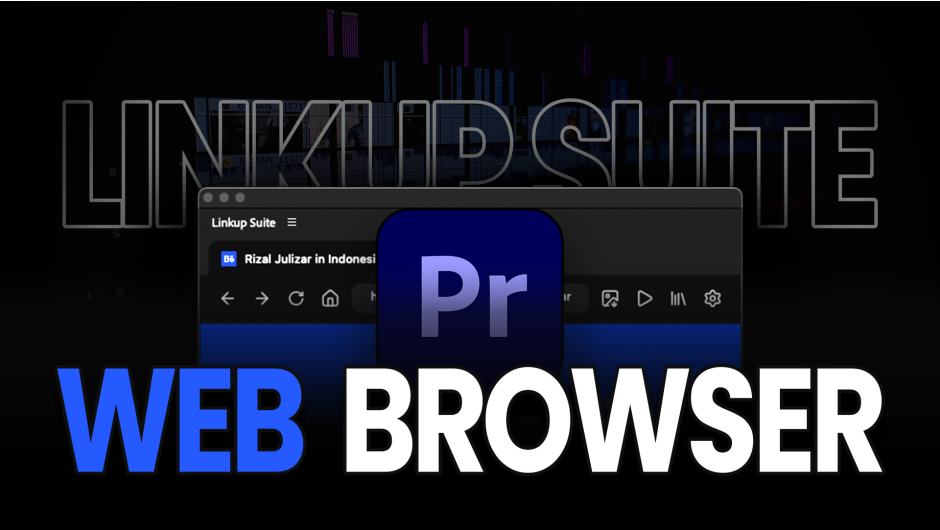
Linkup Suite is a Premiere Pro extension from RizForge that combines a web browser, media downloader, reusable library, and command bar. It is designed for editors who gather footage, images, and other assets while working and want those tasks close to the timeline.
Browse and organize media
Use the built-in browser to search the web and download videos. Linkup also supports dragging images into Premiere Pro, with the product listing describing automatic selection of the highest-resolution image available. Files can be organized in library folders instead of left among downloads. Media Library 2.0 adds subfolder browsing, folder creation, file moving, and grid or list views. You can resize thumbnails and preview clips in 16:9, 1:1, or 9:16 formats.
Quick Look displays a clip's resolution, duration, file size, and audio details before import. Batch actions let you select multiple files to insert into the timeline, import into the Project Bin, move, favorite, or delete. You can also send clips from Premiere Pro's Project panel to the Linkup Library for later projects.
Search for commands and effects
Version 1.5.0 adds the Omni Command Bar, which combines address entry, live Google suggestions, and search history. Type = to search more than 300 Premiere shortcuts, fx: to apply more than 1,200 effects and transitions to timeline clips, / to find local media, or @ to run automation scripts. The effect search supports English and Indonesian keywords.
A sliding quick toolbar provides shortcuts for pasting copied images directly to the timeline with Ctrl+Shift+V, taking frame snapshots, and starting downloads. The Media Library can also open in a floating desktop window for a multi-monitor setup.
Choose where clips are placed
Linkup can insert media at the playhead, place it at the end of the timeline, or import it into the Project Bin without adding it to the edit. Auto-track placement uses the lowest empty video or audio track. You can lock placement to fixed tracks V1 through V5 or A1 through A5 when your project uses a set track layout.
Version and compatibility
The product listing's version history shows Linkup Suite 1.5.0, dated October 26, 2026, and its compatibility section lists Premiere Pro 2025, 2026, and 2027. The listing includes a free trial and a tutorial with chapters on download-folder settings, server permissions, library previews, snapshots, and snippets. Check the Linkup Suite product listing for the current trial and compatibility details.