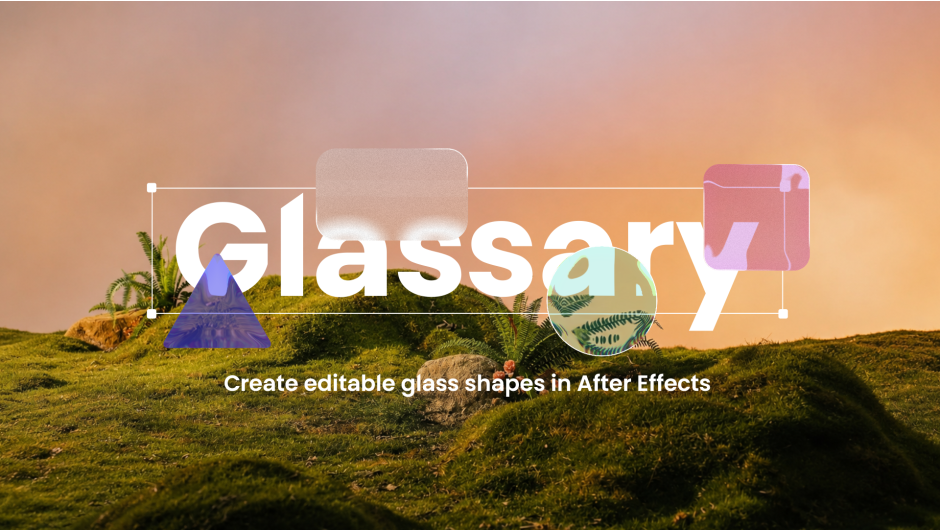
AE Glass is a native After Effects effect for building glass surfaces from existing layers. It bends and magnifies imagery behind the glass in real time, with separate controls for frost, directional edge light and spectral dispersion. It suits interface panels, glass-like text and logos, lower thirds, overlays and lens-style accents.
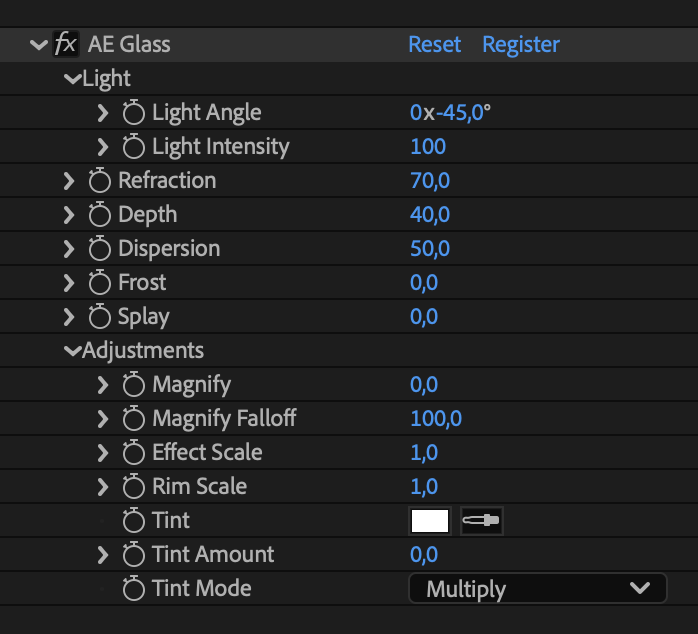
Apply it to shapes, text, masks, solids and layers with alpha, including logos, PNGs and precomps. The Effect Controls panel has 14 animatable controls, including tint. Refraction responds to movement behind the layer, and the glass can shift from clear to diffuse frost. AE Glass works in 8- or 16-bit color and does not require a GPU.
Using AE Glass in a composition
Turn on the Adjustment Layer switch on the effect's host layer so AE Glass can refract layers underneath. With the switch off, the layer renders through unchanged. For 3D layers, enable the 3D switch; the glass follows the layer in perspective as it moves with the 3D gizmo.
On shape layers, AE Glass reads Round Corners and paired positive and negative Offset Paths after Merge Paths. This supports setups such as metaball shapes without precomposing.
Shape, matte and precomp limitations
- Shape layers need a Fill. A stroke by itself leaves only a thin outline for the effect to use.
- A track matte on the glass layer replaces its own shape. Use a mask on the glass layer when you need to preserve that shape.
- AE Glass does not read Zig Zag, Wiggle Paths, Pucker & Bloat, Twist or Repeater. Precompose the shape so the glass follows its alpha.
- On a precomp host, Essential Property overrides on the layer are ignored. The glass follows the values inside the precomp, so keep them aligned or bake the intended state into the precomp.
Compatibility and licensing
The product page lists After Effects 2025, 2026 and 2027, with native plug-in builds for macOS and Windows.
The License Type FAQ says that, unless the product's own terms state otherwise, a Single User License can be installed on up to two user accounts or computers if they are not used at the same time. Floating Server licenses require the Floating License Server on the same network and allow one user per license at a time; remote work requires VPN access to that network. Render Only licenses work only with the command-line renderer, require the Floating License Server for render nodes, need a separate license for each node, and require at least one Single User or Floating license. Check the selected license terms and product EULA for your setup.