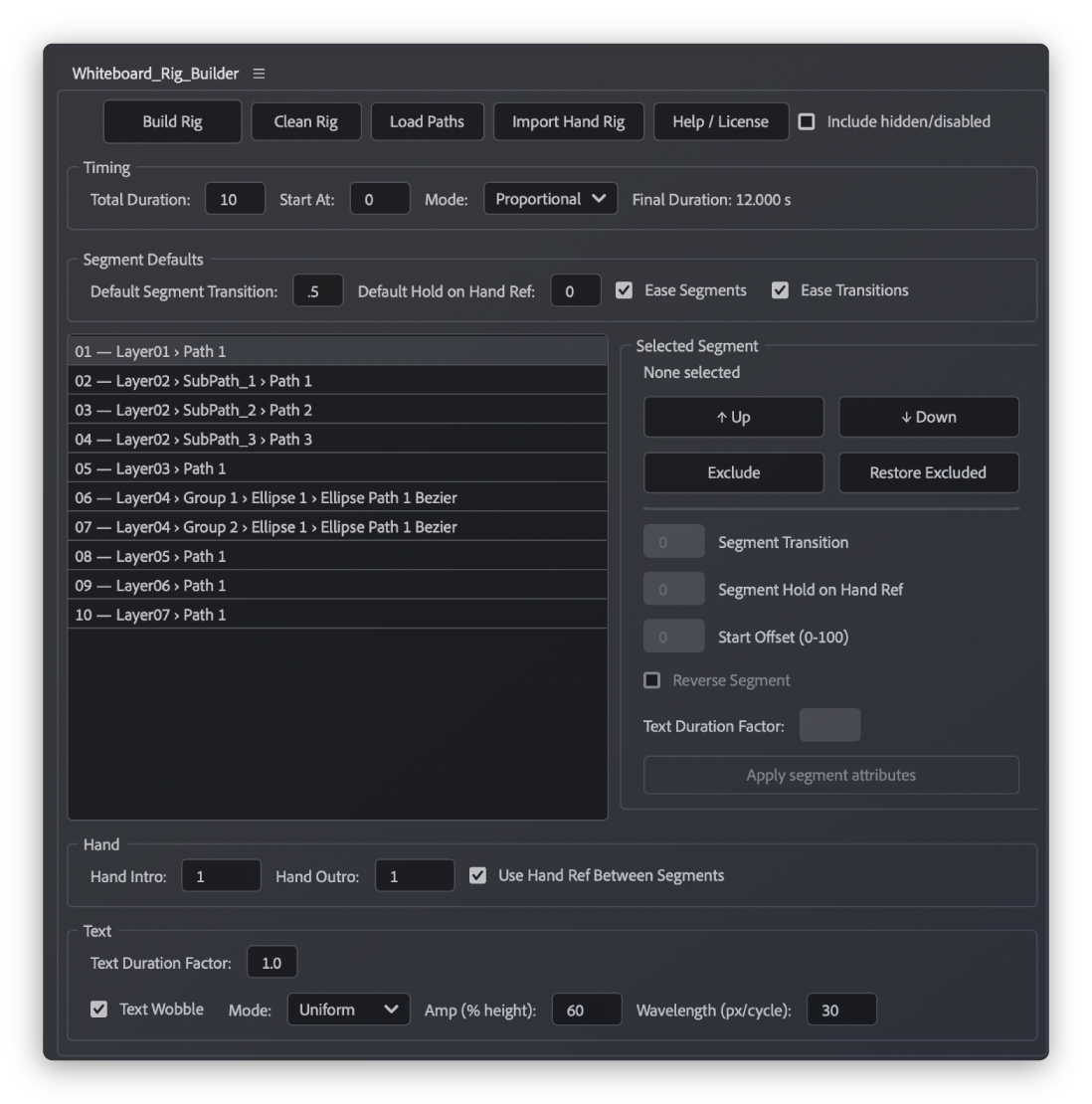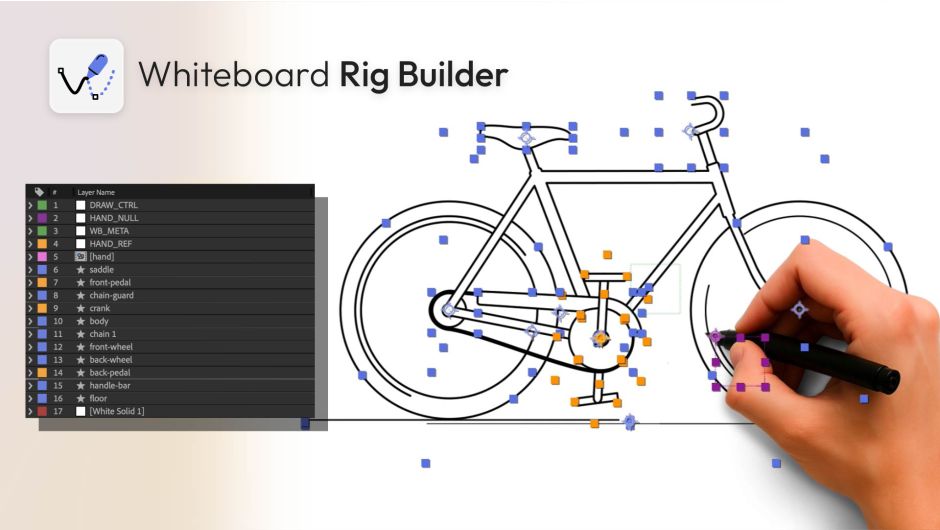
Whiteboard Rig Builder is an After Effects ScriptUI panel that builds a controllable draw-on sequence from prepared shape layers and single-line text. It provides an editable list of detected segments and central timing controls, while keeping paths available for further editing, including Bezier path animation and animated vertices.
How it turns paths into a drawing sequence
- Load Paths. Detect and prepare eligible paths and single-line text.
- Arrange the sequence. Reorder, exclude or restore segments, reverse their direction, set a start offset, and adjust each segment's behavior.
- Build Rig. Create the animation rig, then continue adjusting its timing and segment controls.
Timing options include equal or proportional allocation, a total drawing duration, transitions, and holds. Central timing controls let you change the pace of the whole sequence without retiming every segment individually. The panel also includes text reveal and wobble controls. An included hand or marker can follow the drawing automatically, and custom artwork can be used for the follow element.
Supported artwork and text
Start with prepared, stroke-based After Effects Shape Layers. Convert Illustrator artwork to Shape Layers before using Load Paths. Bezier paths and single-line point text are supported. Static Ellipse and Rectangle paths are supported; static Polygon and Star paths require zero roundness.
Locked layers, multi-line or paragraph text, animated or expression-driven parametric properties, rounded Polygon or Star paths, and user Trim Paths inside groups being rigged are not supported. Check these constraints against the comp before building the rig.
Plan for source-layer changes
Load Paths may convert or reorganize a source Shape Layer's structure. Work in a duplicate comp if you need to keep the original untouched. If the source structure changes after detection, run Load Paths again. Clean Rig removes generated rig controls and data, but it does not restore preprocessing changes to the source layers.
For version 1.0, do not duplicate text layers after Load Paths. If you do, run Clean Rig, start again with Load Paths, and then build the rig.
Included files and After Effects compatibility
The listing includes the ScriptUI panel, a prepared hand and marker asset pack, a Quick Start PDF, and a full User Guide PDF. It lists compatibility with After Effects 2021 through 2026. Install the trial or full version through the aescripts + aeplugins Manager, restart After Effects, and open the panel from the Window menu. Manual installation is also available when the supplied package structure is kept intact.
See the aescripts Whiteboard Rig Builder listing for the trial, version history, included documentation, and support link.