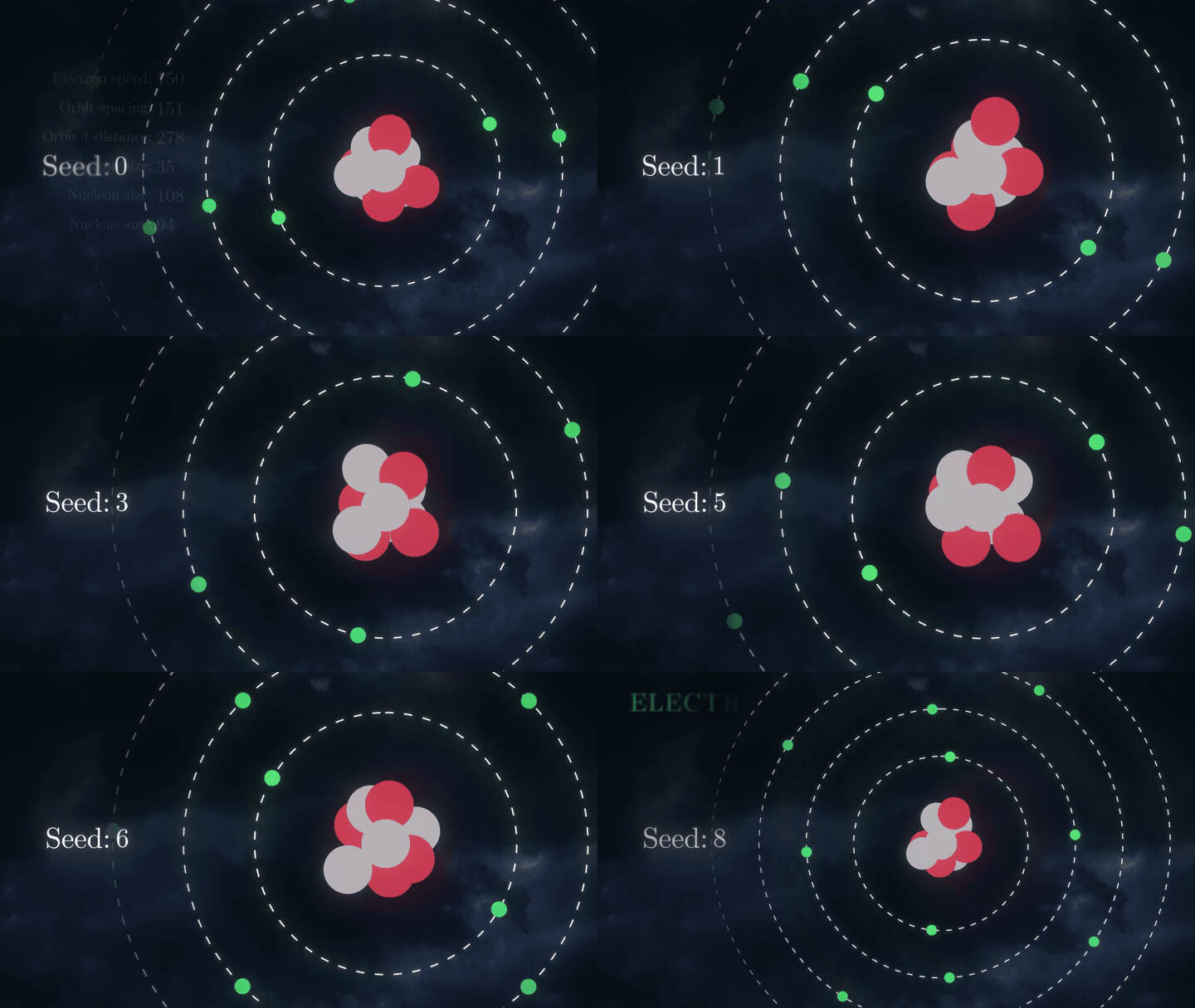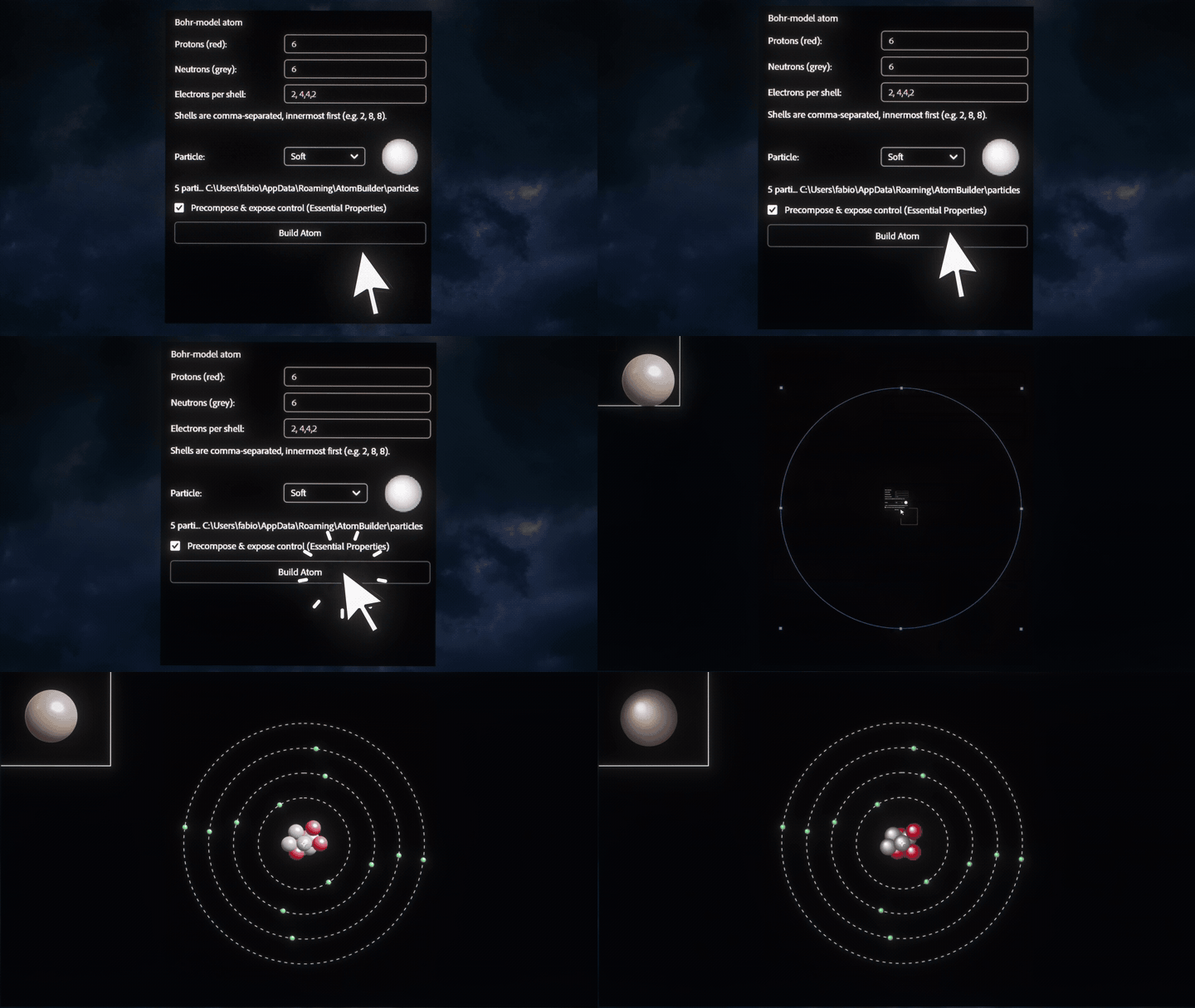
Atomico creates Bohr-model atom diagrams in After Effects from proton, neutron and electron counts. It suits motion graphics work that needs a configurable atom illustration, especially when the diagram's appearance or timing may need adjustment after the first build.
Build an atom from shell counts
In a composition, enter the number of protons, neutrons and electrons per shell, choose a particle style, then select Build Atom. Atomico creates a nucleus, a dashed orbit ring for each shell, and electrons that circle at different speeds by shell. The particles are parented to one control null. You can build the result directly in the composition or as a precomposition.
Adjust and animate the result
The Atom Control null has sliders for particle sizes, distances, orbital speeds and stroke widths. Recolor protons, neutrons and electrons separately, reshuffle the nucleus with a slider, and keyframe controls to restyle or retime the diagram after building it.
Particle styles and custom images
Atomico includes five looks: Classic, Glossy, Matte, Soft and Flat, with a preview beside the style menu. Browse accepts PNG files as particle looks. To add a particle style permanently, place a file named particle_name.png in a folder beside the script.
Compatibility and license
The product page lists compatibility with After Effects CC 2019 and versions 2020 through 2026. The EULA permits one copy on one computer at a time; additional copies or users require an appropriate license for each copy and user. It also permits one archival copy on non-hard-drive storage, solely for reinstallation.