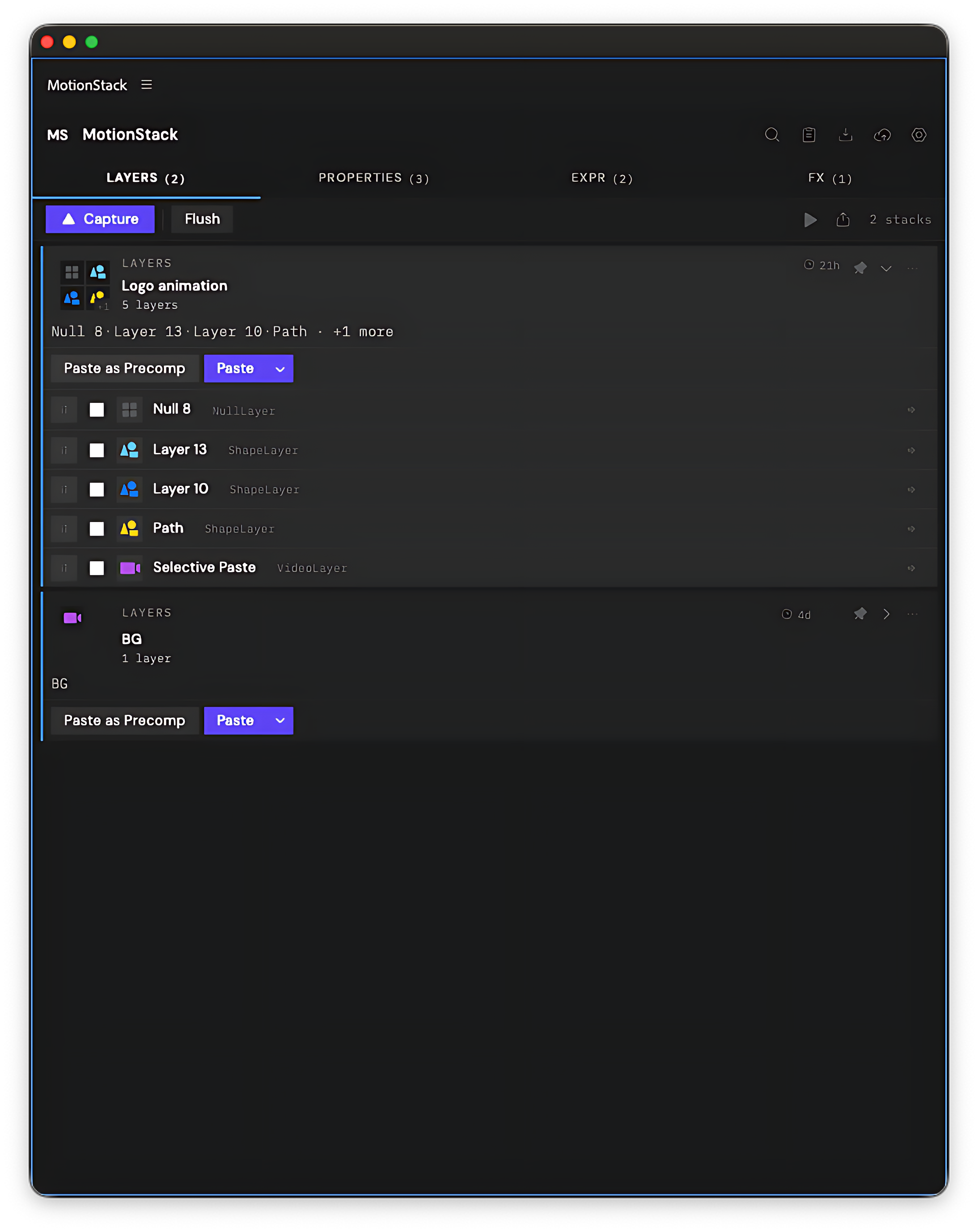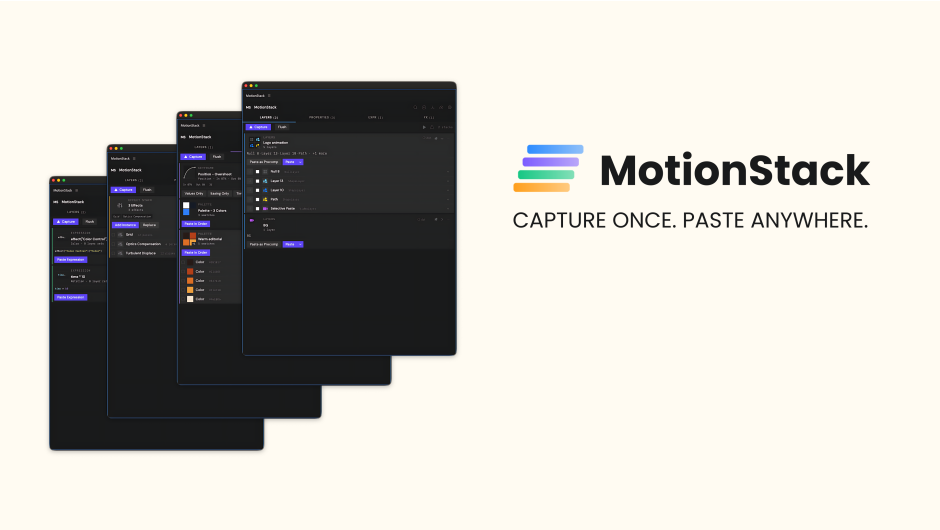
MotionStack is a dockable visual clipboard for Adobe After Effects. It keeps captured layers, keyframes, expressions, effects, color palettes and text in persistent cards, ready to paste into another composition after the selection or native clipboard has changed.
Four card types for different kinds of work
MotionStack separates captures into Layers, Properties, Expressions and FX. Each type has its own paste options, so a card retains context about what it contains.
- Layers: Capture layer groups with timing, parents, track mattes, masks, effects and transform data.
- Properties: Keep keyframes, easing, static values, masks, palettes and text. The listed 1.2.0 update adds Text Style cards for a text layer's font, size, spacing, colors and alignment, with options to paste a full style or individual rows.
- Expressions: Save expression strings, with warnings when a referenced item may be missing in the destination composition.
- FX: Capture effect stacks with parameter values, enabled states and keyframed settings.
Capture, pin and paste
Select an item and capture it to make a card. Pinned cards survive stack flushes and remain visible across projects; other cards are scoped to the project. When you open another project, MotionStack switches to its stack within a few seconds.
Cards provide context-specific paste actions, including pasting a layer group as a precomposition. Property paste modes include Timing Only and Values Only. MotionStack also reports issues such as missing parents, track mattes or expression references and offers choices when they affect a paste.
Text, colors and expressions can also be pasted directly into the panel. MotionStack routes those clipboard contents to the appropriate card section, which is handy for keeping a color or expression close while working.
Storage and portability
Layer cards depend on a hidden composition called MotionStack.internal inside the After Effects project. MotionStack copies captured layers there using After Effects' own copy mechanism, preserving details such as easing, mattes and footage links. Keep that composition in the project while using its layer cards.
Property, expression and effect cards can be exported to a file and imported into another project or machine. Layer cards stay with the project because their contents are stored in its hidden composition. Card data is written when captured. The storage location is Application Support on macOS, AppData on Windows, or a folder you choose in Settings.
For third-party effects, the destination machine needs the same effect plugin installed. MotionStack stores the effect's internal match name and parameter values; if the plugin is missing, After Effects handles the reference as it would in a project that uses an unavailable effect.
Compatibility and installation
The product listing specifies After Effects 2022 through 2027 and support for macOS and Windows on Intel and Apple Silicon. MotionStack ships as a signed ZXP. The aescripts + aeplugins Manager app can install it and handle licensing; the ZXP Installer is another listed installation option. A trial is available through Add Trial in the Manager app's Account menu. Check the official listing for current compatibility, purchase and trial details.
MotionStack suits After Effects work where layers, expressions, effects or other small decisions need to be reused during a session. Its project-based layer storage is useful to understand before moving cards between projects or machines.