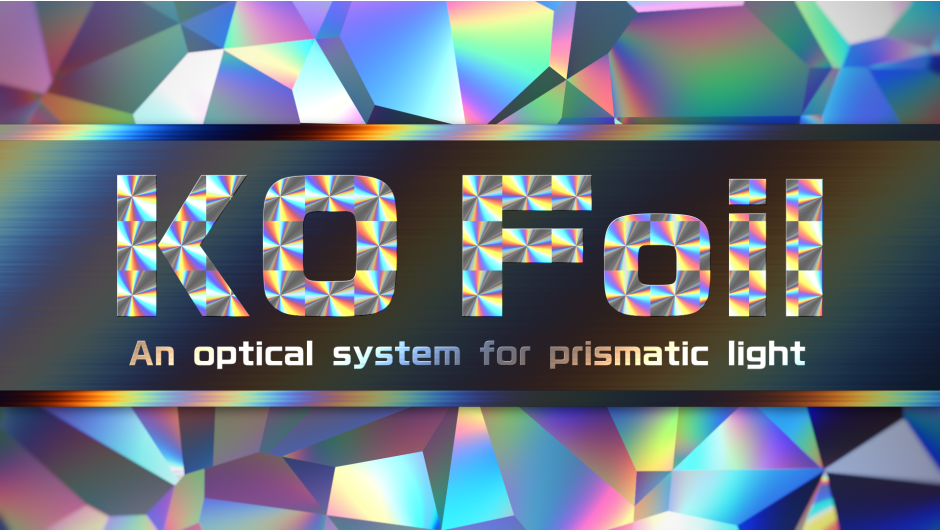
KO Foil is a native After Effects plugin for producing holographic and iridescent foil, light leaks, and prismatic gradients. It disperses light and computes color from optics, so the result comes from the effect’s sheen and reflection controls rather than a color remap.
Shape the foil from layer content
Start with a built-in preset, then adjust its exposed controls. Sliders let you place the sheen while the composition updates. Assign a layer to Bump when its brightness should define the surface, such as a logo, headline, or photograph of paper. Assign a layer to Matte to limit where the foil appears. The matte layer’s alpha remains unchanged, so you do not need to duplicate it for this operation.
Compositing and rendering
KO Foil composites like a glow by default. A white solid can look blank until you change its blend mode. The plugin renders on the CPU without requiring a GPU, supports multi-frame rendering, and works at 32-bit float. The developer says changing the light does not change render cost; Warp and very small cells add to it.
Compatibility and licensing
The listing names After Effects 2022 through 2027 and says KO Foil runs on Windows and macOS, with native Apple Silicon support. Check the license choice before purchase: the product EULA limits installation to one computer at a time, while aescripts’ general Single User License guidance allows installation on up to two computers if they are not used simultaneously. aescripts’ general Floating License guidance allows installation on multiple computers on the same network, with one user per license at a time. It requires the Floating License Server; remote users need VPN access to that network. The published single-user terms differ, so confirm which terms apply to KO Foil at checkout.