What Footage FPS changes
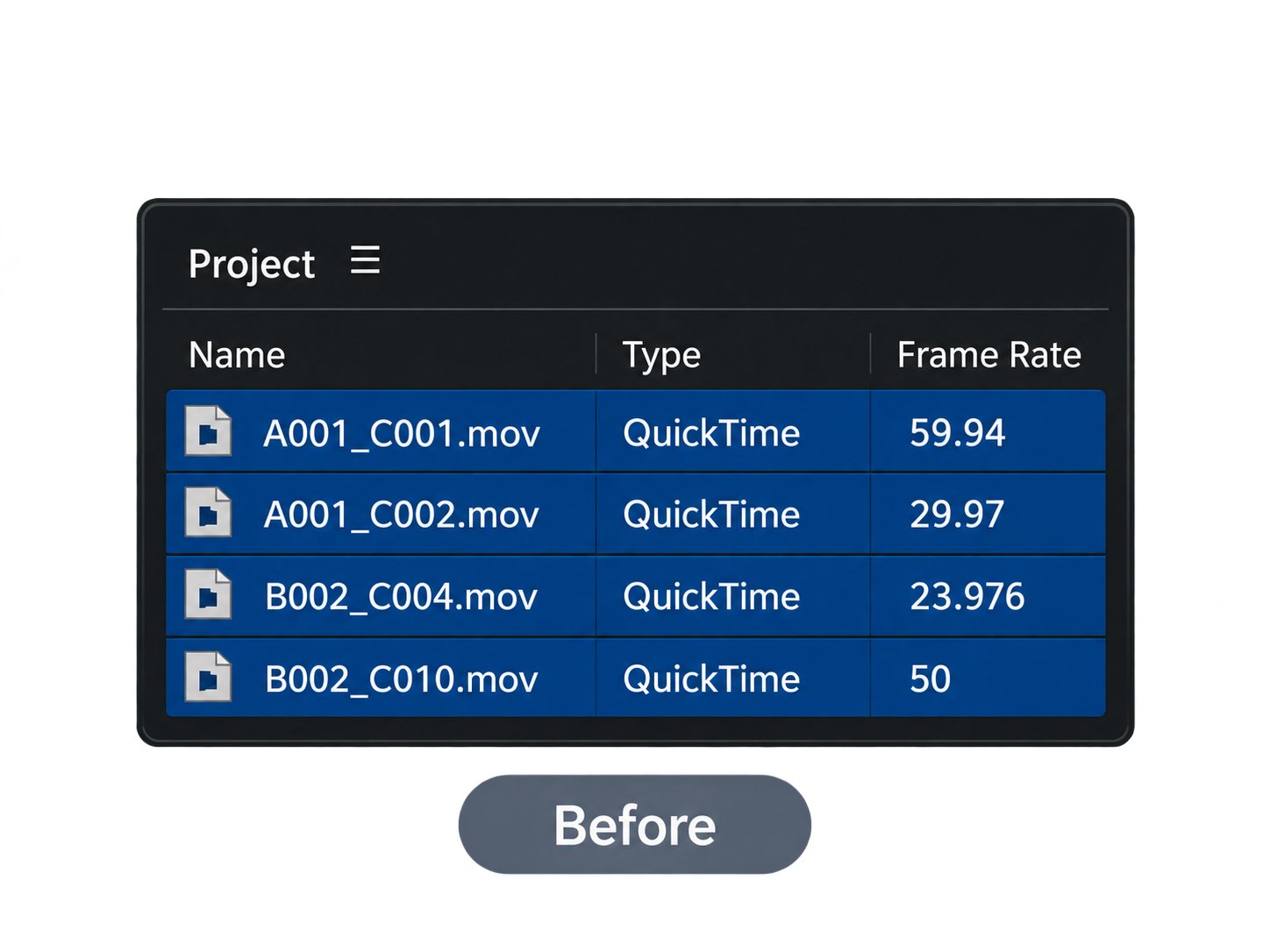
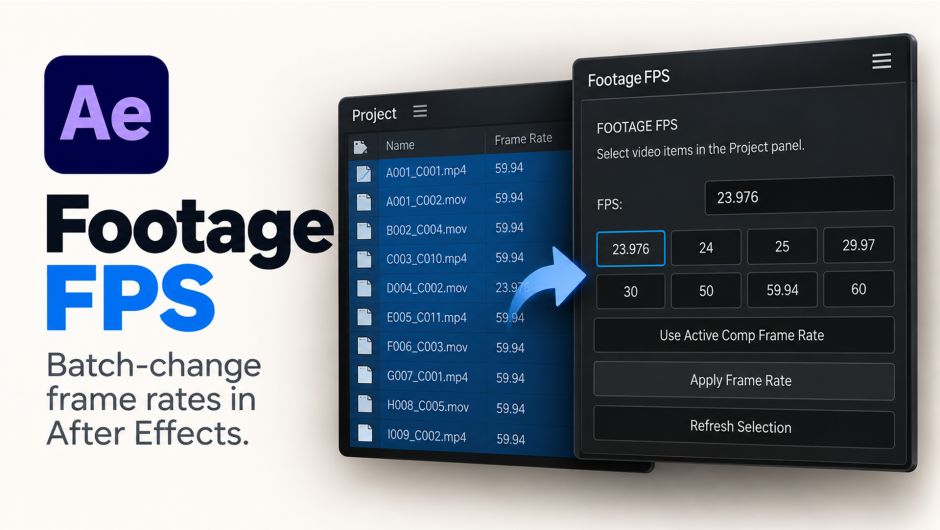
Footage FPS changes the interpreted frame rate of footage items in the After Effects Project panel. Select one or more items, choose a rate in the panel, and apply it in one step. This is useful when you need to reinterpret several clips together or match footage to a composition.
Choose a rate for your footage
The panel includes presets for 23.976, 24, 25, 29.97, 30, 50, 59.94, and 60 fps. You can also enter a custom frame rate or use the active composition's frame rate. The panel refreshes when the Project panel selection changes and after an applied change. It can also display the current interpreted frame rate for selected footage.
How interpretation affects playback
The tool uses After Effects' native footage interpretation setting, equivalent to Interpret Footage > Main > Assume this frame rate. Changing that value changes the footage item's playback speed and duration. Footage FPS does not render or transcode the clip, create replacement media, or modify the original file.
Compatibility and licensing
The listing specifies Windows and macOS support and compatibility with After Effects CC 2018 through 2027. Its Name Your Own Price terms let individual users pay any amount. Businesses and teams must pay the suggested price shown on the listing for a valid license. The EULA permits one copy on one computer at a time but excludes shared-use systems, multi-user networks, and configurations that allow multiple users. Multiple copies or users require appropriate licensing for each user and copy.