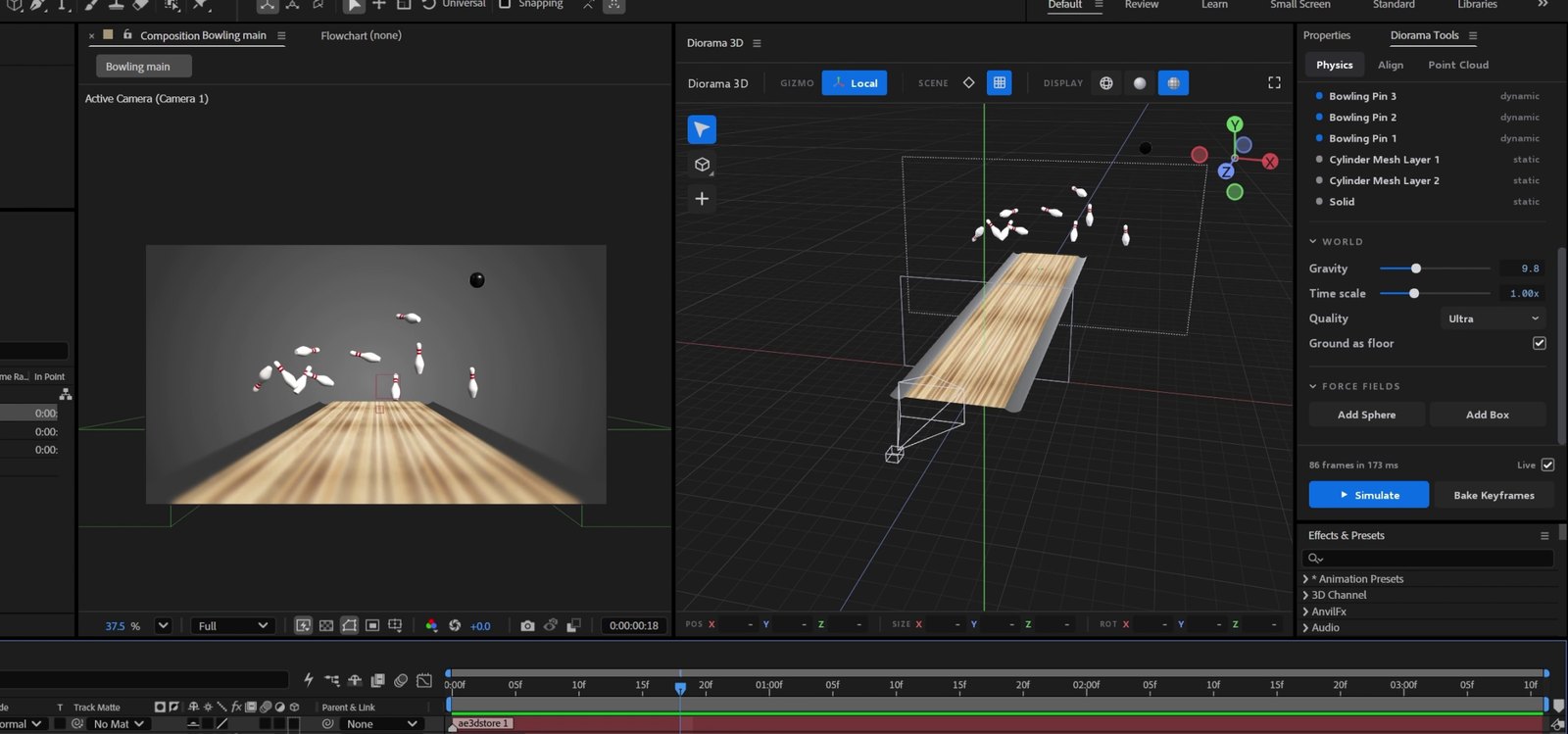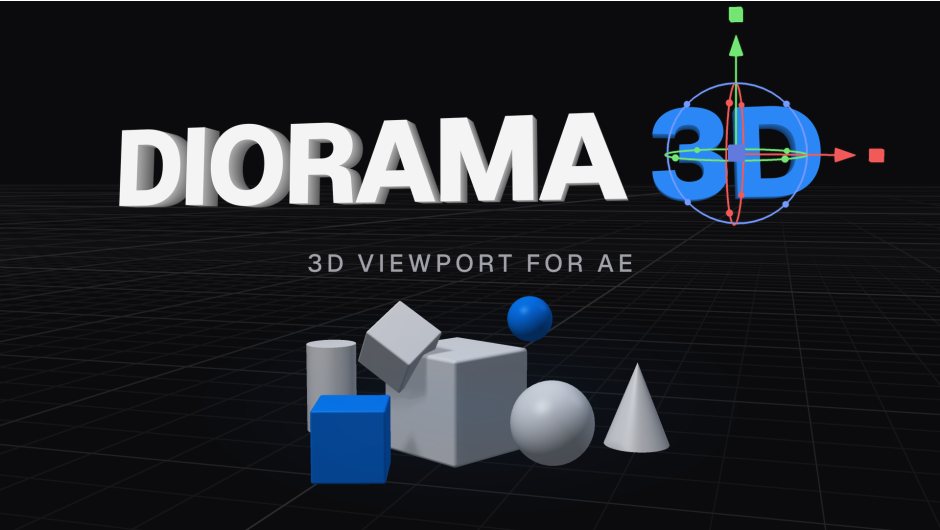
Diorama 3D is an AnvilFX plugin for After Effects that adds a live 3D viewport beside the Composition panel. It lets motion designers place and animate comp layers in space with gizmos and editable paths. Changes sync with After Effects and write to the timeline as standard layers and keyframes.
Move around the composition in 3D
Orbit, pan, and zoom around a comp, then move its layers, cameras, and lights with a snapping gizmo. The viewport can stay active during playback, and its textured, solid, and wireframe views include real-time shadows. You can edit position keyframes as 3D motion paths with Bezier handles, or Alt-click a path to add a keyframe.
Simulate physics and arrange layers
Rigid-body simulations work with 3D layers, After Effects parametric shapes, and imported models. Add force fields or constraints, preview a launched object's trajectory, and hand animation from keyframes to physics. Baking a simulation creates regular keyframes; Unbake restores the original keyframes. An included tutorial walks through a bowling shot, from arranging the pins to simulating the strike.
For repeated layouts, choose a preset or write a formula that runs once for each selected layer. The ten presets include rings, helixes, waves, spheres, and scatter patterns. Formula sliders appear in the panel; applying an arrangement parents the layers to a null with Slider Controls, so you can keyframe the layout or move it as a group.
Bring in models and match layers to footage
Diorama 3D displays GLB, glTF, and FBX models with their textures and materials. For live-action composites, build a point cloud from an After Effects 3D Camera Tracker solve, then use Reconstruct Scene to make it denser. The ground plane can be tilted to match the footage, and its placement and snapping work with the scene.
Compatibility and practical limits
- Requires After Effects 2025 (25.6) or later and supports the Classic 3D and Advanced 3D renderers.
- Runs on 64-bit Windows 10 or 11, or macOS 12 or later on Intel or Apple silicon.
- The trial is fully featured for seven days.
- The listing's EULA permits one copy on one computer at a time; additional users or copies require appropriate licensing.
- The 1.1 release notes said effects from external plugins were untested and unlikely to work in the viewport; the 1.3 notes do not say whether that limitation changed.