What Light Flares does
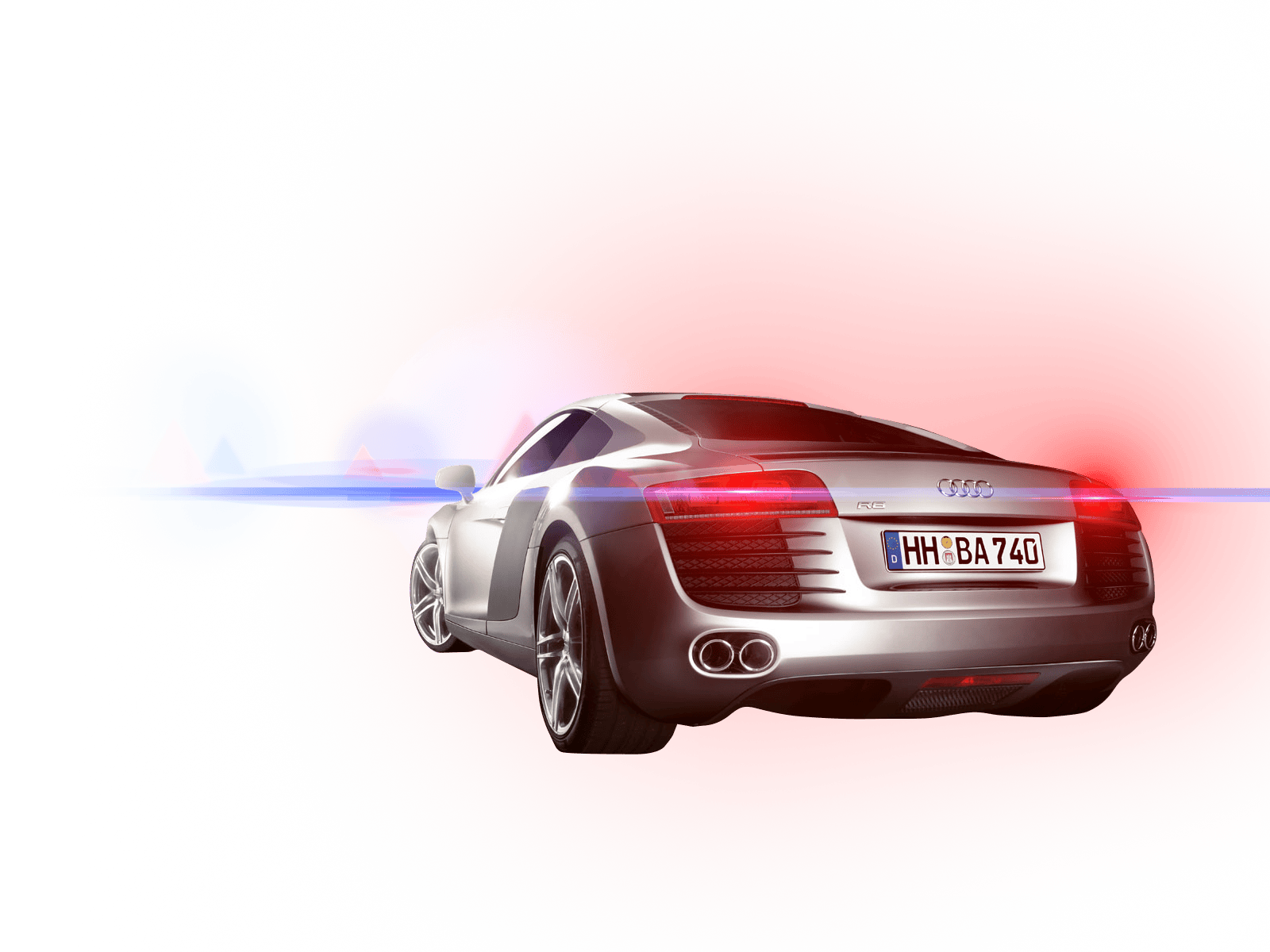
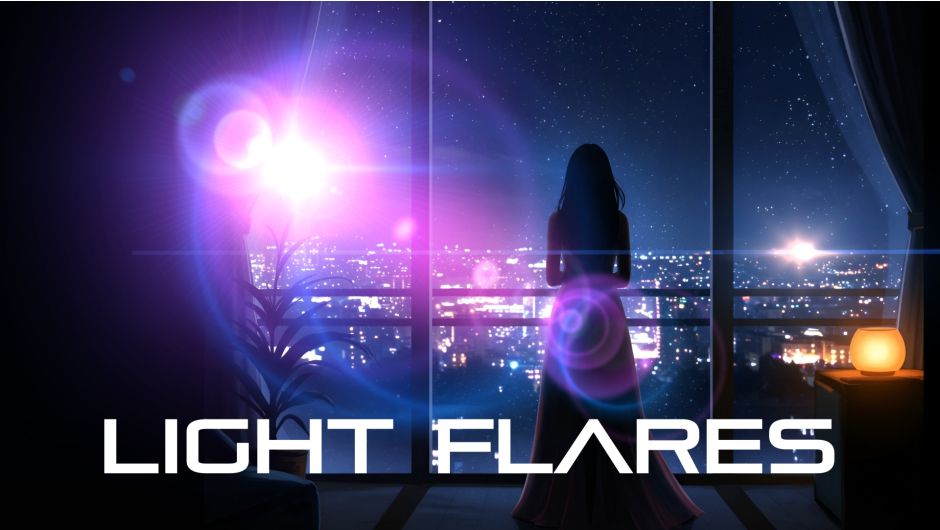
Light Flares creates layer-based lens flares for 2D and 3D compositions in After Effects. Use it to add streaks, rings, irises, or spots, simulate light sources, or accent bright details such as vehicle headlights. Anamorphic flares create horizontal streaks across the frame when a bright point light strikes an anamorphic lens. Veiling flare reduces contrast without appearing as a defined artifact and is more common when the light source sits just outside the frame.
Build and reuse a flare
Start with one of 49 presets, then combine presets or add objects in the Light Flares editor. Adjust the flare's type, color, size, position, offset, rotation angle, and other parameters to fit the shot. Flares can be reused after they are created, so you can bring a custom setup into later work.
Who it suits
The workflow suits After Effects artists who need adjustable lens flares for compositing, motion graphics, CGI, films, commercials, music videos, or social content.
Compatibility and licensing
The listing names support for After Effects 2027, 2026, 2025, 2024, 2023, 2022, 2021, 2020, CC 2019, CC 2018, CC 2017, CC 2015.3, CC 2015, CC 2014, CC, and CS6. The EULA permits one copy for one user on one computer at a time and one archival copy for reinstallation on storage other than a hard drive. It bars installation or use on shared-use systems or configurations that allow multiple users. Multiple users or copies require an appropriate licensing agreement for each user and each copy.