Keyframe Parent gives selected keyframes across one or more After Effects layers a shared timing controller. It is useful when an animation is already set up but its timing or duration needs to change: move or trim a parent null in the timeline instead of adjusting each keyframe separately.
Move selected keyframes together
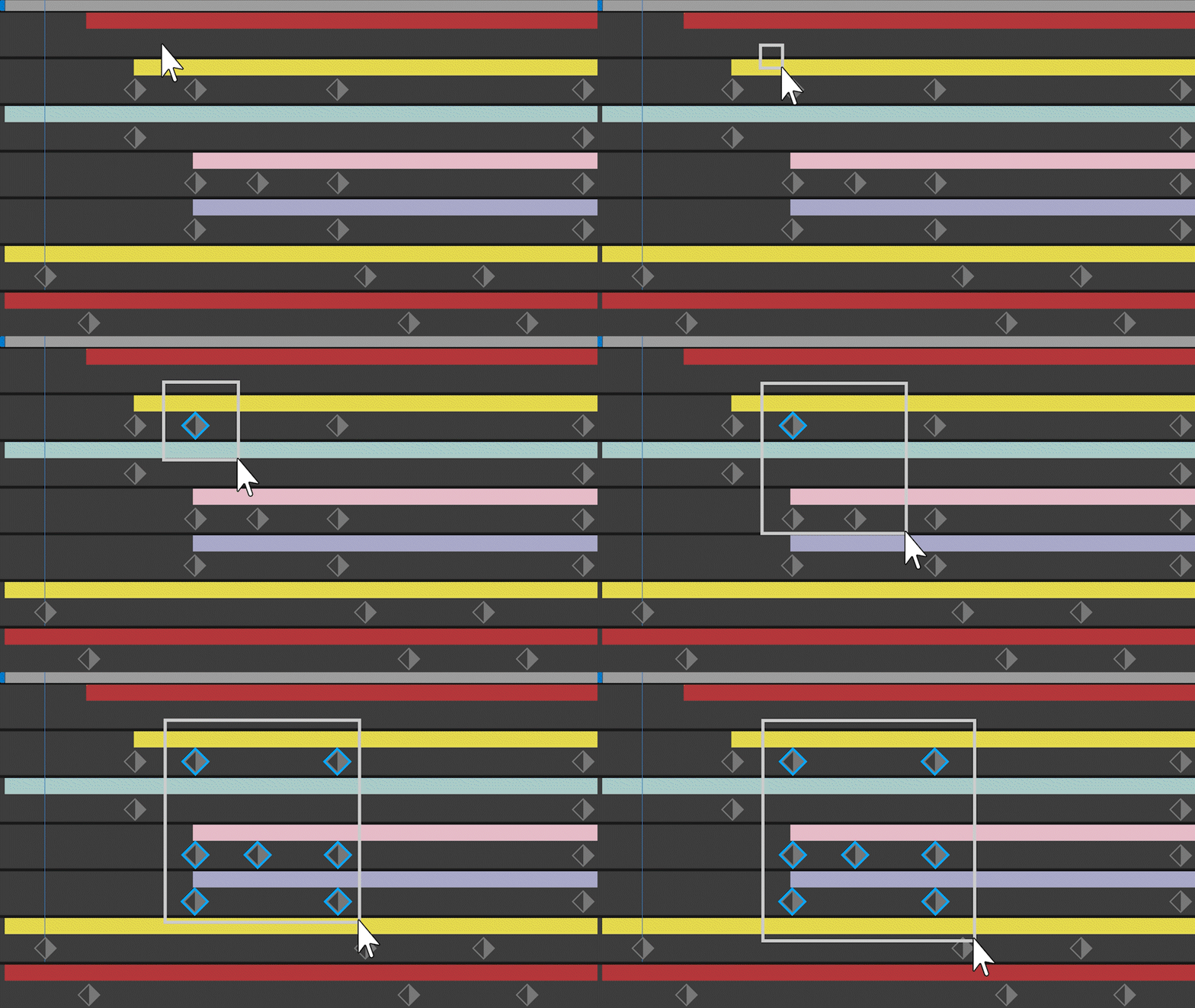
Select the keys you want to control, then choose Create Parent in the Keyframe Parent panel. The tool creates a null layer at the top of the timeline, which you can rename or recolor. Move the null and click Update Keyframes to shift the selected keys, or enable Live Update to apply movement as you work. The selection can include any number of keyframes across multiple layers.
Stretch timing while preserving interpolation
Drag either end of the parent layer to stretch the selected animation to a new duration. Keyframe Parent preserves the original interpolation, including Bezier, Easy Ease, linear, and expression-driven acceleration. You can add or remove keys later, which lets you adjust the selected animation after creating its timing controller.
Compatibility and licensing
The product listing names After Effects 2025, 2026, and 2027 as compatible versions and offers a free trial. Its EULA grants one copy for use on one computer at a time and requires appropriate licensing for additional copies or users. A floating license requires the Floating License Server; Single User Licenses do not. Check the terms for the license type you plan to purchase.