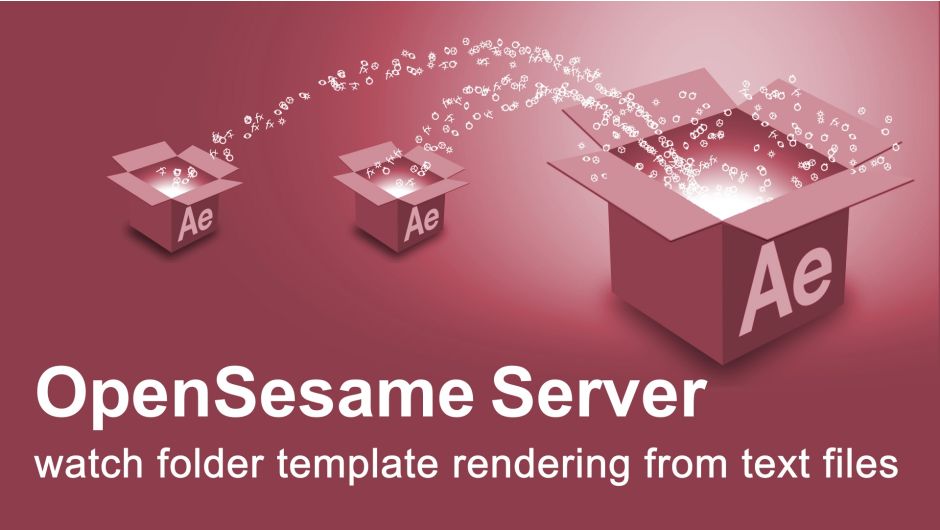
pt_OpenSesame Server automates After Effects project updates and rendering from submitted data files. It applies changes to a prepared project template, then renders the project or saves it for a render farm. pt_OpenSesame is required to set up those templates.
Prepare templates and submit changes
- In pt_OpenSesame, choose which parts of an After Effects project should be editable.
- Export the template values as JSON, tab-separated TSV, or comma-separated CSV. A web app can read the JSON to build a form or connect to a database; TSV and CSV files can be edited in a spreadsheet.
- Set OpenSesame Server to monitor a watch folder, then submit files containing the project changes to that folder.
- Have the Server render the updated project or save it for processing on a render farm.
What a template can change
Editable template values can include text, footage, property values, layer switches, and render-queue items. This lets a submission update several parts of a project while keeping the template under the creator’s control.
Render management and scaling
OpenSesame Server creates detailed log files and includes error handling. It can restart and continue rendering or send an alert when a failure occurs. Operators can abort renders remotely and prioritize tasks.
For larger workloads, multiple computers can run OpenSesame Server and process submissions at the same time. Another setup uses one computer to modify and save projects for a render farm. The listing says OpenSesame Server is compatible with the After Effects Render Engine.
Helper scripts and support
Helper scripts can run before or after renders. The listing names pt_ImportSubtitles, TM_ArabicText, and TM_HebrewText as compatible scripts. Custom helpers can be written by people with basic After Effects scripting knowledge.
The listing includes a PDF guide and free installation support. Help with a specific workflow, project templates, or helper scripts is available through an optional monthly service-level agreement.
Compatibility and activation notes
The product listing names compatibility with After Effects versions from 2026 through CS5. Its version history includes version 1.8, dated August 14, 2024; that entry says offline activation is no longer supported and deactivation is accessible from the account page. Check the current product listing for release and activation details before setting up a production workflow.