The Tracking Bundle from mamoworld tools groups five After Effects tools for tracking and rotoscoping. It covers importing Mocha data, using After Effects tracking to drive masks or layers, transferring masks between layers, and refining keyframed movement.
What each tool handles
- MaskTracker+ extends After Effects' Mask Tracker into a planar tracking station. Its listed uses include moving layers, creating corner pins, stabilizing footage, making stabilized precomps, and moving masks from another mask's track.
- MochaImport+ brings Mocha tracking data into After Effects. The listing describes using that data to move layers, create corner pins, stabilize shots, or generate stabilized views.
- CopyMask2Layer transfers a mask to another layer while preserving its position, including when the layers move or the mask path has keyframes.
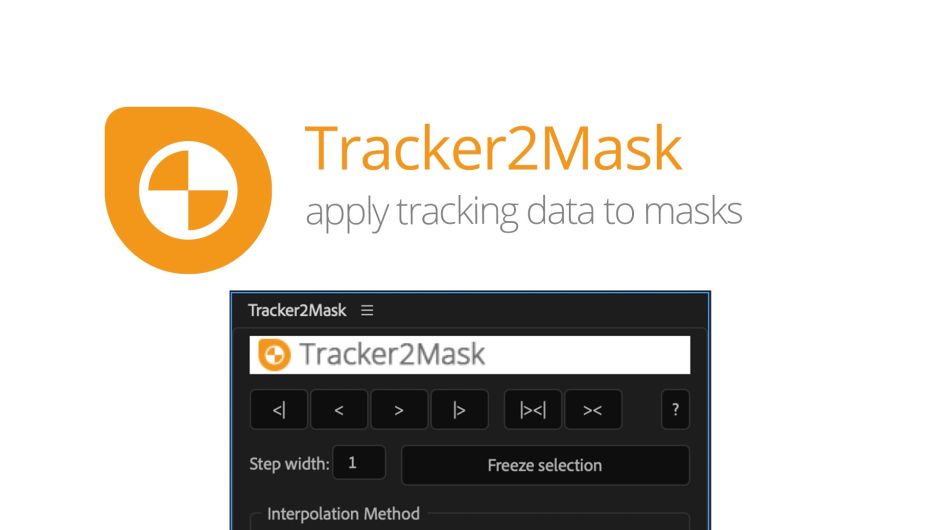
- Tracker2Mask computes mask-shape movement from trackpoints created with After Effects' point tracker.
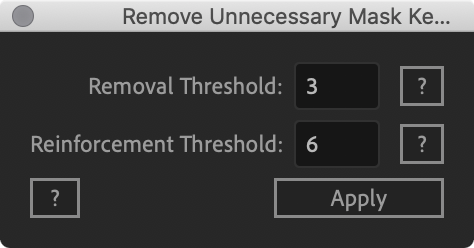
- KeyTweak lets you change a small number of keyframes and update the others, for work such as refining a layer's movement or correcting a drifting track.
Choosing the right tools for a project
For Mocha-based planar tracking, MochaImport+ handles the transfer into After Effects. MaskTracker+ works with After Effects' Mask Tracker for layer movement, corner pins, and stabilization. Tracker2Mask uses point-tracker motion to drive mask shapes. CopyMask2Layer addresses mask placement between layers, while KeyTweak helps revise animation after keyframes are in place.
Use the bundle when a project spans several of these operations. If you need one, compare that tool's description with the others before deciding whether the bundle fits. The bundle listing identifies After Effects as the host application and links to each tool's details.