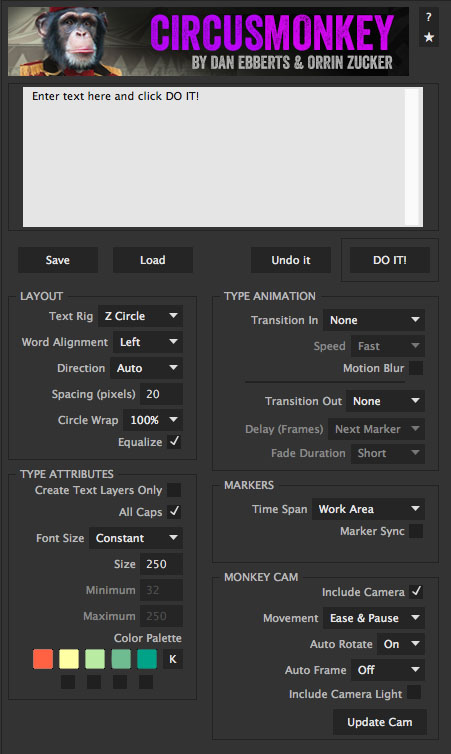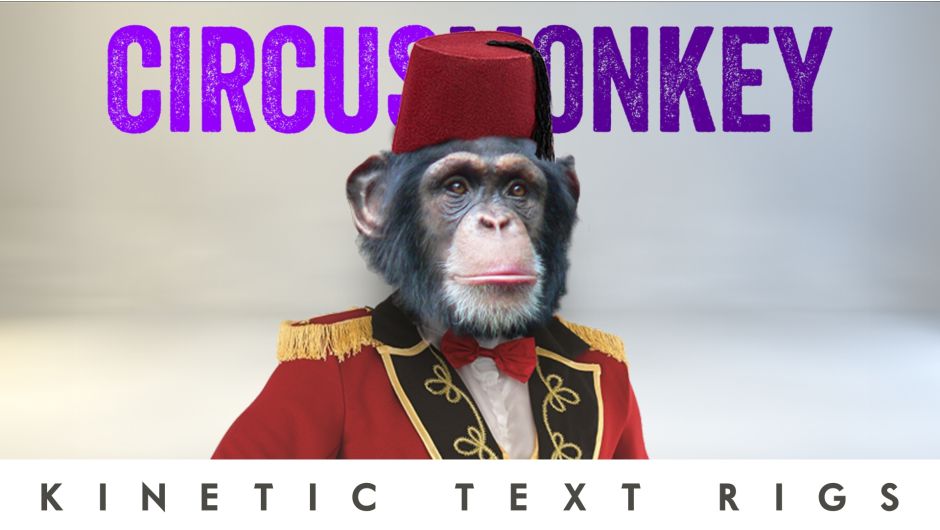
What CircusMonkey does
CircusMonkey generates kinetic type in After Effects using seven flexible text rigs that arrange words into basic 3D shapes. An automatically generated camera moves from one word to the next in the animated text setup.
Timing and camera control
Markers link the text timing and camera movement, so you can retime a sequence by sliding markers instead of keyframing each word. Marker sync helps match the animation to voiceover or music. After the build, effects controls let you adjust the layout, animation, camera angle, and visibility.
On a standard MonkeyCam, the shy Target layer’s Effects panel lists the target order and corresponding Dolly position for each marker. Select another layer to change the target order; adjust Dolly to push in or pull out, or keyframe Dolly to animate it. To keep a MonkeyCam stationary while retaining its Camera and Visibility Effects Controls, reveal the shy layers in the comp and deactivate the Position and Orientation expressions on its Target layer. For a smoother circle rotation, keyframe the Circle Effects Controls instead of relying on automatic MonkeyCam movement.
Additional features, compatibility and licensing
CircusMonkey includes multiple alignments and transition options, visibility controls for separating words in Z space, Kuler palette import, and MonkeyTools for building and managing projects. Version 1.14, dated May 11, 2026, adds SRT file import. The compatibility list names After Effects versions 2020-2026, CC 2017-2019, CC 2015.3, CC 2015, and CC 2014.
The EULA permits one installed copy on one computer and one archival copy on storage other than a hard drive, solely for reinstallation. Use on additional computers or by multiple users requires an appropriate license for each user and copy. It prohibits modifying the software or creating derivative works.