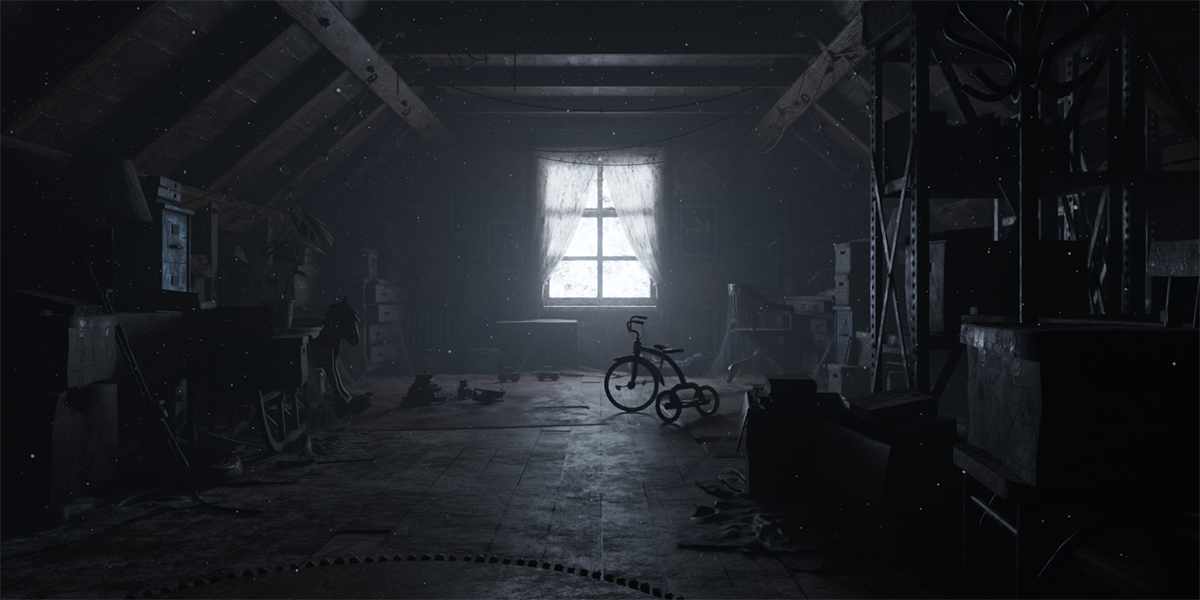
AgedFX 1.6 is a Blender add-on for adding procedural wear and atmospheric detail to one object or an entire scene. It detects scene materials and applies aging effects; its panel shows how many materials are affected. The product listing reports Blender 4.0–5.2 compatibility and labels the add-on Blender 5 Ready.
Procedural wear and material control
The shading tools work with materials that use a Principled BSDF. AgedFX leaves existing nodes intact and reconnects them if needed. You can adjust or reverse effects, animate their parameters, and make objects unique so each can have its own material settings. Glass BSDFs can optionally be converted to comparable Principled BSDFs while retaining their settings and connections.
Material effects include dust that favors upward-facing surfaces, adjustable viewing-angle variation, edge dirt, scratches, bumps, and metallic imperfections that can be rusted. Edge dirt is fully supported in Cycles; the developer notes current limitations in Eevee. These controls let you work on surface wear separately from scene details.
Atmospheric effects in AgedFX 1.6
For cobwebs, draw lines that connect to objects. Version 1.6 adds customizable orb webs and raindrops on webs. The add-on also includes adjustable fog, animated ground fog that adapts to its domain size, and a moss generator with controls for moss age and simulated wind. Animated dust particles, moths that follow an object, and ants and spiders that walk on uneven surfaces add further scene motion.
Customizable light rays can be positioned independently of the main light. VICUBE says they need no volumetrics and do not increase render times. Light rays were added in version 1.5 and improved in 1.6.
Compatibility and scene checks
AgedFX needs access to materials, so linked assets must be made local before their materials can be manipulated. Procedural shading and atmospheric details can affect viewport and render performance, and many cobwebs can increase scene polycount. The developer recommends checking complex scenes before saving over the project. See the product documentation for tutorials. The product FAQ covers setup and compatibility notes.