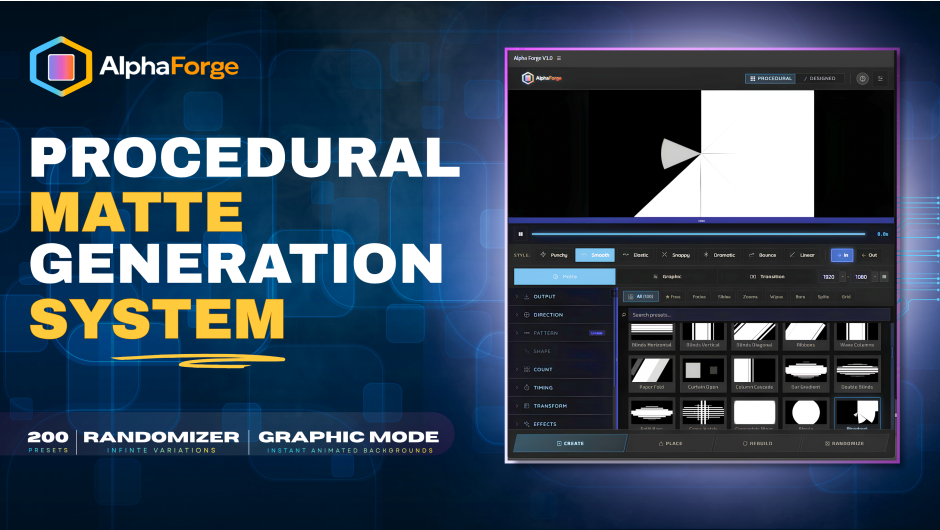
What AlphaForge makes
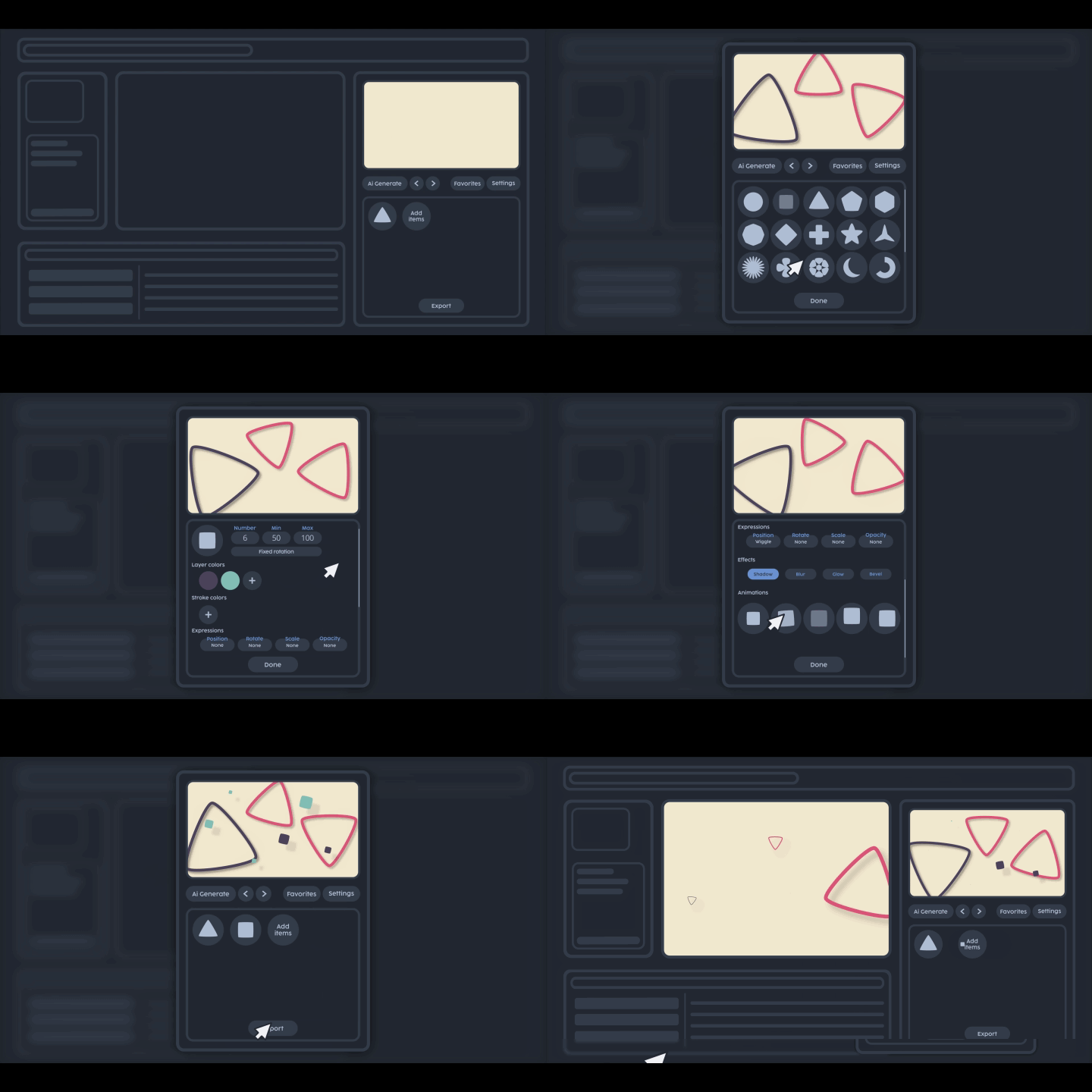
AlphaForge is an After Effects extension for creating animated track mattes, full-color graphic elements and transitions between clips. It fits motion designers and editors who need reveal treatments or backgrounds and want to build and adjust them inside a composition. The generated layers remain native and editable in After Effects.
Choose a preset or tune the result
AlphaForge includes 200 presets across grids, waves, scatters, wipes and radial patterns. In Dynamic mode, the randomizer varies counts, timing and motion together; locking a seed lets you reproduce a chosen result. Signature mode is for hand-tuned looks you can save and recall.
Start with Count, Duration and Stagger, then refine the result with more than 20 controls across Timing, Transform, Effects, Echo and Color. You can generate a matte for a reveal, a graphic element, or a transition between two clips.
Iterate in your composition
Rebuild regenerates a design in place after you change its settings. Favorites, keyboard shortcuts and a dockable panel support repeat work in an After Effects workspace. The product walkthrough also covers controls for Echo and Trails, Camera 3D and Color Accent.
Compatibility, installation and licensing
AlphaForge requires After Effects 2022 (22.0) or later, on Windows 10 or 11 or macOS 11 or later. The package includes a signed ZXP for one-click installation through the aescripts manager, plus an install and quick-start PDF. The listing offers a free trial.
The AlphaForge checkout currently flags the Floating License Server as required. aescripts' general license guide says floating licenses require the server, while single-user licenses do not, so confirm the license type selected for AlphaForge at checkout. The server is command-line software intended for groups. Floating licenses use a server on the same network, allow one user per license at a time, and require remote workers to VPN into that network.