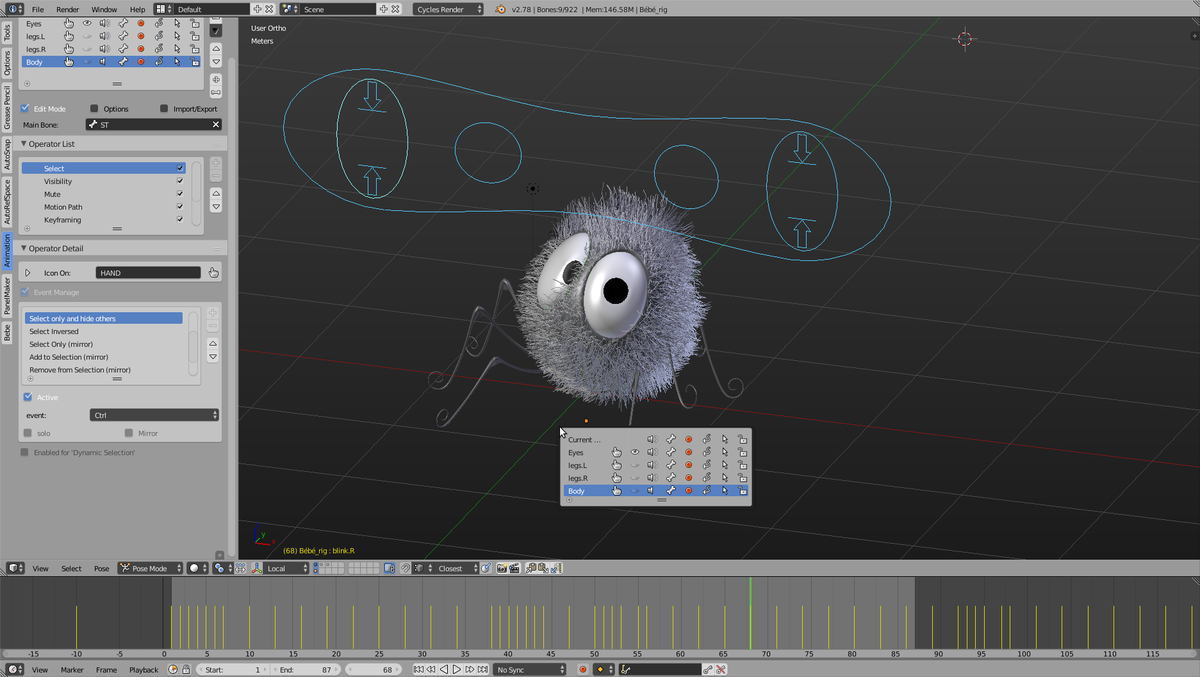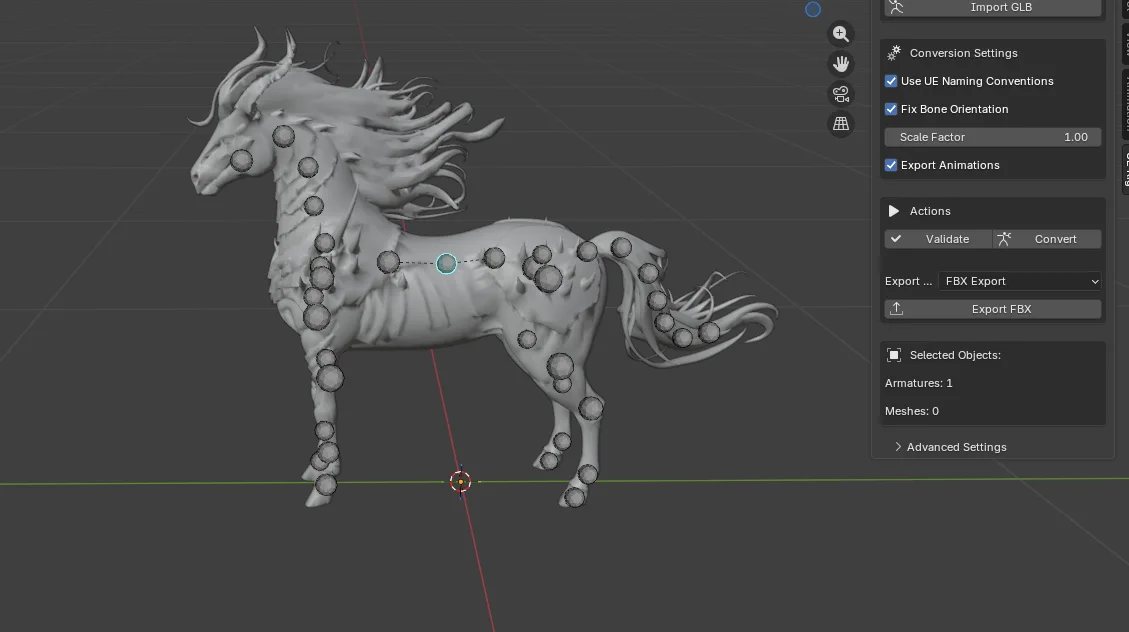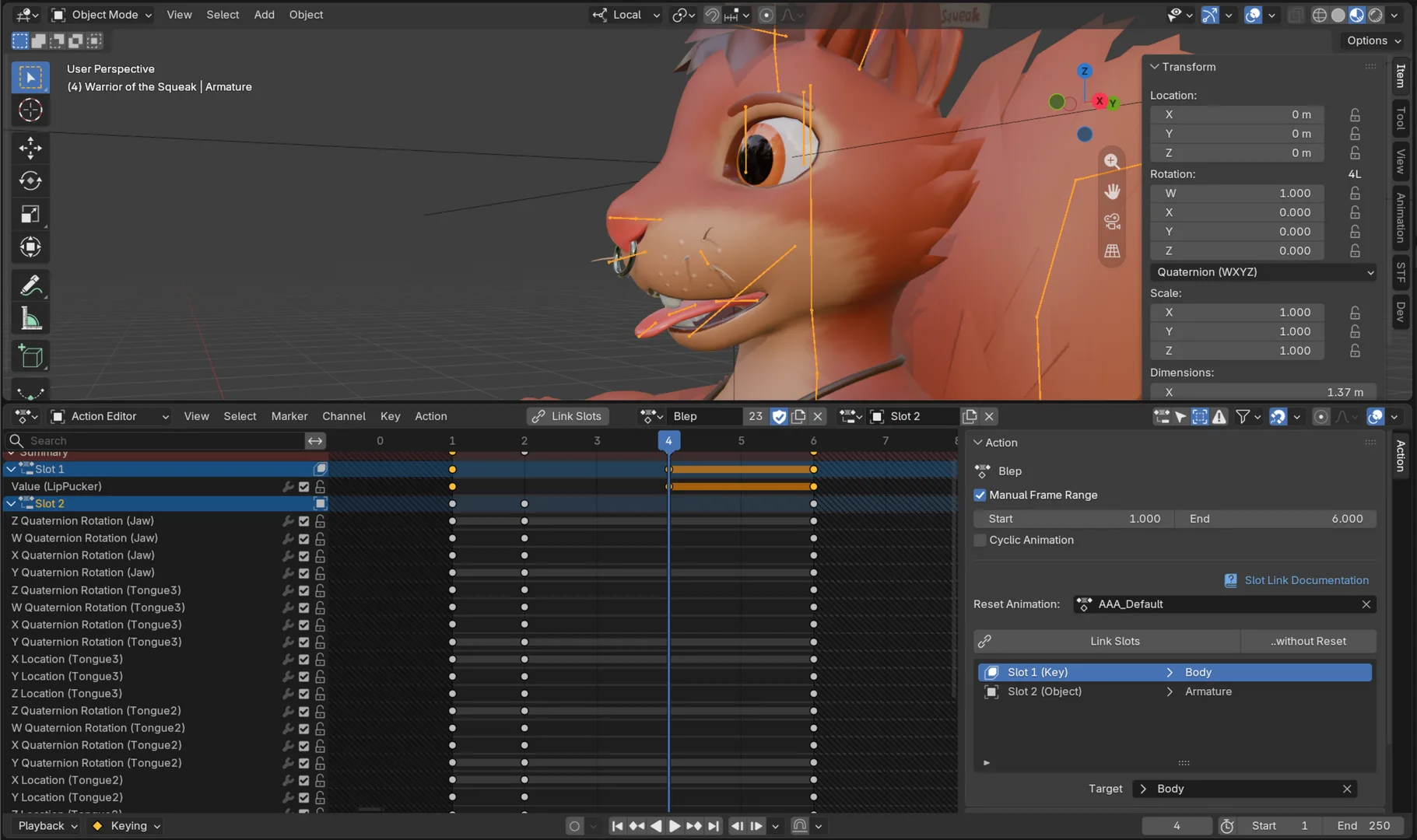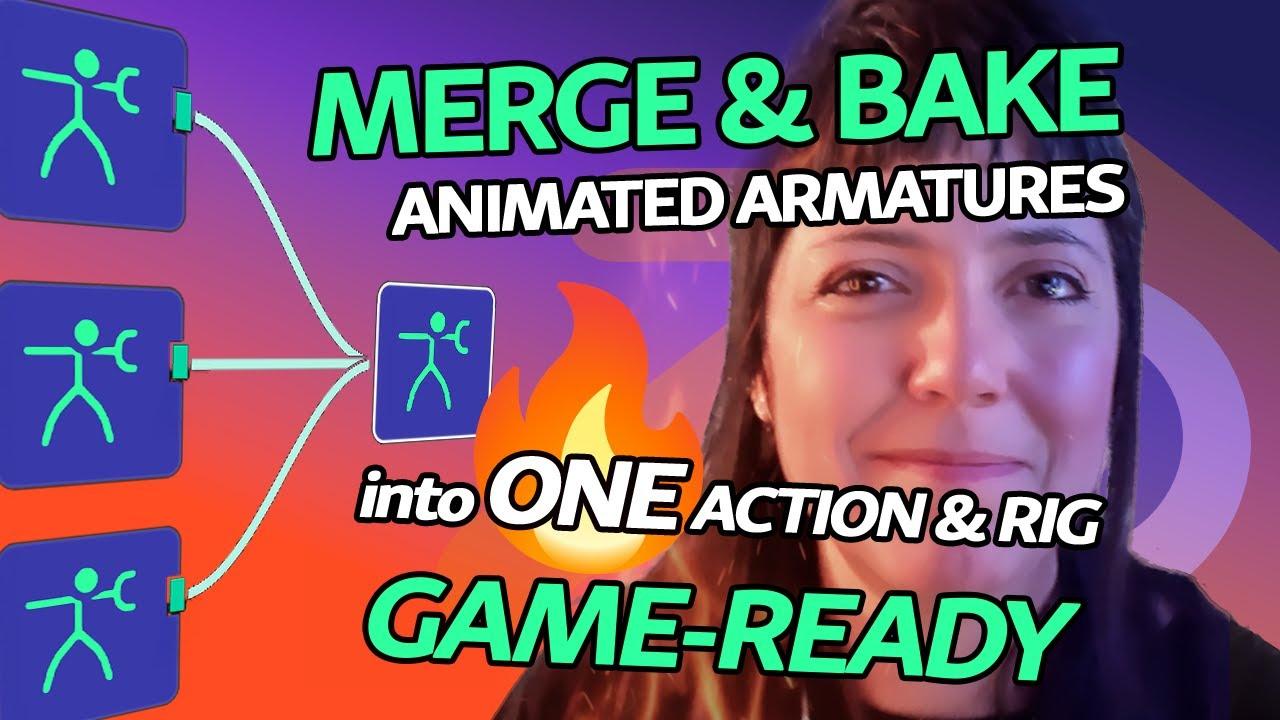
Animation Baker is a Blender add-on by JJArtworks for combining modular character rigs and their animations. It can bring several armatures and their NLA animation into one armature with a merged action, ready for an FBX export workflow. The listing describes it as the first module of JJ Animation Tools and identifies Blender 5.0 and above.
What Animation Baker combines
The add-on copies the armatures and meshes, applies transformations to those copies, and leaves the original objects in their collections. It bakes active NLA tracks, detects the animation frame range, and creates a baked action for each armature. Customizable bone prefixes help prevent naming conflicts; the add-on updates related FCurves and mesh vertex groups to match.
It joins the armatures and combines the baked actions into an action named Merged. You can also choose whether to combine the meshes. When applying modifiers, the add-on applies non-Armature modifiers before merging. Results go into a MERGED collection, while the original collections are hidden.
Prepare and merge a modular rig
- Parent each mesh to its armature and arrange the animations in the armatures’ NLA tracks. Mute tracks you do not want baked.
- Open the JJArtworks panel in the 3D Viewport sidebar. Select the meshes and choose Add Selected, then check the detected armatures and set a prefix for each entry.
- Choose whether to merge the meshes and apply non-Armature modifiers. The documentation says the add-on requires at least two objects in its list.
- Choose Bake & Merge Animations. Check the
MERGEDcollection, play the resulting animation, and inspect the skinning before export. - Select the merged armature and mesh objects, set the export path and asset name, then choose Export Selected as FBX.
The product documentation lists fixed FBX settings, including selection-only export, scale 1.0 with unit scale applied, and Forward -Z with Up Y. The export does not include NLA strips or multiple actions. Constraints are not preserved after baking, and object parents other than the armature are not maintained, so check those relationships in the result.
Compatibility and license
The product listing shows Blender 5.0 and above, and the documentation says Blender 5.0.0 and later. The product FAQ says the add-on is fully optimized and tested for Blender 5.1.2 and above. Treat these as separate thresholds: Blender 5.0.0 is the listed minimum, and 5.1.2 is the FAQ's full-optimization and testing range. The listing identifies the license as GPL.