Adjust easing on selected keyframes
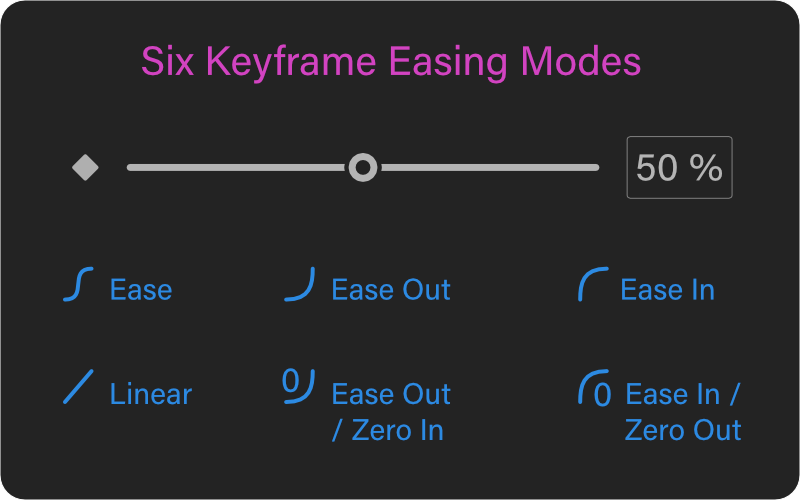
Arc is a compact After Effects tool for changing the easing of selected keyframes. Its slider offers several modes:
- Ease applies easing to both sides of the selected keyframes.
- Ease In and Ease Out change only the chosen side.
- Ease In/Zero and Ease Out/Zero change one side and set the opposite influence to zero.
- Linear changes the selected keyframes to linear keys.
Keyframe modifiers let you switch modes, and a dynamic HUD shows which mode is active. Clicking the influence percentage icon makes it easier to apply the same value to another set of keyframes. On macOS, the documented modifier uses Cmd instead of Ctrl.
Shape and reuse motion curves
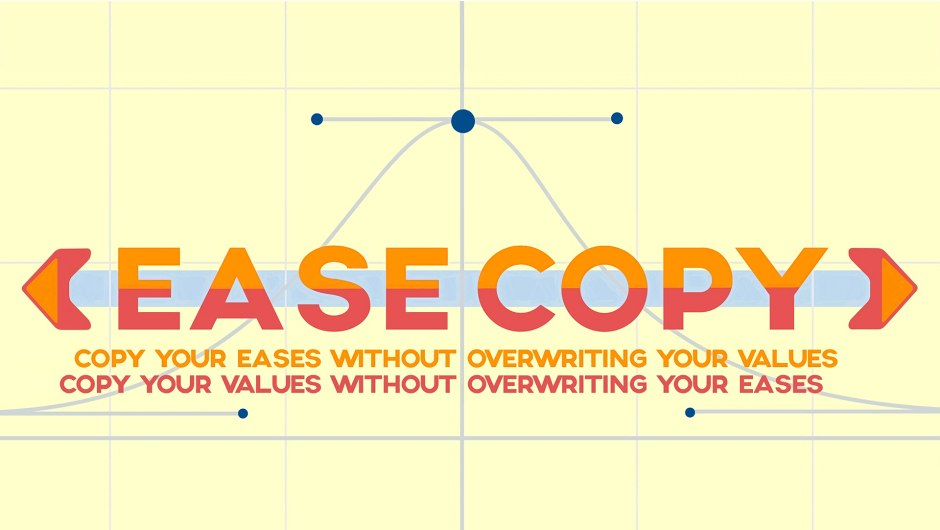
Vertical Mode makes the midpoint of the curve the slowest part, with the keyframes as the fastest points. It also allows overshoots. Arc can clone and paste ease in, ease out, both easing values, or keyframe values only. For value-only pastes, you can keep the destination curves in Relative or Absolute mode. When copying easing curves, Arc accounts for keyframe values and relative direction so the curves remain accurate across value changes.
Compatibility and license
The product listing names After Effects CC 2019 and versions 2020 through 2026 as compatible, and offers a free trial. Its EULA grants one copy for use on one computer at a time and allows one archival copy on storage media other than a hard drive. Additional users or computers require appropriate additional licensing.