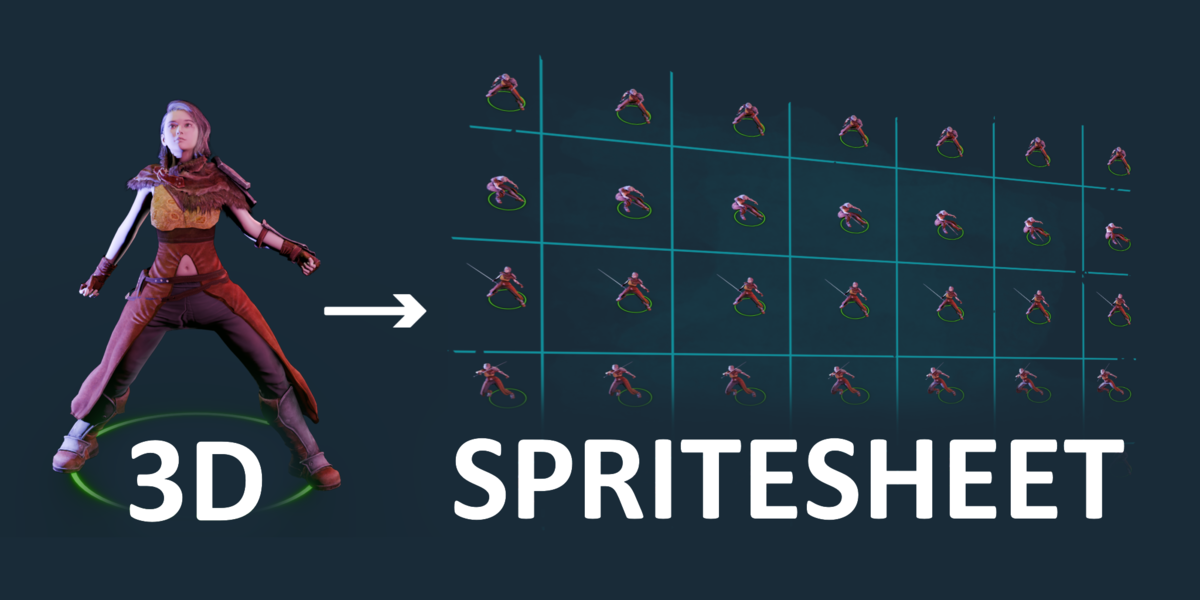
Auto Spritesheet Pro is a Blender add-on that renders selected frames from 2D or 3D scenes and combines them into sprite sheets. It can arrange camera views around a model, handle animation tracks, and preview a sheet inside Blender.
Set up camera views around a model
The Camera Ring creates up to 64 cameras around a central Empty. Shared controls adjust distance, tilt, orthographic or perspective projection, orthographic scale, and focal length across the cameras. Use the Camera List to switch views or disable cameras for a render. Automatic names combine a chosen prefix with the camera direction, such as Front or Right.
Choose frames and combine camera renders
Render settings include square frame resolutions from 8×8 to 2048×2048, a start and end frame, and a step value for rendering every Nth frame. Choose PNG, JPG, or TGA output and set a destination folder. You can export a separate sheet for each camera or combine all camera views into one sheet, with one row per camera. The Assets Grid option calculates rows and columns from the frame range and step.
Arrange armature and NLA animation
Select an armature to browse its linked NLA tracks. Combine NLA Sheet renders the tracks into rows, calculates the needed frame range for each track, and follows the selected step value. You can also create one sheet per track across all cameras, a useful arrangement for isometric or eight-direction views.
Preview sprite sheet animation in Blender
The SpriteSheet Player loads a sheet for preview before it is imported into a game engine. It can detect rows and columns from transparent gaps, or use values entered manually. Linear mode plays the whole sheet; By Row plays one animation per row. Per-row duration supports rows with different frame counts, and playback controls include FPS, looping, ping-pong, stepping, scrubbing, and start or stop.
Who may find it useful
Auto Spritesheet Pro is suited to Blender workflows for game art, VFX, and UI that need repeated camera views or animation frames. The Superhive listing reports compatibility with Blender 3.4–4.5 and use with Cycles and Eevee. Check the Superhive product listing for current compatibility, license, and purchase details before downloading.