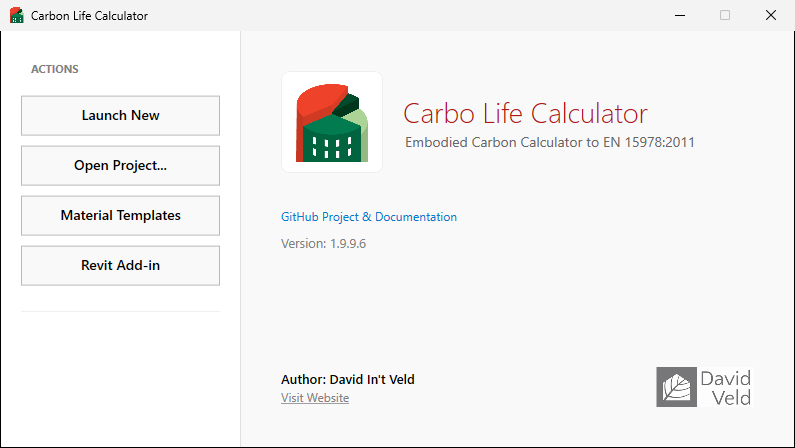
Carbo Life Calculator is a free, open-source Revit add-in by David Veld. It reads a Revit model and calculates embodied carbon using EPD data or material values you define. You can edit or expand the material database, so the results reflect the data selected for your project.
Review results in Revit or export them
Use the calculator to examine embodied carbon alongside model elements and quantities. Its output can support a quick quantity check, a comparison between design options, or a closer look at how material choices affect a design.
- Create 3D heatmaps from calculation results to see their distribution across the model.
- Write embodied carbon values back to Revit elements as parameters, then use those values in Revit schedules.
- Export the database to CSV for charts and reports in other tools.
The material database can also hold values for later calculations. The calculator can help explore lower-carbon material choices during design optimization.
Check the inputs and chart limits
Carbo Life Calculator can use EPDs or user-defined material values. Review the material data used for a calculation when interpreting its results, since the selected values shape the carbon figures.
Graph functions are limited, and pie chart values can overlap. If a chart is hard to read, export the data to CSV and create the visualization in another tool.
Installation and project documentation
The project repository describes a .NET Framework 4.8 build for Revit 2023 through 2024, and a .NET 8 build for Revit 2025 and later. Check the project wiki for installation steps, Revit guidance, material templates, and calculation documentation. The project repository contains the source code and release information.