BoQExport is an app from TiMBIM BV for Autodesk Revit. It organizes MEP model elements into a hierarchical bill of quantities (BOQ) for tasks such as preparing tender documents, cost estimates, or project communication. The Marketplace listing identifies MEP designers, BIM managers, and quantity surveyors as its intended users.
Organize quantities into a BOQ
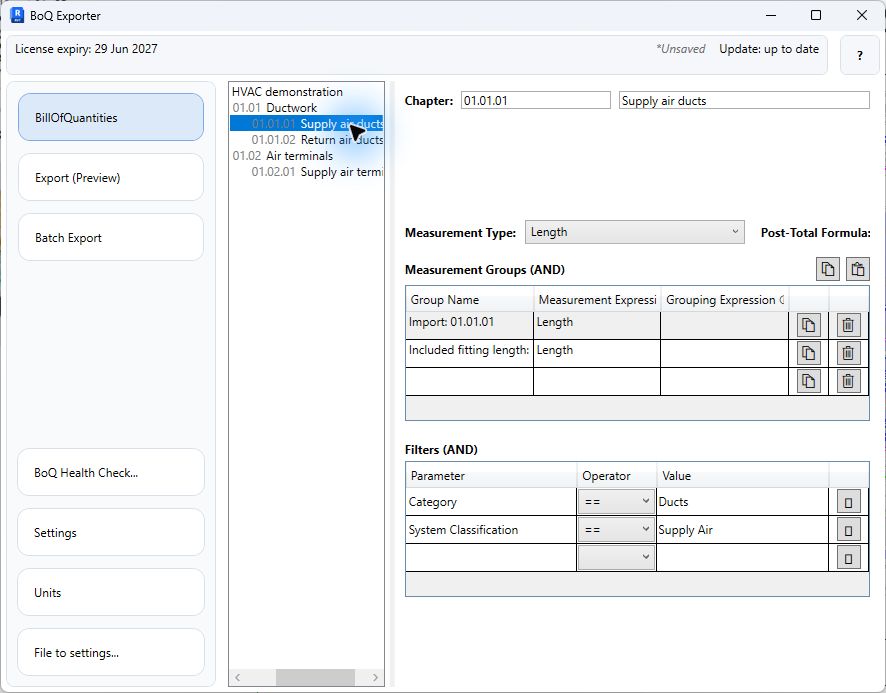
Create chapters and subchapters, then rearrange them with drag-and-drop editing. BoQExport can group exported data by system type, size, or another model parameter. These options let teams arrange quantities around the breakdown they need for reporting or pricing.
Choose the model scope
Export quantities from selected elements, the active view, or the whole model. The app calculates lengths, areas, and counts for elements such as ducts, pipes, fittings, and terminals. Check that the chosen scope includes the elements required for the estimate or tender before relying on the totals.
Share settings with colleagues
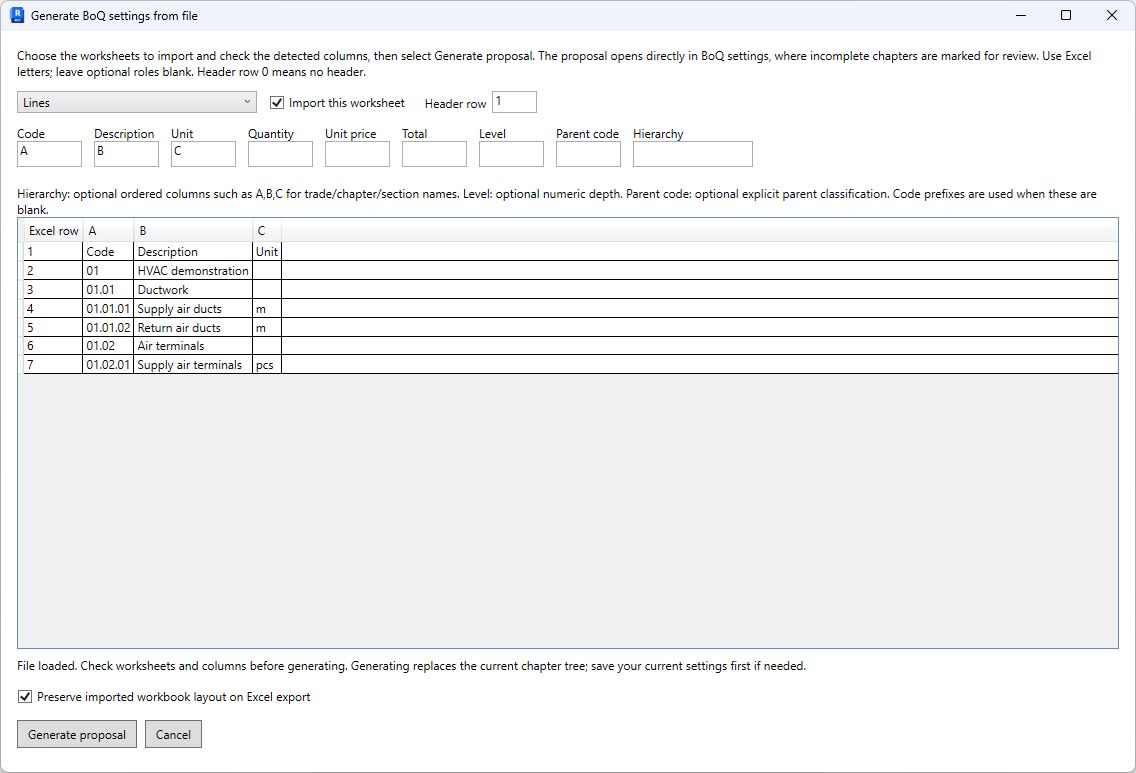
BOQ settings can be specific to a company, project, or classification, and shared with colleagues. This can help teams keep separate configurations for different projects or classification needs. The listing does not describe the available units or quantity rules, so confirm that they match your project requirements before using the totals for pricing.
Compatibility and next steps
The Autodesk App Store version history says version 2.3.3 was updated for Revit 2024 through 2026, and version 4.3.7 resolved an issue with Revit 2026 and 2027. TiMBIM's help page for BoQ Export 4.6.1 lists support for Revit 2024, 2025, 2026, and 2027. The Marketplace listing offers a free trial but does not state its duration. It also describes an export-ready format without naming the file type. Confirm the file format and any workflow requirements before adopting BoQExport for a downstream handoff. Review BoQExport on Autodesk Marketplace.