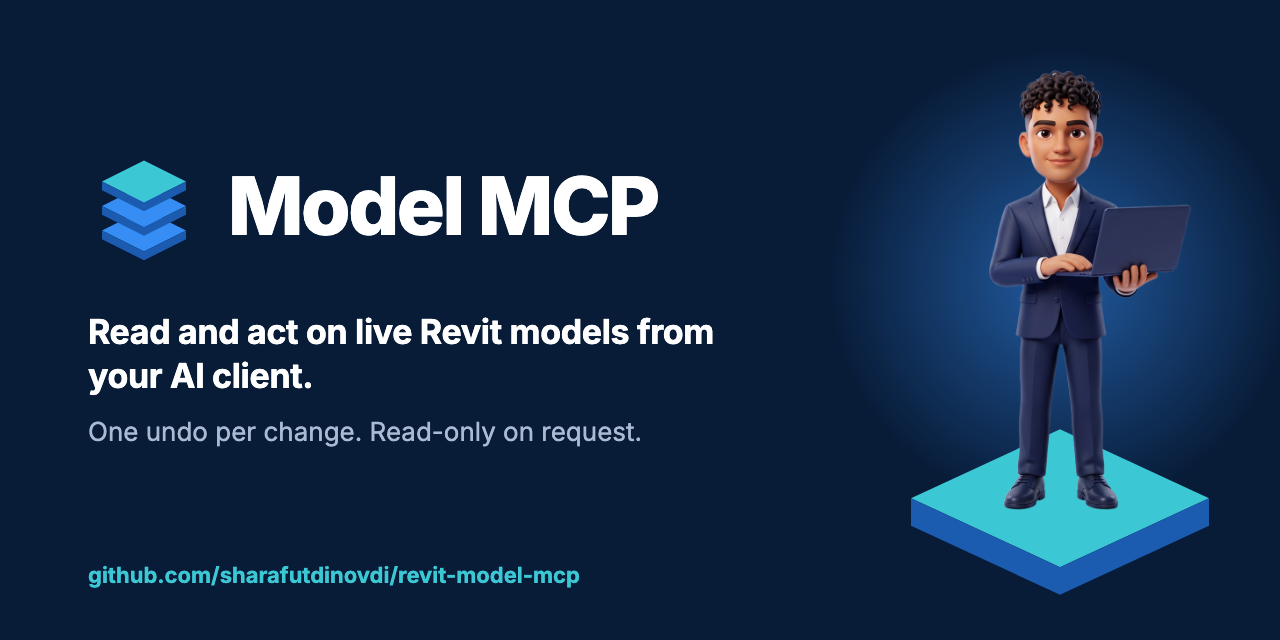
Model MCP is a free, open-source add-in by Dinar Sharafutdinov that connects an open Revit project to a compatible AI app through the Model Context Protocol (MCP). The Autodesk Marketplace description says this build is free under the MIT license and supports Revit 2022 through 2027 on Windows. The listing describes it as an independent product, not affiliated with Autodesk.
What Model MCP can do
The Marketplace listing describes 79 tools: 25 read-only and 54 modifying. They cover model queries, warnings, parameters, geometry, views, schedules, family checks, links, CAD and MEP operations, documents, exports, and batch review.
Model MCP can create reports and save PDF, DWG, IFC, NWC, CSV, or PNG exports to a folder you choose. NWC export requires the matching Navisworks exporter. A bundled batch supervisor supports batch collection and reports. File-writing tools are classified as modifying even when they leave the Revit model unchanged.
How the AI app connects
The add-in runs inside Revit, and its bundled server runs on your computer. From the Model MCP panel on Revit's Add-Ins tab, use Connect AI app to register the server in a supported AI app. After adding it, restart the AI app so it loads the server.
Model MCP includes its own Python runtime, so it requires no separate Python installation or API key. You provide the supported AI app and its account; those may have separate requirements. The default workstation connection uses stdio and a named pipe restricted to the current Windows user, with a local file-channel fallback. It opens no network port by default.
Read-only use, edits, and undo
Read-only mode refuses model actions. Administrators can deny tools or require read-only mode through machine policy. Each transactional model edit creates one named Revit undo entry and appears in the activity pane. Saves, synchronization, link removal, and other document or file operations cannot be undone in Revit.
High-impact actions use a two-step confirm_token handshake: the client receives a single-use token and returns it with the same arguments. The AI app is expected to show the action; Model MCP does not display its own confirmation dialog. The single-use token expires after five minutes and does not establish that a person approved the action. A timeout or failed verification can occur after a change has been committed, so check the model before repeating an action.
C# execution is off in the store build, including dry runs. A user setting cannot enable it; an administrator must enable it through machine policy. If enabled, code runs with the Windows user's rights, including file, process, and network access. A Revit transaction rollback does not undo those external effects.
Data handling and network options
The listing says the add-in reads Revit models that are open or that a tool opens at your request, and files you name, such as families, CAD files, exporter settings, and saved snapshots. It says Model MCP sends no model data to its author, Autodesk, or an AI provider, and has no analytics, telemetry, or crash reporting. Tool results go to the AI app you chose, which handles them under its own privacy policy and may send them to its provider. Logs and exported files are written on your computer or to the paths you select. Remote hosts, AI providers, and support email providers may process data internationally.
An optional HTTP listener is off by default. When enabled, it listens on 127.0.0.1 and requires an access key (bearer token). Binding it to another network interface or all interfaces uses plain, unencrypted HTTP; the access key and your network controls are then the stated protections. SSH or remote HTTP(S) requires user configuration. Read the privacy information before choosing a connection method.
Other installation and use notes
This store build is unsigned, so Revit shows a security prompt when it first loads the add-in. Check that the publisher and installation path match the copy you installed before choosing Always Load. The Marketplace description says this store build has no updater and receives updates through Autodesk's store distribution. The repository's November 16, 2026 release page identifies v2.1.0 as its latest release; the repository README says v2.1.0 is not yet in Autodesk's catalog.
Parameter and category names follow the model's language. If a name is not found, ask the AI app to list valid names. Long exports and multi-model runs return a running status that the app polls until completion. Element image capture works over local and SSH connections, but not remote HTTP. The listing links to the source code and lists [email protected] for support.