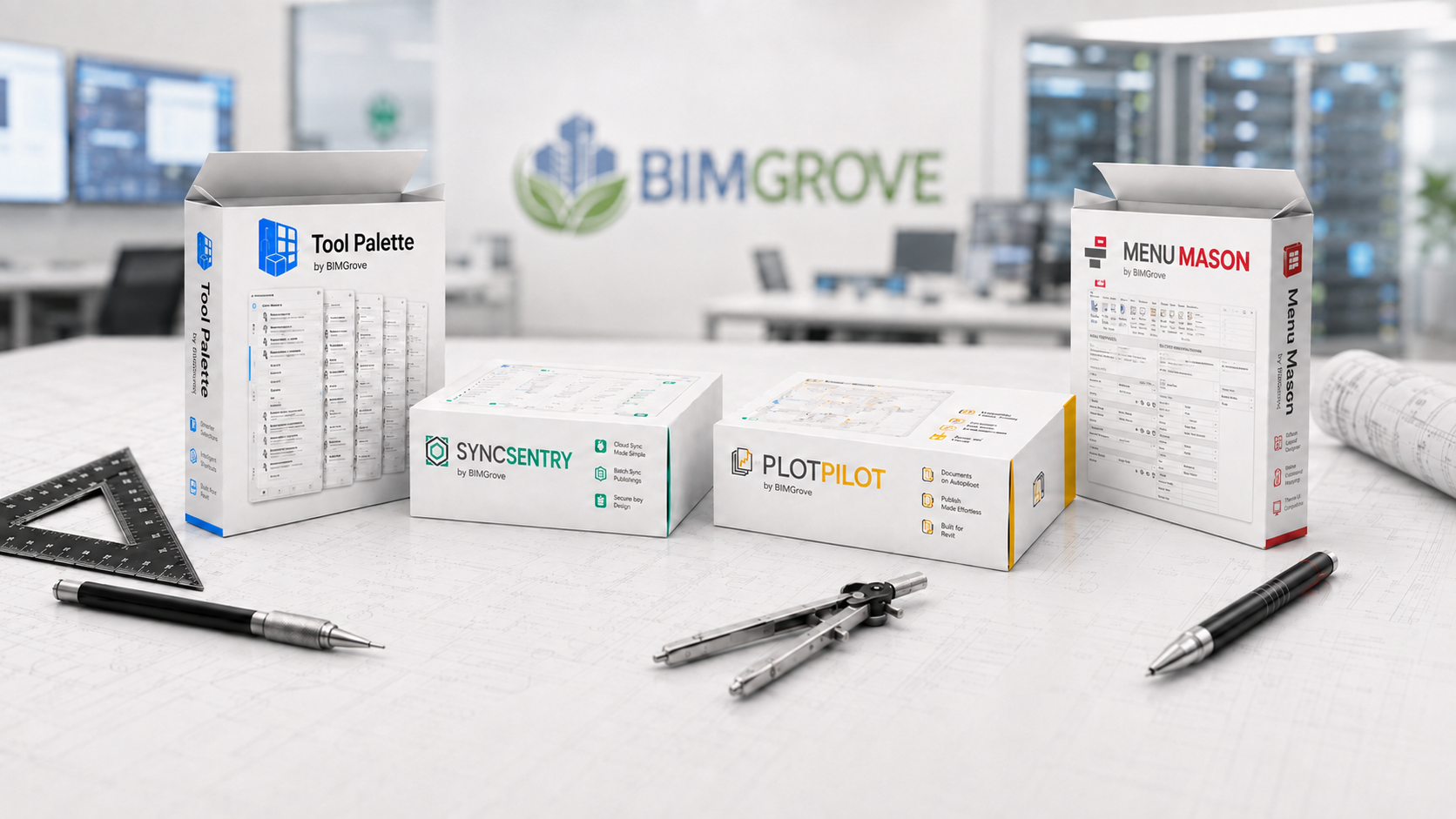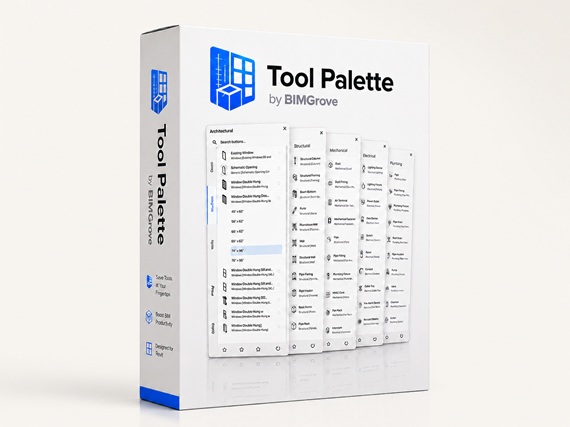
Tool Palette Free is listed on the Autodesk Marketplace as BIMGrove’s free add-in for Autodesk Revit. It gathers families loaded in the active project and presents them as clickable buttons. That listing also includes five ready-to-use, read-only palettes for architectural, structural, mechanical, electrical, and plumbing workflows.
How the Free edition works
The panel floats, docks, and resizes like a Revit pane. You can search and sort content by label, group, and category. Favorites, recent-use behavior, and expandable family-type flyouts help keep frequently used options at hand. The palette supports light and dark themes.
By keeping frequently used Revit content in one panel, Tool Palette Free is intended to reduce repeated browsing and command searching. This listing suits users who can work with its palettes as supplied.
Marketplace Free edition features and limits
The Autodesk Marketplace listing describes its five included palettes as read-only and says the Free edition is designed for immediate use without palette setup or customization. BIMGrove’s current Tool Palette materials describe Personal mode as free for personal use without activation, with 35 button clicks per day; they do not establish whether Personal mode is the same edition as the Tool Palette Free listing. The Marketplace listing says BIMGrove’s full version of Tool Palette adds a Palette Editor and customization. Its listed features include creating and editing palettes, tabs, and buttons; Folder and Template Fetch; startup and delegation rules; profile management; configuration import and export; sharing; and optional network administration.
Support
BIMGrove provides product support for documentation, updates, and troubleshooting. You can also email [email protected]. For a support request, include your Revit, Windows, and Tool Palette versions, a short description of the issue, and screenshots if available.