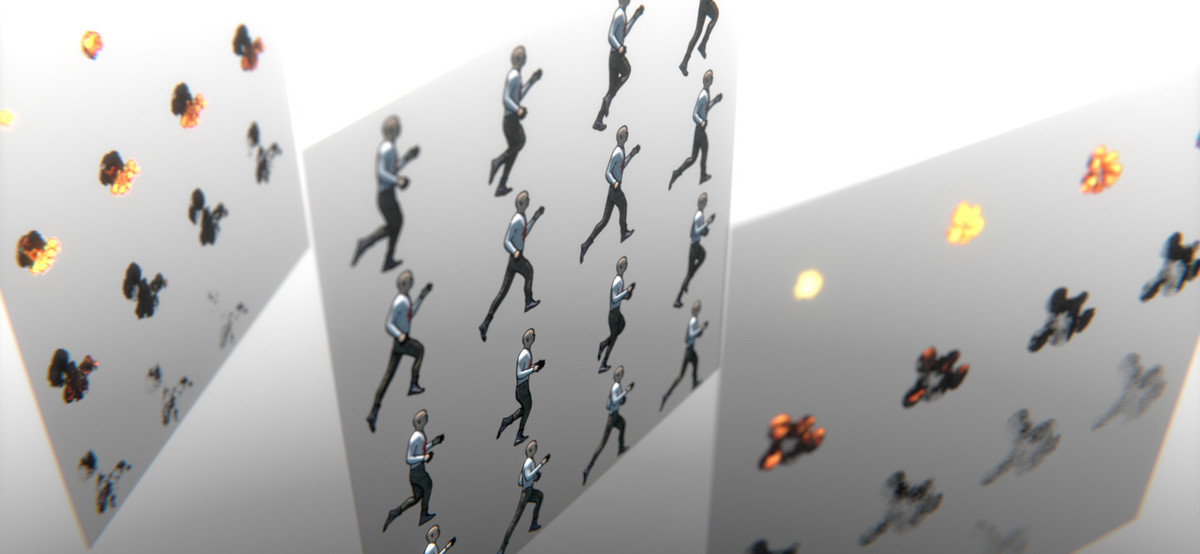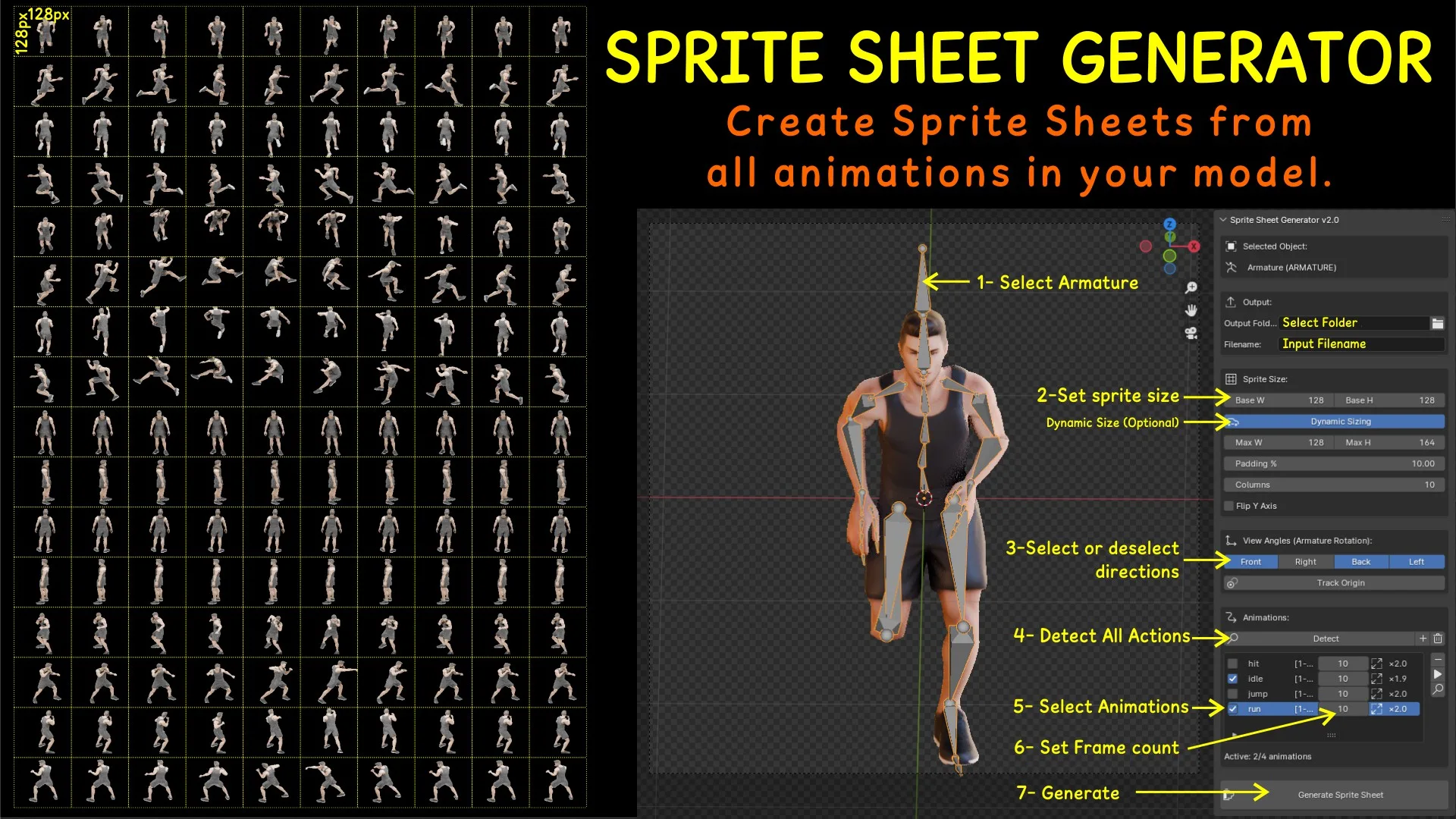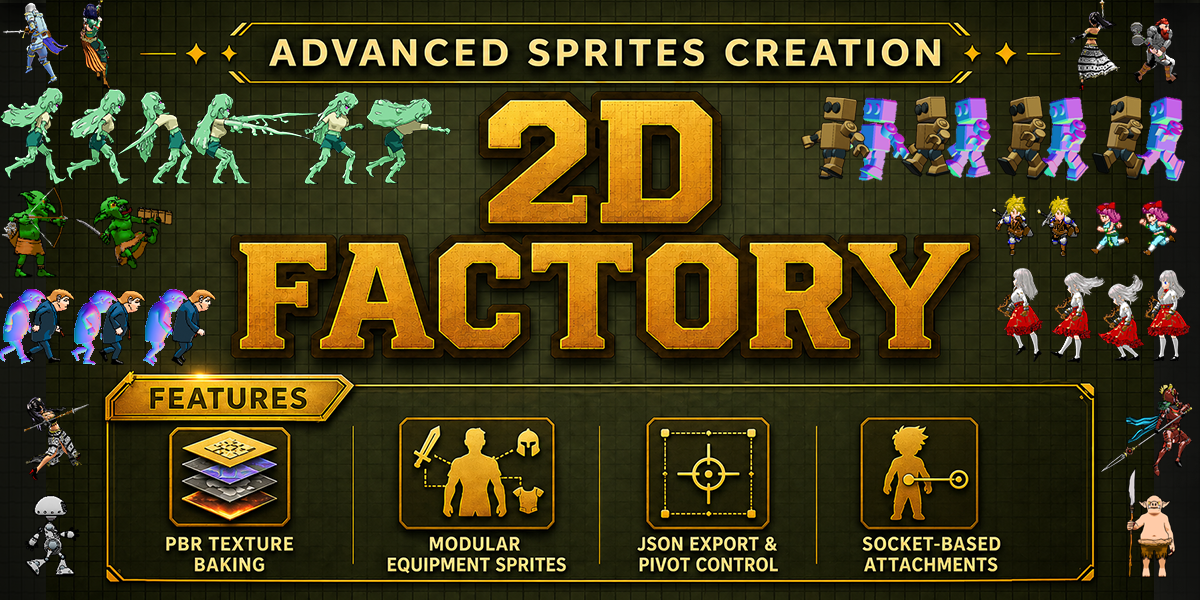
Blaterna Studio is a Blender add-on for turning 3D scenes into sprite sheets. It automates alpha cleanup and cropping, then lets you render by layer, adjust animation frames, and export organized sheets. The product listing identifies Blender 4.5–5.0 as supported.
From Blender scene to sprite sheet
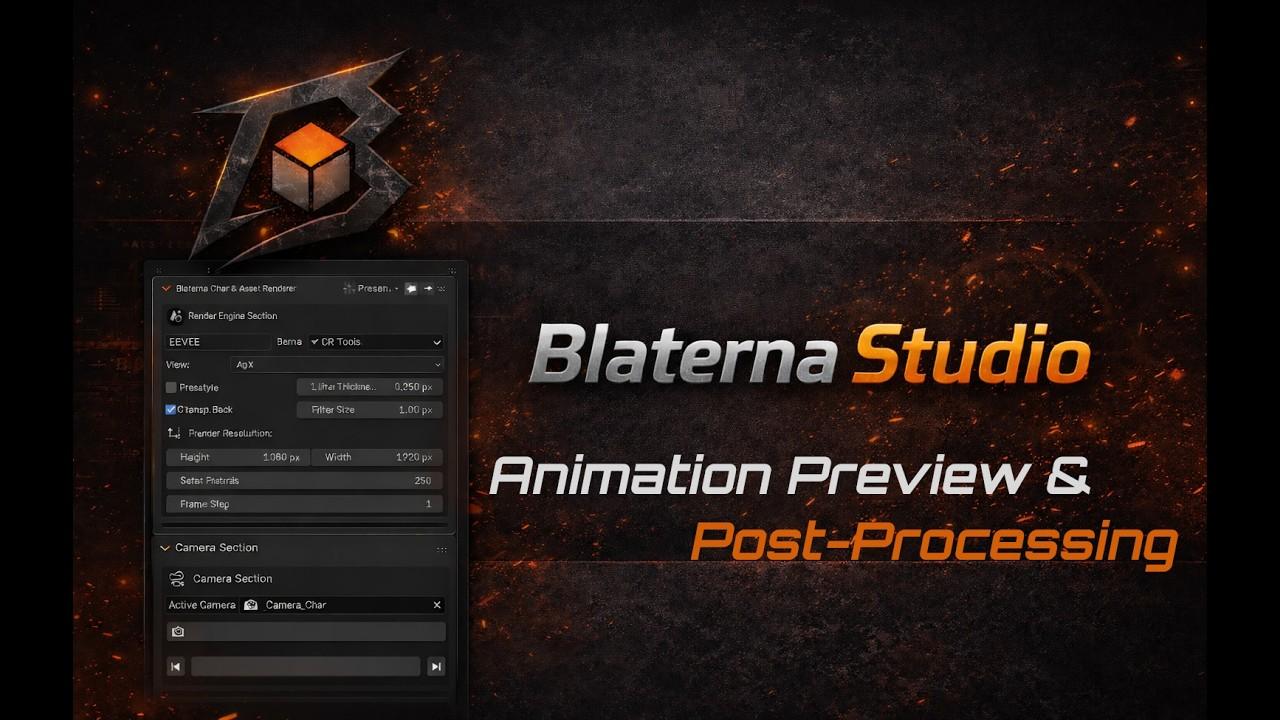
The documented workflow starts with an asset in Blender. Open Blaterna Studio in the N-Panel, set up a camera and render preset, then render the animation or directions you need. The add-on handles cropping and alpha cleanup. You can preview the results before exporting.
Blaterna Studio works with Eevee and Cycles. It can use any Blender camera and includes top-down and angle-based setups, with a default 45° tilt. Its directional render options include 2-direction, 4-direction, 4-direction isometric, and 8-direction layouts.
Layer rendering and export controls
Rendering is object-based and layer-driven, with a built-in masking system, material-based normal map rendering, and PBR material support. The included Bexporter writes each layer to its own sprite sheet. It supports embedded metadata, saved exporter settings, and vertical arrangement of movement directions.
After a render, you can preview animations by direction and edit frames by direction and layer. The controls let you insert, remove, or reposition frames, and disable a frame across all layers before export.
Reusable settings and project snapshots
Presets save render settings, camera setups, and exporter configurations for reuse. Snapshots preserve layer names, frame states, playback speed, and active or inactive frames grouped by direction. The listing describes each snapshot as a ZIP archive with the “_bsave” extension and a JSON file inside. A shortcut overview is available by pressing K or using the control in the interface.
Platform and license details
The product listing currently names Linux and Windows availability and lists Blender 4.5–5.0. Its FAQ identifies the license as GNU GPL v3 and says the add-on and generated assets can be used in commercial projects. Check the product FAQ and documentation for current details and setup steps. A free step-by-step tutorial is available on the BlaternaSoft YouTube channel.