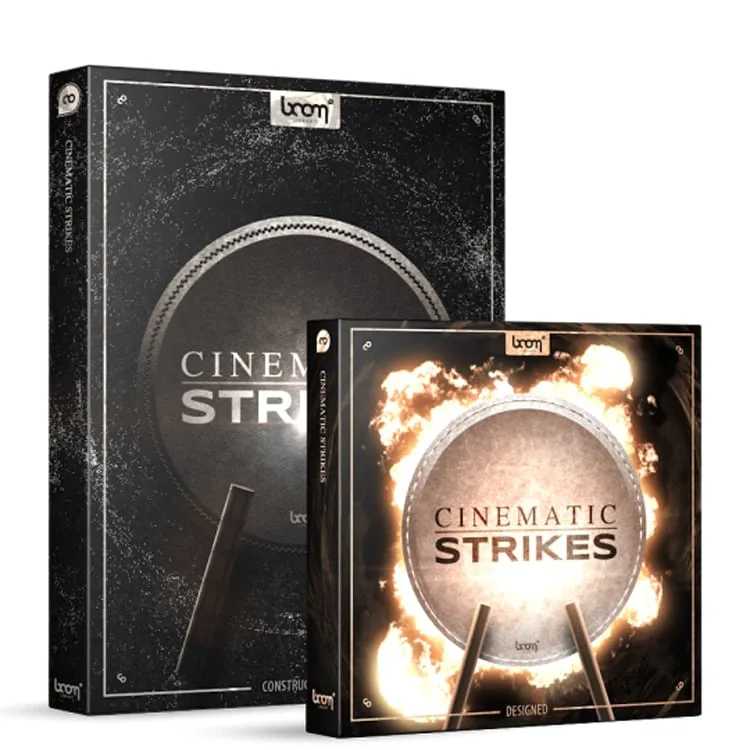
BOOM Library Cinematic Strikes is a sound effects library for cinematic percussion, including hits, flams, rolls, swells, and single or ensemble drums. It comes in three editions for different sound design workflows. The files are WAV audio that you can import into Premiere Pro and other software that supports WAV. BOOM Library’s product page lists the editions and technical details.
Three editions for different sound design needs
- Construction Kit: 618 files, 3,708 sounds, and 13 GB. It includes different drums and beaters, single and ensemble hits, flams and swells, plus close, medium, and far microphone positions. You can adjust each sound’s attack and release.
- Designed: 108 files, 432 sounds, and 1.4 GB. These layered and processed sounds are ready to place in an edit, with categories such as BOOMS, WHOOSH HITS, CRACKS, and PUNCHES.
- Bundle: both editions, totaling 726 files, 4,140 sounds, and 14.6 GB.
Which edition should you choose?
Choose Designed when you want finished accents to audition and place quickly. Construction Kit gives you more control when a hit needs a particular attack, tail, drum character, or recorded perspective. The Bundle includes both sets, which can be useful when the same project needs quick choices as well as sounds you can shape more closely.
Using Cinematic Strikes in Premiere Pro
Cinematic Strikes is a WAV sound library, not an effect panel to install in Premiere Pro. Import the audio files into your project, then edit them on the timeline like other sound clips. BOOM lists the files as WAV at 24-bit / 96 kHz for Windows and Mac, and says its sound effects work in software that handles WAV.
The library includes PDF and XLS content information to help browse its files. The Construction Kit metadata sheet provides filenames and descriptions. Check BOOM Library’s page for current edition pricing and licensing details before choosing a set.