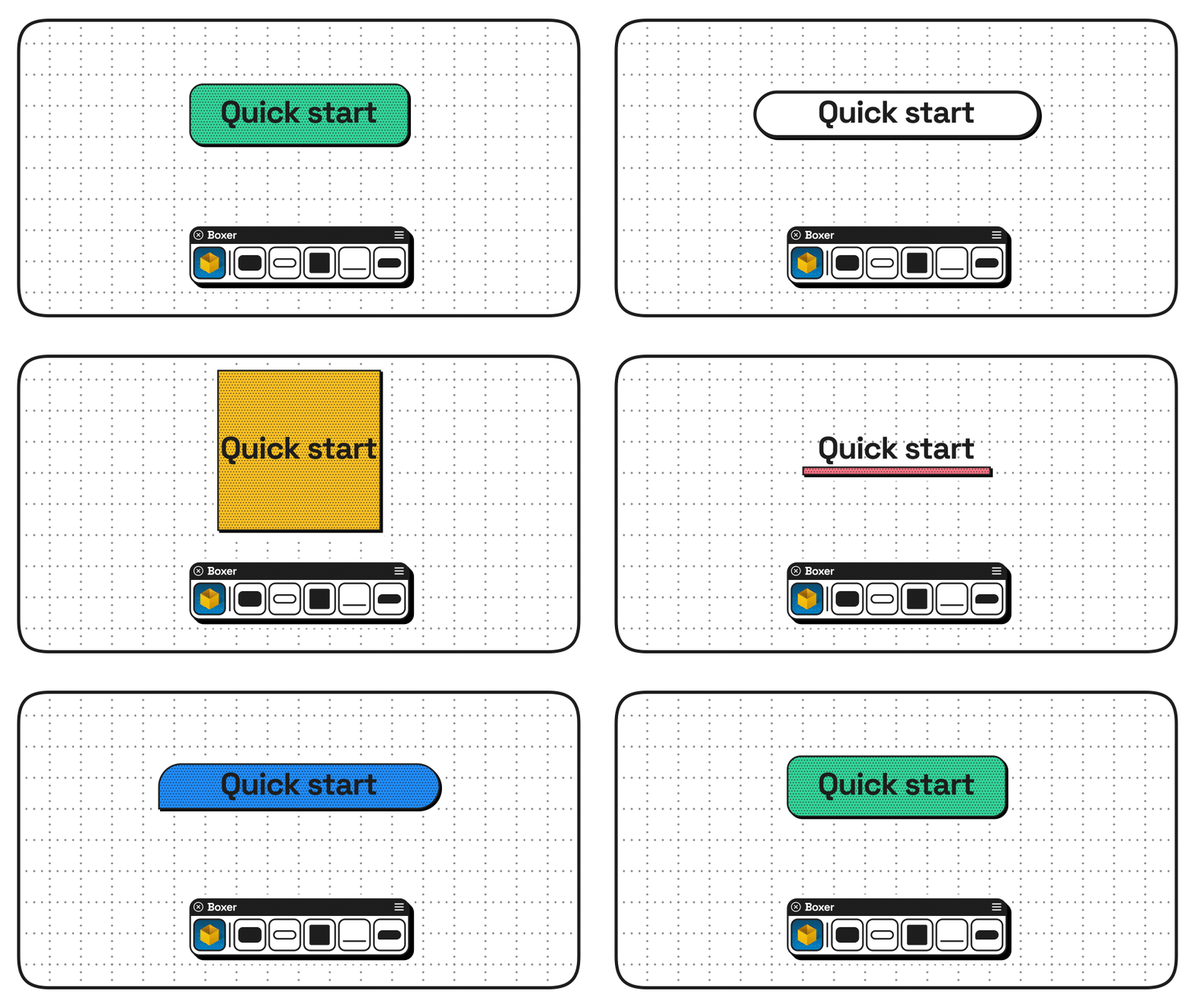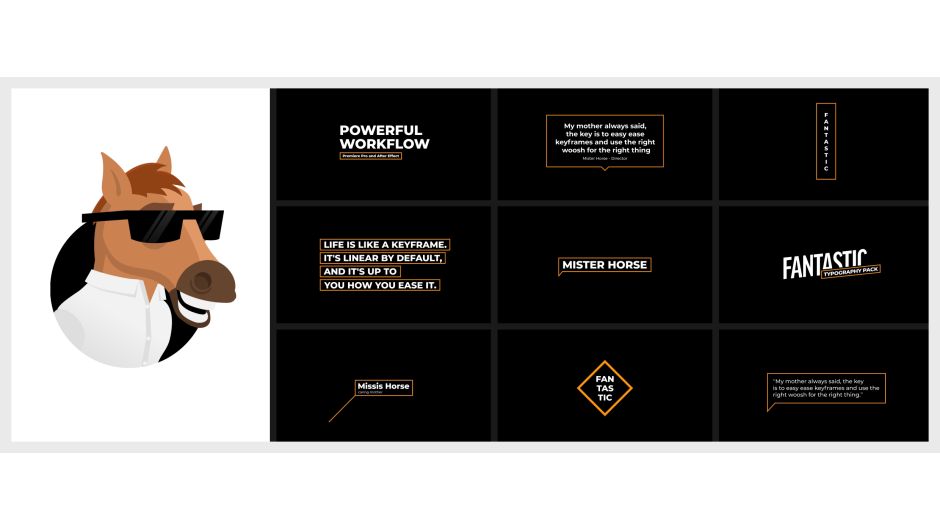
Box It! is an After Effects script that creates shape-layer boxes around text. The boxes update when the text changes, with controls for sizing, corners, spacing, and alignment. It is suited to lower thirds, labels, chat bubbles, and layouts with several related text boxes.
Build boxes and attached elements
Select one or more text layers, click Box It!, choose an element, add it, then adjust its settings in the Effect Controls panel. Box height can be based on cap height, x-height, or full height. This lets you choose how letters with different ascenders, descenders, and accents affect the box. Paragraph text and 3D are supported; vertical text works with Full Height.
Boxes support individual or shared expansion, roundness, and skew. You can set each corner to a convex, concave, flat, or step profile and adjust its curvature. Choose pixel-based corners when the radius should stay the same as a box changes size, such as when its text gains another line.
Optional lines are shape layers and can use features such as dashes and Trim Paths. Corner brackets can be shown or hidden individually. Boundary Nulls add nine null objects at the box's corners, sides, and center. Attach another layer to a null to keep it positioned relative to the box as the text changes.
Adjust layout and animation
Composition alignment positions a box on the x and y axes, with x, y, and z offsets; it updates when the composition size changes. Parent-layer alignment offers 25 positions. Set minimum width and height in pixels, or use another layer to define a minimum size. These controls help keep several lower thirds the same size. Trim to Square keeps the box square regardless of text length; a 100% corner radius makes it circular.
Percentage-based offsets let the text move separately from its box and update as text length, scale, or position changes. If text animators change the text's size over time, Size At Time sets when the box measures it: the current time, the layer's in, mid, or out point, or a custom time. Width and height can use different reference times.
When a text layer has several boxes, its master effect controls can adjust them together. Each box's shape-layer controls can also be adjusted individually. For reusable designs, Box It! settings for alignment and width can be exposed through After Effects Essential Graphics. Projects and Motion Graphics Templates made with Box It! can be shared with people who do not have the script installed; the product page says they use shape layers and pseudo effects.
Compatibility, trial, and licensing
The listing marks Box It! compatible with After Effects 2020 through 2026. Included templates are provided as an After Effects 2020 project at 1080p and 30 fps, and may be used in any number of commercial projects. The trial lasts seven days and does not include templates or the ability to add Elements.
The listing's EULA licenses one copy on one computer at a time. Use across multiple computers or users requires the appropriate additional licensing.