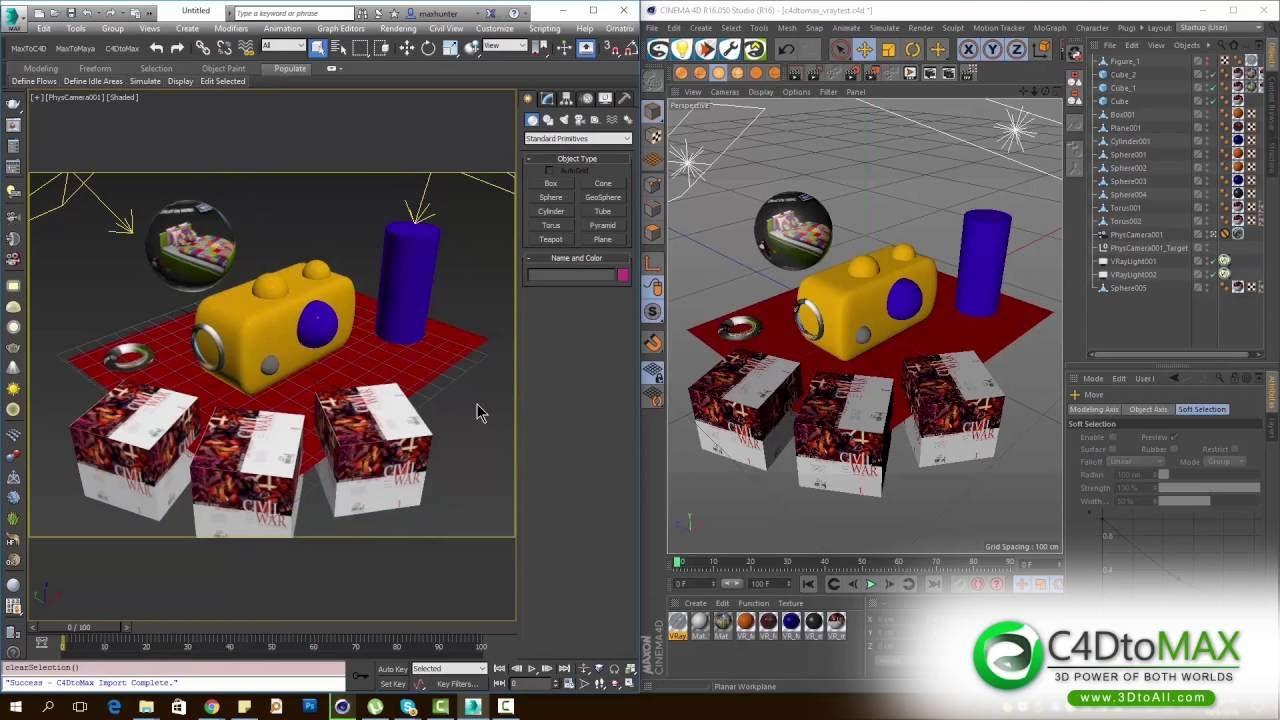
C4DToMax by 3DtoAll transfers a Cinema 4D scene into 3ds Max in two clicks. The product listing says it carries models, animation and materials while handling common import and export issues automatically.
Transfer scenes and Vray materials
The plugin also supports scenes with Vray materials or lights. It converts Cinema 4D Vray to Vray for 3ds Max, producing similar materials and settings in the destination application. The listing describes this workflow for artists moving a scene to use 3ds Max render engines, its object library, or its hair and grass systems.
C4DToMax transfers from Cinema 4D to 3ds Max; 3DtoAll also lists a separate plugin, MaxToC4D, for transfer in the reverse direction.
System requirements and supported versions
C4DToMax runs on Windows and requires both 3ds Max and Cinema 4D to be installed. The listing gives support for 3ds Max 2015 through 2026 and Cinema 4D R17 through 2026. Check current host-version coverage if your setup falls outside those ranges.
Price and current details
The supplied Toolfarm listing marks C4DToMax as free. Check the listing for current availability and licensing terms before downloading or deploying it across a team.