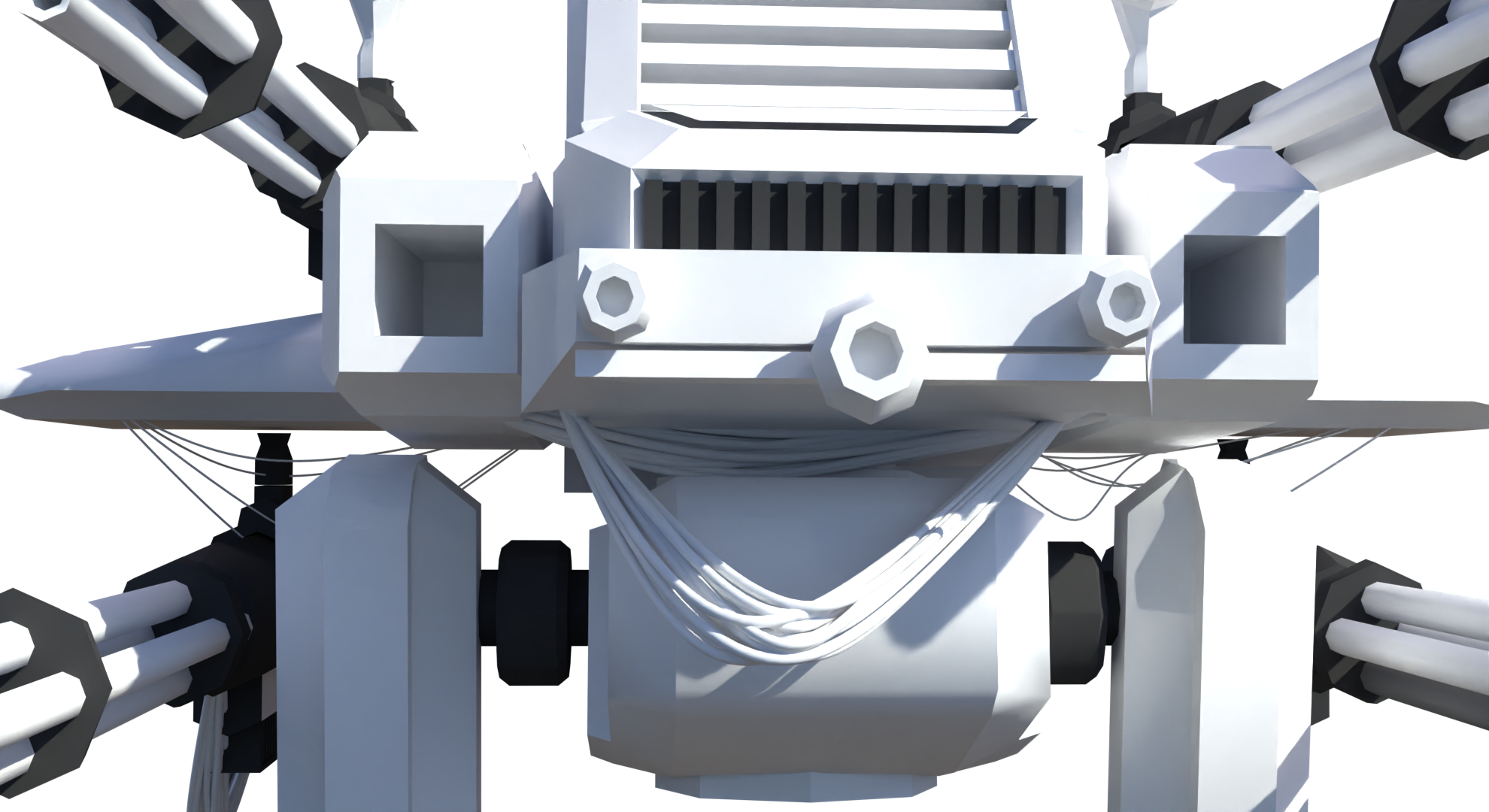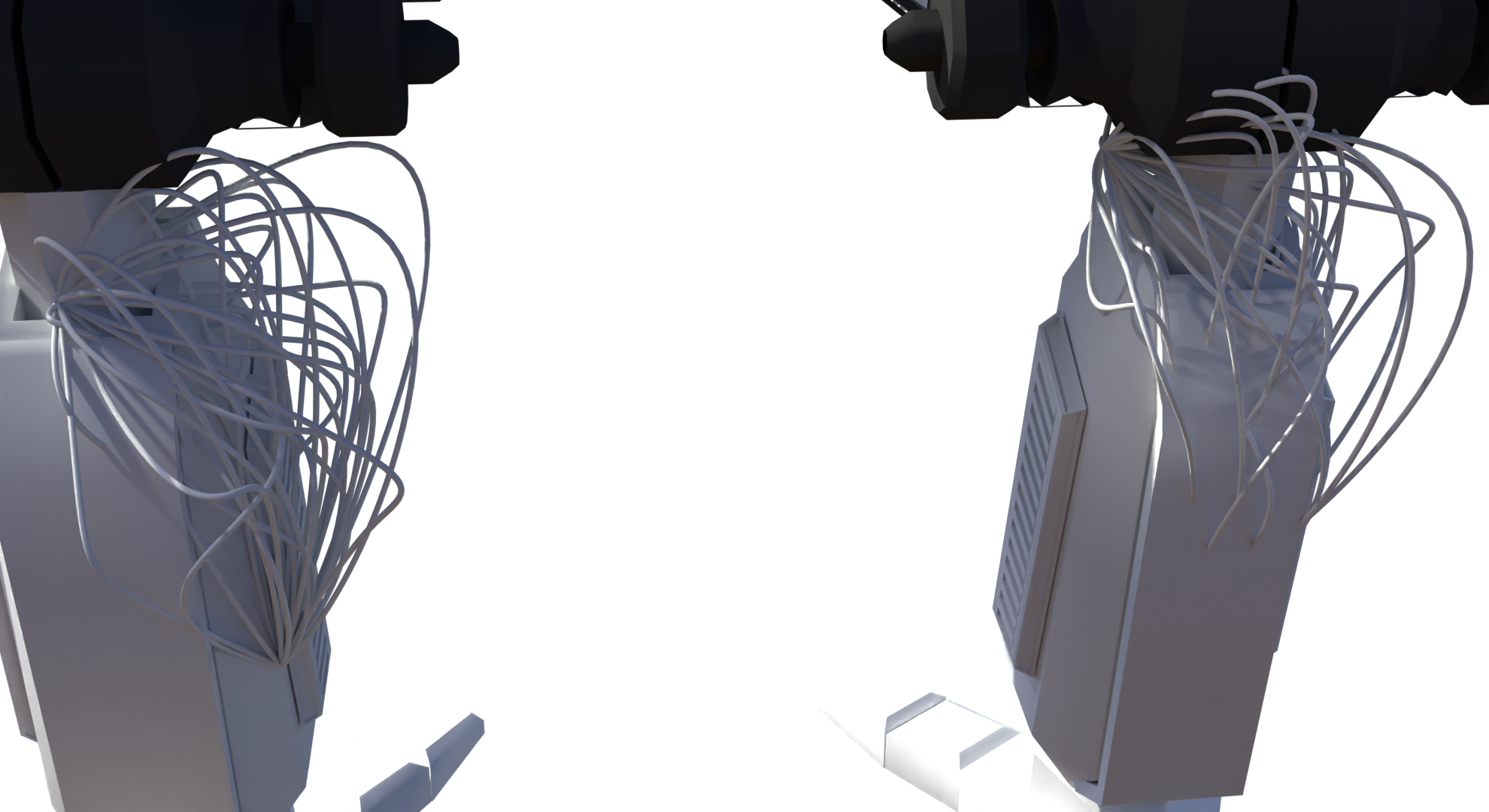
Cable Pro 2 is a Blender add-on by Alexandre Brillant for connecting objects with adjustable cables. It works with one or several objects and includes controls for cable thickness, elasticity, wind, gravity and anchor placement. The marketplace listing identifies the license as GPL and names Blender versions from 2.8 through 4.2.
Choose where cables attach
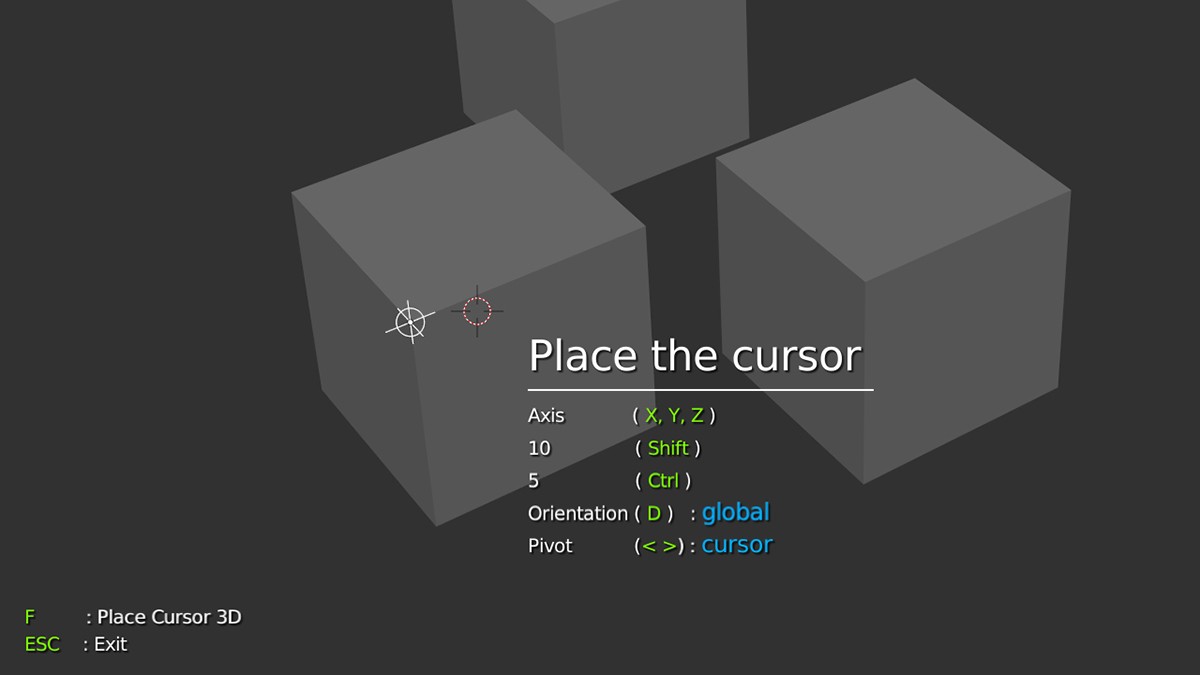
Select source and target objects, then use the Cable it action to create a connection. The default endpoints use each object's geometric center. To choose different attachment points, edit the source or target and select vertices. The documentation also says the same object can be selected as both source and target.
When you choose vertices, the anchoring ratio sets the endpoint along a straight line between the object's center and the selected point. A lower ratio keeps it closer to the center; a higher ratio moves it toward the selected point. A ratio of zero places the cable endpoint outside the object.
Adjust cable shape
Set thickness, elasticity, gravity and wind to change the cable's appearance. Gravity moves the cable's middle point: a higher value makes it droop, while a negative value moves it upward. Elasticity controls tension, with lower values reducing tension. Wind applies force to the left or right along the X or Y axis, depending on the cable's orientation.
Manage groups and connection patterns
The Group options can create several cables for each point combination and randomly vary the positions of their curves' intermediate points. In Full mode, every source point connects to every target point. For example, two selected source vertices and three target vertices produce six cables. Single pairs source points with target points in order, returning to the first target when no corresponding target exists. Single delta uses separate source and target index shifts to change those pairings. Random selects a cable from the Full combinations. Use fewer selected points or another distribution mode when a Full setup would create too many cables.
You can set the proportion of cables to create, store the cables in a named collection and use different cable combinations together. The product documentation explains which settings apply to the next cables and which update the last cables traced.
Convert cables for a finished scene
Cable Pro 2 can convert cable curves into a mesh and apply a selected material. The product listing says you can continue modifying a cable while keeping its material. The documentation says converting curves to a mesh with a selected material can be resource-intensive, depending on the number of cables and the material.
Install and check compatibility
The documentation describes installing the supplied cablePro2.zip file through Blender's Edit and Preferences menus. After installation, Cable Pro appears in the plugin list and may need to be selected; its controls are available in the Layout workspace's right-side panels. Because the listing names Blender versions through 4.2, check the current product page for compatibility with your specific Blender build.