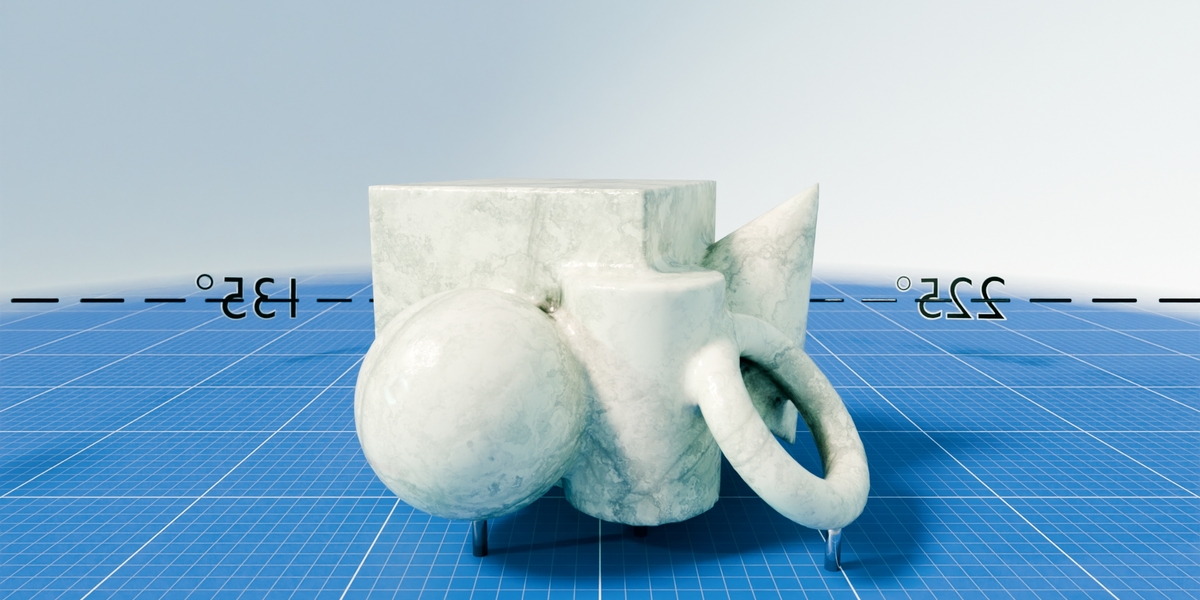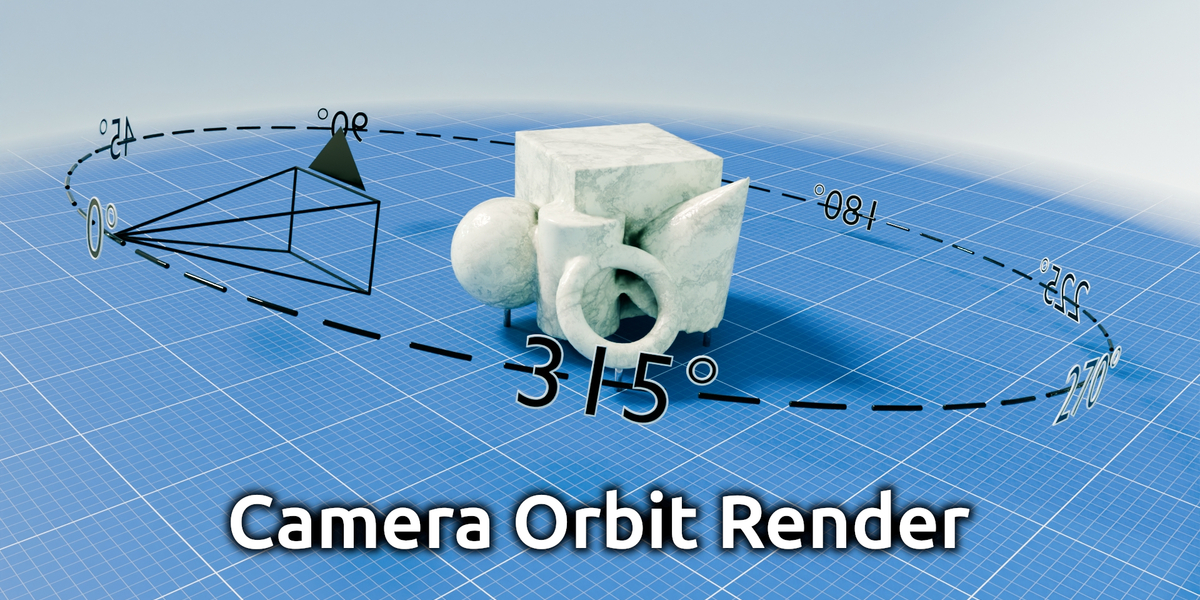
Camera Orbit Render (COR) is a Blender add-on for rendering a series of still images from viewpoints around a subject. Select a camera as the active object, optionally select one or more objects to orbit, then start the render. COR handles the angle changes and saves each image to disk, avoiding a manual setup with a circular path and camera tracking.
Choose the orbit center
When you select one or more objects, COR places a focus empty at their center point. With no objects selected, it uses the 3D cursor location. The add-on duplicates the active camera and parents the copy to the focus empty, so the orbit render uses the duplicate while your original camera and scene objects remain untouched.
Set angles, image count, and output
Choose clockwise or counterclockwise rotation, set the start and end angles, and enter the total number of images. For a full 360-degree orbit with eight images, the camera advances by 45 degrees per render. Set an output directory for the files; a path beginning with // is relative to the .blend file. COR zero-pads filenames to match the image count, such as 001, 002, and 003 for a 100-image render.
Use a custom focus object
Advanced options let you supply your own focus object. COR can use that object's rotation and local orientation to control the orbit beyond the standard Z-axis-based path. The version notes describe the initial release's custom focus and orientation options.
Install and check compatibility
In newer Blender versions, dragging the downloaded ZIP file into Blender may install and enable the add-on. In older versions, use Preferences, open Add-ons or Extensions, choose Install from Disk, and enable the add-on if needed. The Superhive listing identifies version 1.0, marks Blender Extension compatibility, lists Blender 4.0–5.3, and gives the license as GPL.