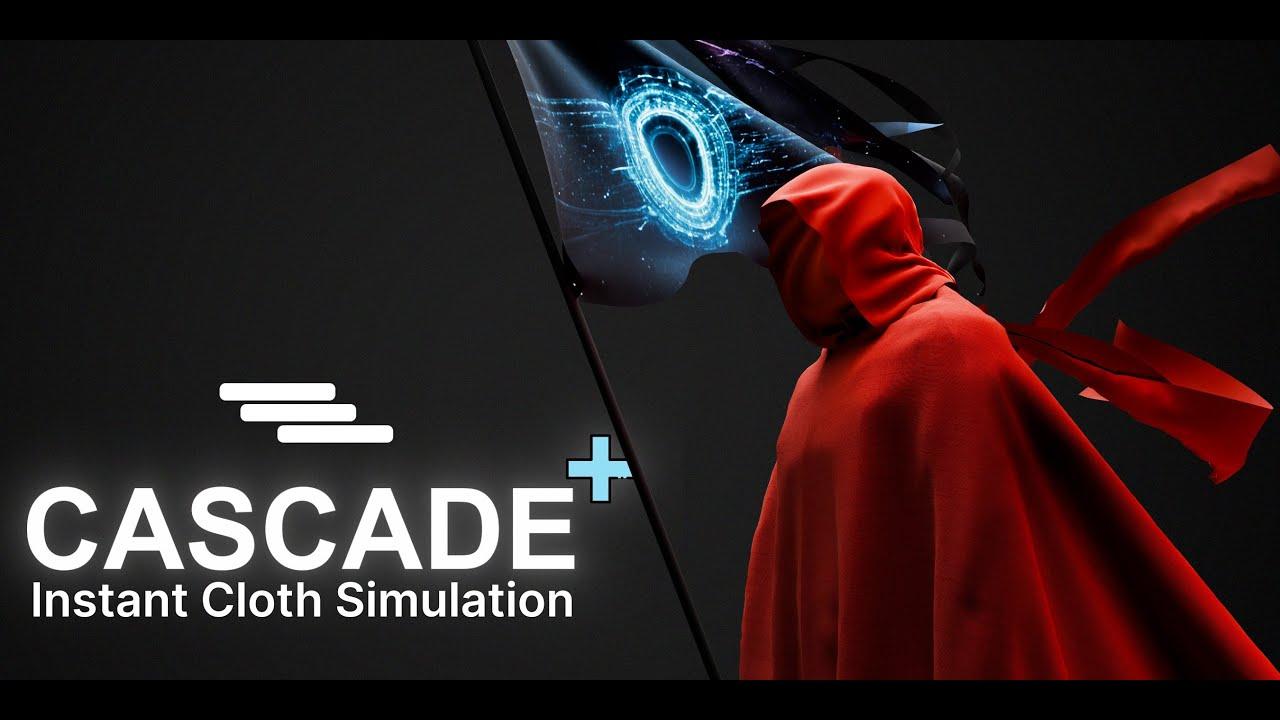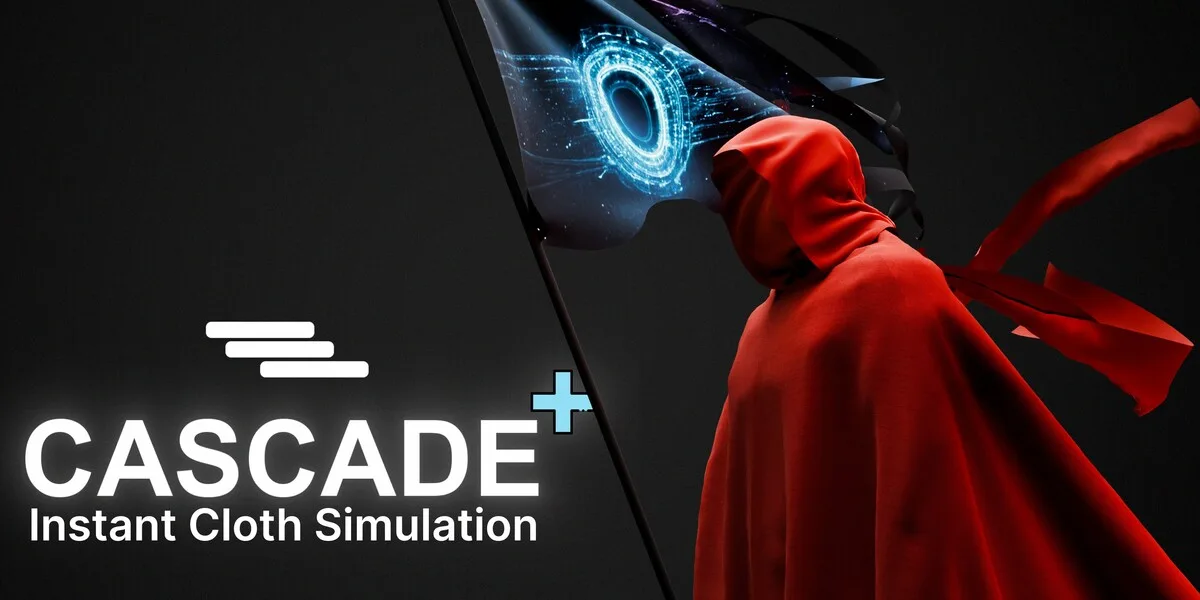
Cascade Plus is a Blender library of ready-to-play cloth simulations. Its Full edition includes 103 baked Alembic simulations across 35 kinds of cloth, with 100 fabrics. Choose an asset, deploy it into your scene, and play or scrub the timeline without setting up and baking a new cloth simulation. See the product listing for the current edition details.
Place and play cloth
Install the extension in Blender 4.2 or newer, then set the location of the simulation library in Cascade Plus preferences. Put the 3D cursor where the cloth should appear, open the Cascade tab in the 3D Viewport sidebar, and search or filter the gallery by wind strength. Choose a simulation and deploy it. The cloth appears at the cursor and plays from the scene timeline.
The library includes flags and banners, capes and hoods, sails, tents, curtains, ribbons, covers, and other cloth forms. Most types have low, medium, and high wind versions, so you can choose a prepared motion to suit the shot.
Full and Lite library sizes
- Full: 103 simulations, 35 kinds of cloth, and 100 fabrics. The download is about 15 GB.
- Lite: 60 simulations, 22 kinds of cloth, and 60 fabrics. The download is about 6.8 GB.
The simulation library stays in a folder on your drive, so leave that folder in place after setup. The product manual covers installation and library setup in more detail.
Set timing and loops
Each deployed cloth has Start Frame, Speed, and Offset controls. Use them to choose when it begins, how quickly it plays, and where it starts in the baked motion. Randomise Timing can stagger selected cloths so copies do not move in sync. Copies made with Shift+D share a cache until you individualise them, which gives each copy its own timing.
Seamless Loop can repeat a section of a cache. A best loop is supplied for 102 of the 103 simulations, and loop ratings vary from Seamless and Smooth to Soft blend or Not recommended. You can use the supplied loop or adjust its start, length, and blend.
Apply fabrics and move projects
Choose a fabric and apply it to the selected cloth. Cascade sets up the cloth's UV map, so manual unwrapping is not needed. You can adjust the pattern's scale, rotation, and offset, add fine bump detail, or replace the image in the material with your own texture.
Use Collect Into Project to copy cache files beside the saved .blend file and set relative paths. The option to pack Cascade textures stores them in the project file. Keep the .blend and its cascade_caches folder together; the collected project can then play and render on a computer without Cascade installed.
Know what the baked motion can do
Cascade Plus plays the motion already stored in each cache. The cloth does not collide with your scene objects or drape around a particular character. For a shot that needs custom collisions or fitted draping, Blender's cloth simulator is the better fit. Cascade Plus is useful when a prepared cloth motion, adjustable timing, and repeatable playback meet the needs of the scene.