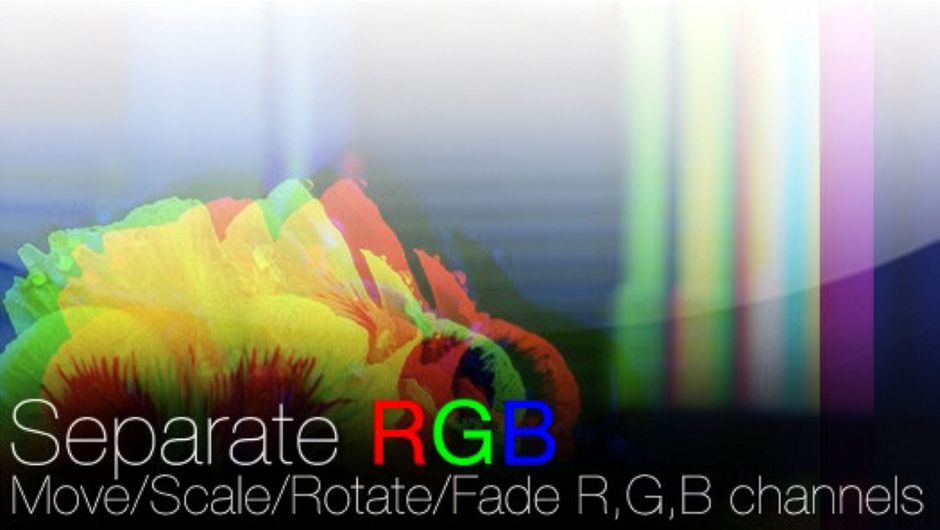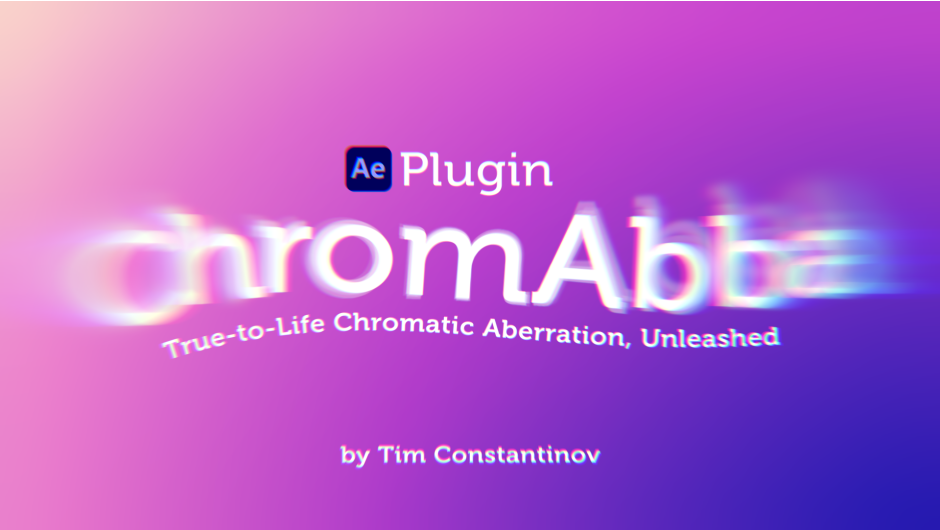
Chromabba is a GPU-accelerated effect for chromatic aberration. It models light bending at image edges instead of producing the look only by shifting RGB channels.
Adjusting the effect
Strength sets overall intensity. Direction sets displacement to Both, Inward, or Outward. Samples controls smoothness, Edge Attraction Power controls edge following, and Edge Mode sets how image boundaries are handled: Transparency, Clamp to Edge, Repeat, or Mirror Repeat.
To limit the effect to part of a shot or design, apply Chromabba to an adjustment layer and use masks and transforms to set its area and size. Pushing parameters beyond their intended range produces a thick, refractive glass distortion for abstract backgrounds, transitions, or experimental design.
Rendering and compatibility
Chromabba runs on the GPU through WebGPU, supports Multi-Frame Rendering, and works with 8-bit, 16-bit, and 32-bit color. It uses Metal on macOS with Intel or Apple Silicon, and Vulkan or Direct3D 12 on Windows 10 or later.
The listed compatible versions are After Effects 2022 through 2026, Premiere Pro 2022 through 2026, DaVinci Resolve 18, 19, 20, and 21, and Nuke/NukeX 13.0, 13.1, 13.2, 14.0, 15.0, and 16.0. The listing also says it works in other OFX hosts, without naming additional applications.
Some GPUs have frame-size limits, commonly around 8192 pixels on certain systems. When a frame exceeds the available GPU limit, Chromabba displays a warning overlay and keeps the image visible.
Licensing
Chromabba uses Name Your Own Price pricing, with a suggested price of $30 on the listing. Individual users may enter another amount. The listing says businesses and teams must pay the suggested amount for a valid license. The posted EULA covers one copy on one computer at a time and requires an appropriate license for each additional user or copy, so account for those terms when planning a shared setup.