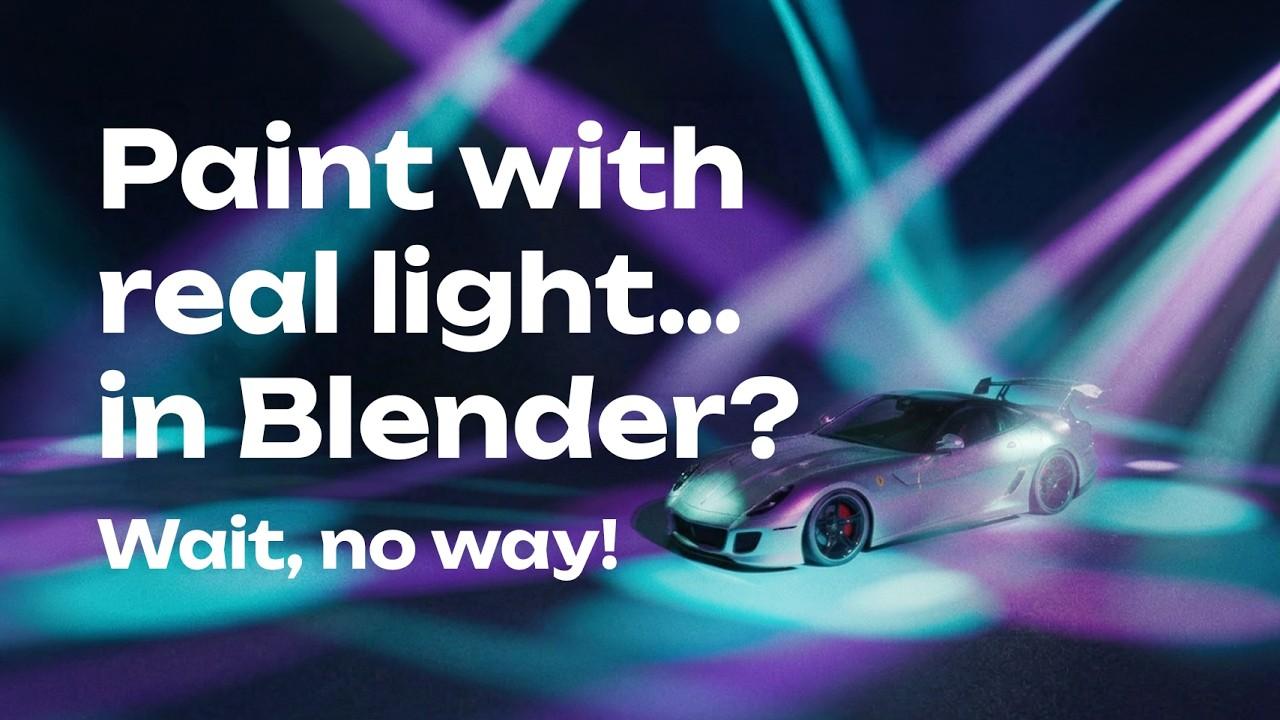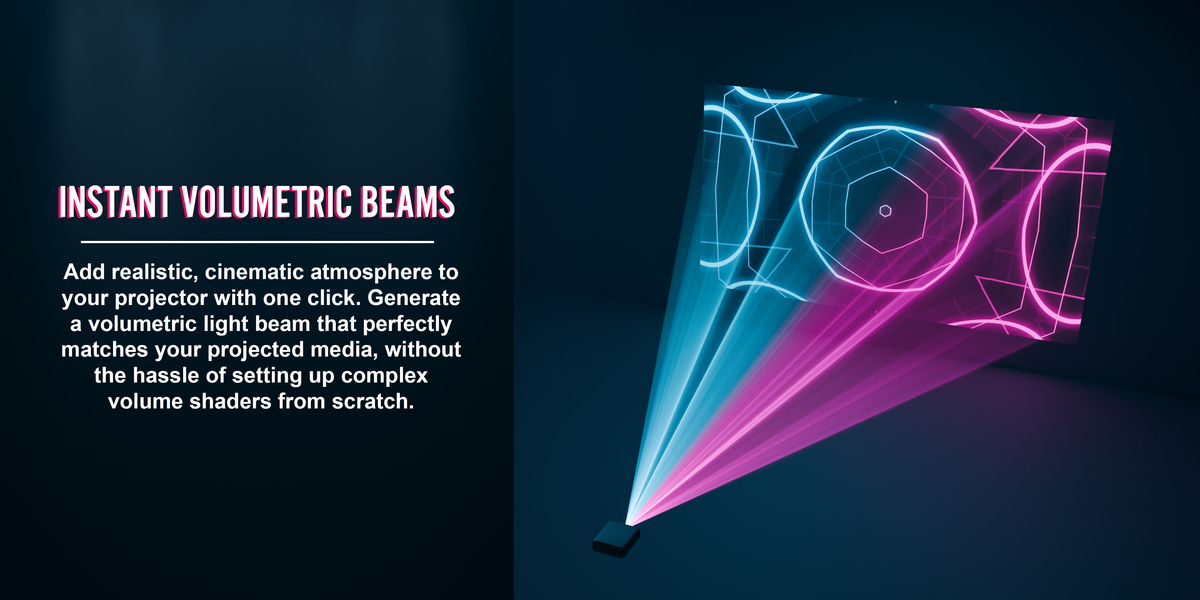
Cinecast Projector is a Blender add-on for projecting images and video onto scene surfaces with a controllable 3D projector rig. Quick Aim, projection pins and shape correction handle alignment, while built-in patterns and image effects support graphic projections and atmospheric lighting. The Shilo Labs product listing describes its main features.
Align a projection in the viewport
Quick Aim tracks the mouse cursor across a surface; left-click to lock the projector onto the target. The documentation says this works best in Render Preview. Four control pins set the projection boundary. Snap Pins places them around the projected image, and Auto Correct Shape can snap the pins while correcting a skewed or stretched image. Corner Pin controls let you adjust the shape by dragging its corners, with scale, rotation and shift controls for further adjustments.
Objects between the projector and its target can intercept the pins and distort the projection. Hide any characters, props or furniture blocking the target before snapping, then unhide them. To add more than one projector, use the add button for each one; duplicating a projector in the viewport breaks its connection to the add-on.
Choose patterns or custom media
The add-on includes 50 seamless looping graphic patterns. Radial Mirror and Radial Twist modify media by repeating or twisting it into geometric variations. You can also load custom images, image sequences or video. The official documentation lists support for MP4, MOV, AVI, MKV and WebM video, plus PNG, JPG, JPEG, EXR, HDR, TIFF, TIF and TGA images.
Tune the image and light
Brightness, lens softness and pixel density adjust the projected light and image. Pixel Density can give the projection the look of a 4K laser projector or a low-resolution CRT beam. Image controls include saturation, white and black levels, solid-color and gradient overlays, and a vignette. Glow adds bloom, while chromatic aberration adds color fringing at the projection edges.
An optional volumetric beam connects the lens to the control pins; with Snap Pins to Surface, it covers the projected image. You can turn it off to use the projector with global scene volumetrics instead. Beam extension, overscan and intensity adjust its appearance. The package also includes a 3D projector asset with realistic materials for use as a visible scene object.
Check compatibility and license details
The marketplace listing gives a Blender version range of 4.2 to 5.1. The documentation says Cinecast Projector is built for Cycles and does not work with Eevee. The listing identifies the add-on license as GPL; its FAQ separately says the included patterns and projector model are royalty-free for personal and commercial use. Check the current seller terms for the files and use you have in mind.