Clothmaster is a Blender add-on by NIXO that automates a cloth setup on a selected object. Its Superhive listing describes the setup steps and the add-on’s other tools.
What Clothify sets up
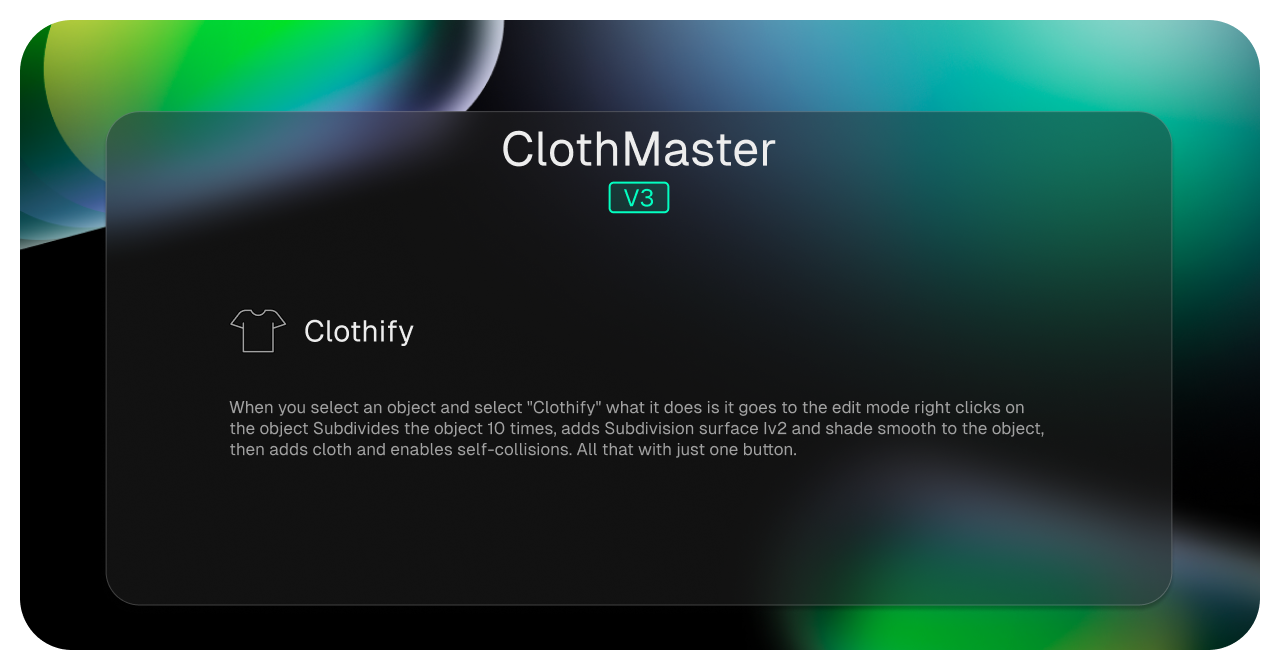
When you use Clothify, the add-on enters Edit Mode, subdivides the object 10 times, adds a Subdivision Surface modifier at level 2, applies smooth shading, adds cloth, and enables self-collisions. This groups those setup actions behind one button. The listing claims it can generate a simulation in one second, but gives no bake-time benchmark.
Clothify subdivides the selected object 10 times, which can create a dense mesh; inspect the resulting mesh after setup. The listing does not specify further cloth parameter values.
Other Clothmaster tools
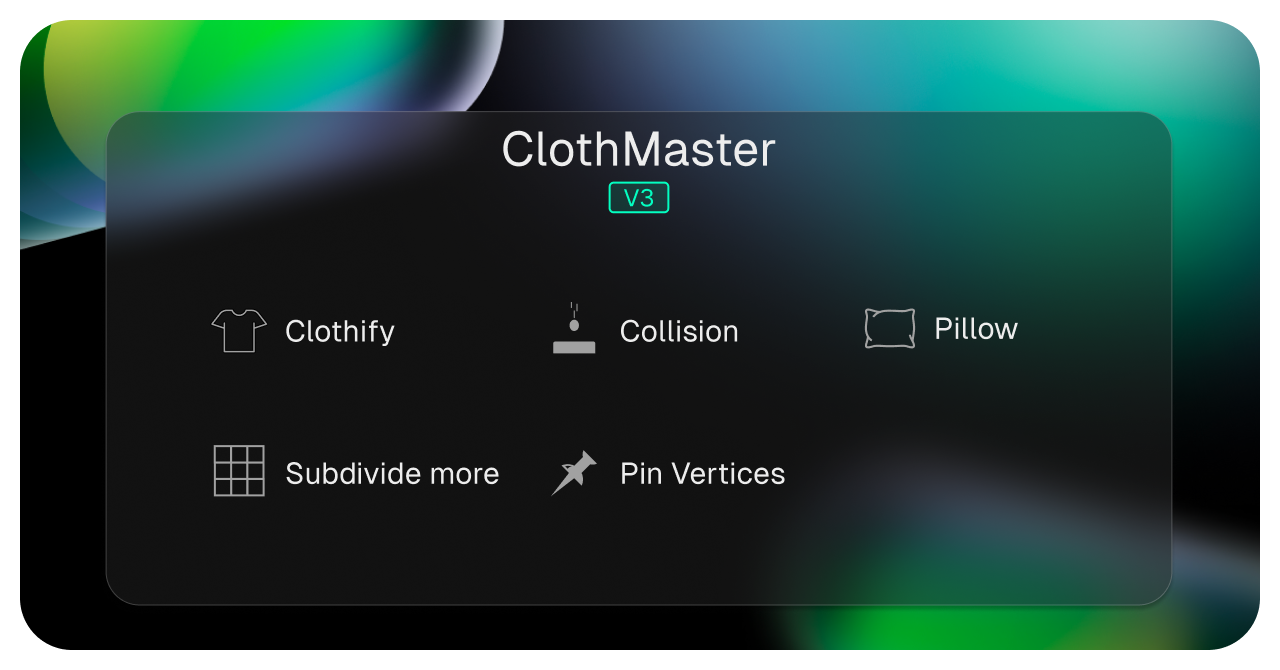
- Subdivide More adds detail to a simulation.
- Pin Vertices creates a vertex group from selected vertices and assigns it to the cloth modifier’s pin group. Use it after Clothify; the listing mentions curtains and flags as examples.
- Collision adds collision to an object.
- Pillow turns an object into a pillow.
The product page links short demonstrations for making a pillow and using Pin Vertices.
Install and compatibility
After downloading the add-on’s .py file, open Blender and go to Edit > Preferences. Open the menu arrow in the top-right corner, choose Install from Disk, and select the file. The listing maps the shortcut to Alt+C on Windows and Option+C on Mac.
The Superhive listing reports Blender versions 3.0 through 5.0 and a GPL license. Check the listing for current compatibility and license details before installing.
Who may find it useful
Clothmaster suits Blender artists who want to apply its listed cloth setup steps together, create pillows, or pin selected vertices for objects such as curtains and flags.