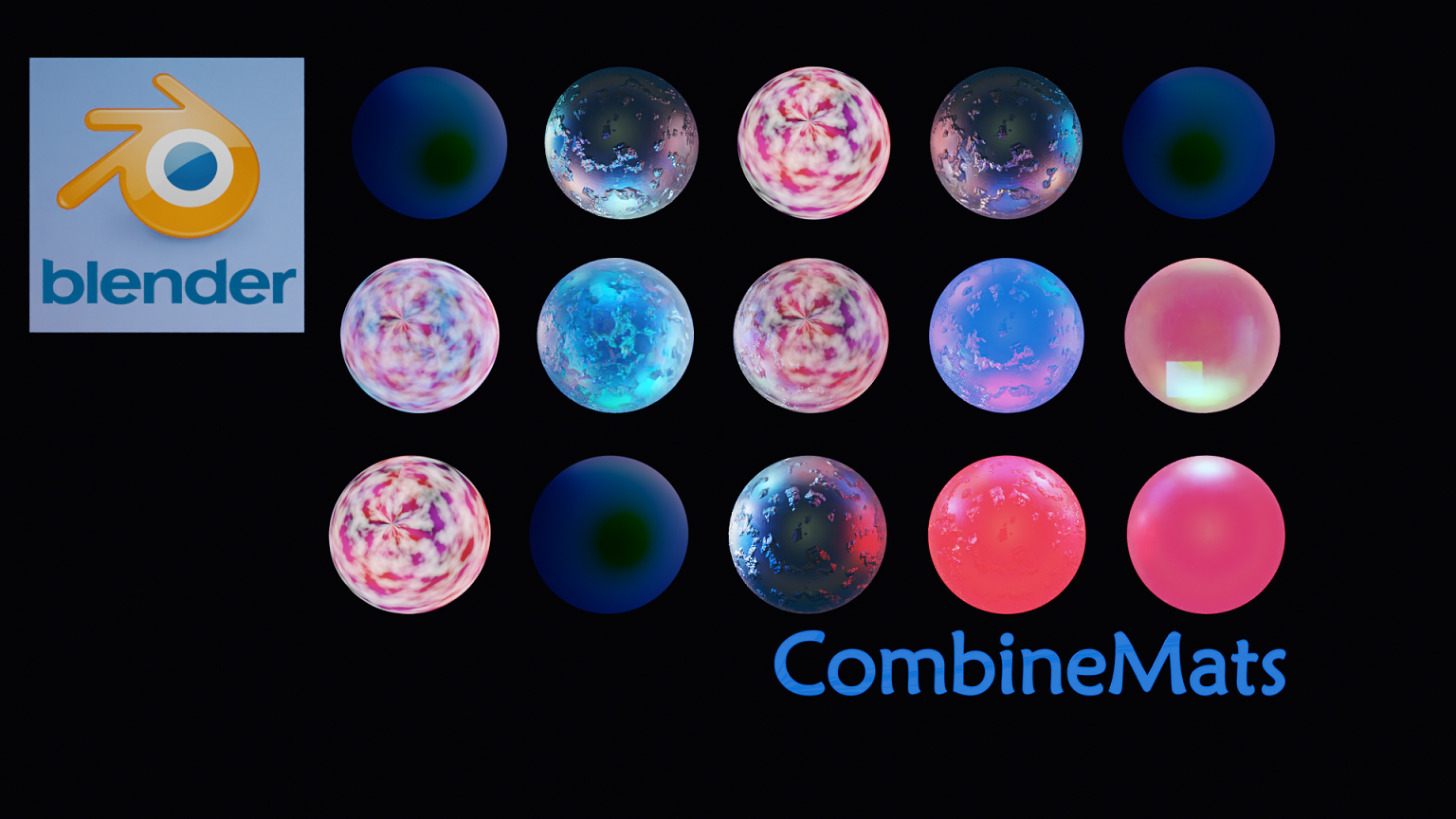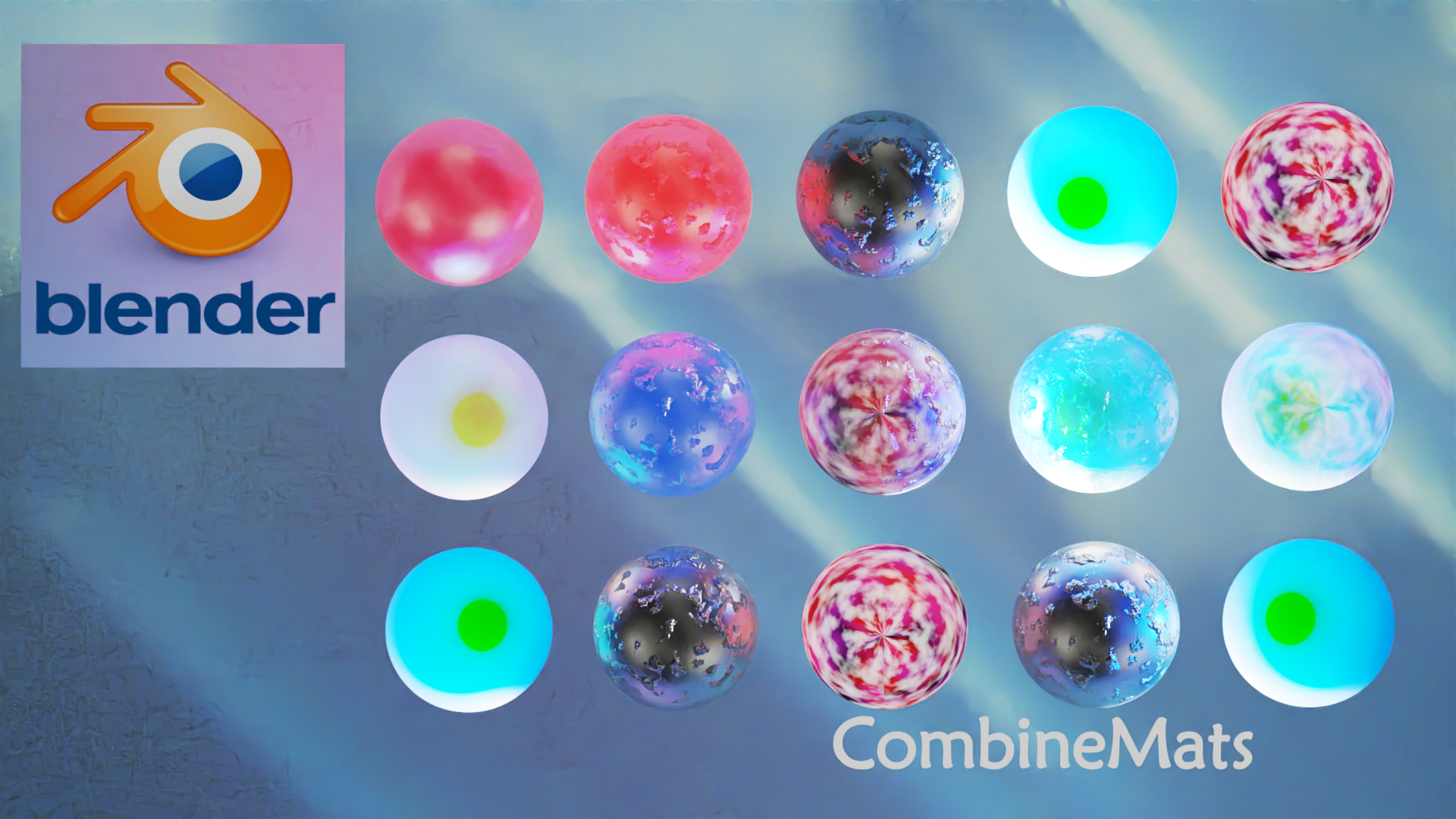
Combinemats is a Blender add-on for combining two or more existing materials into a new material. It uses a Mix Shader and places the added nodes automatically, completing the combination with one click.
How material blending works
Combinemats combines material outputs through a Mix Shader. The blend uses a factor, with a texture map or vertex paint given as examples. A mapped or painted factor can control where source materials mix across a surface, which is useful when a material needs more variation than a single uniform blend.
Automatic node placement
The add-on calculates where to append the new nodes in the combined material. The seller also says Combinemats supports group-node combinations, which may help when the source materials use node groups.
Compatibility and license
- Operating system: Windows only.
- Blender versions listed: 3.0, 3.1, 3.2, 3.3, 3.4, 3.5, 3.6, 4.0, 4.1 and 4.2.
- License: GPL.
The listing does not confirm Blender versions after 4.2. Check the seller's current compatibility details before using a newer release.
Who it suits
Combinemats may suit Blender users who combine materials and want a one-click Mix Shader setup with automatic node placement. It is documented for Windows; the supplied listing does not establish support for other operating systems.
See the Superhive product listing for product details and the documentation page for a basic manual Blender node-editor workflow.