Control LMFX is an After Effects panel for managing effects, layer groups, and project tasks from one place, including when you switch compositions. It fits workflows that repeatedly organize layers or adjust effects across compositions, along with users who need its composition, frame-rate, palette, or keyframe tools.
Manage effects and layer groups
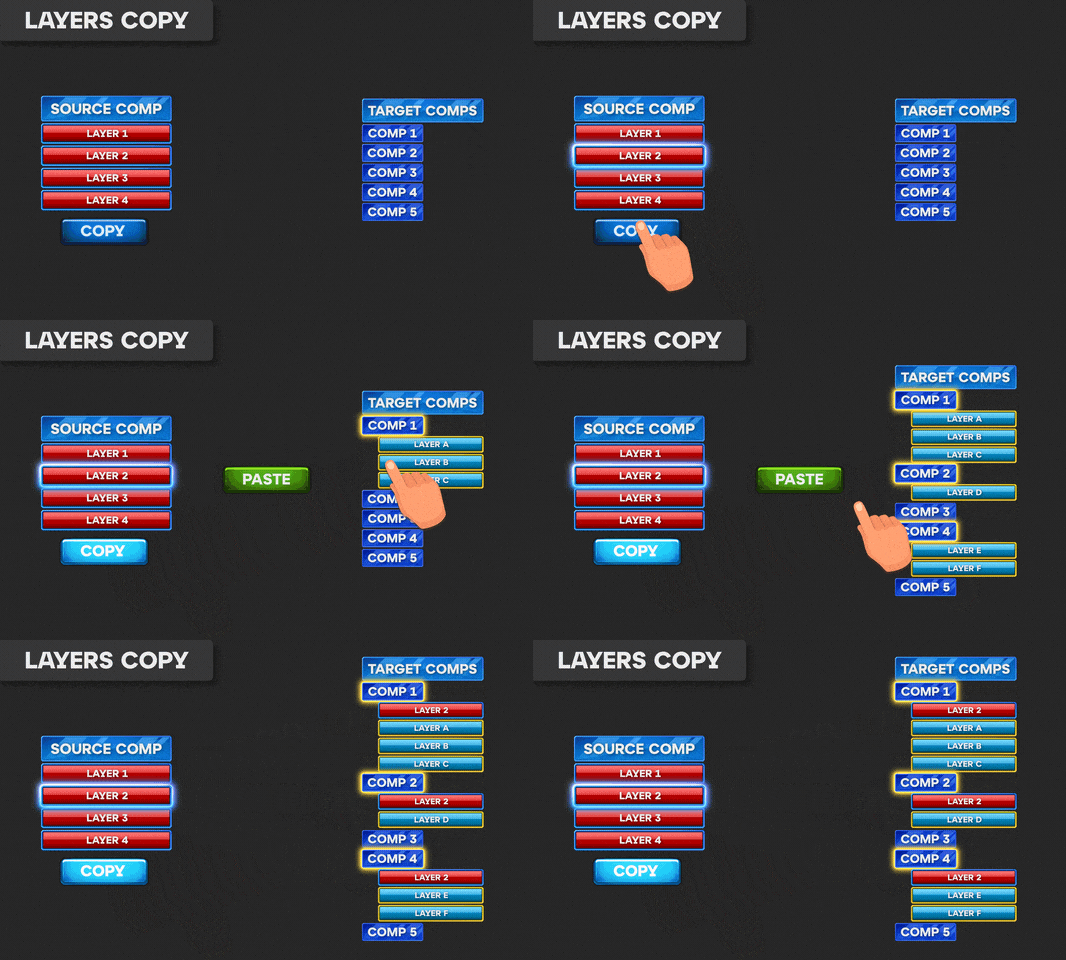
FX Manager controls effect activity across a project and shows which layers have the selected effect active. If that effect is used in several selected compositions, you can adjust its parameters across those compositions. Group Controls let you change the visibility and behavior of every layer in a group at once.
Filter timeline layers
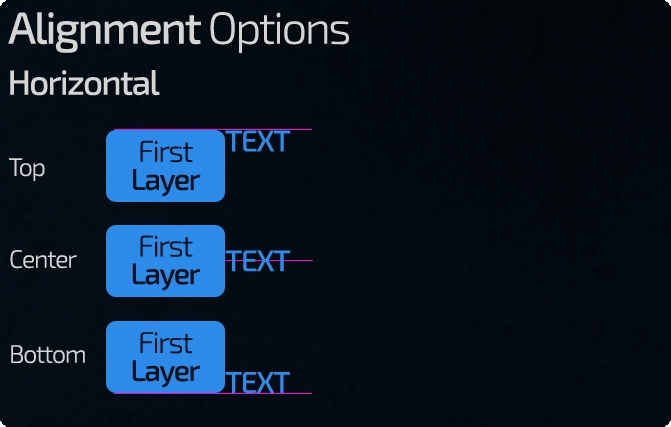
Preset timeline filters help narrow the layer list to the layers you need. This can help when a composition has many layers and you want to work on a subset without changing the group controls.
Composition and project tools
- Duplicate Compositions can organize compositions in a grouping mode without creating duplicates. During duplication, it can also update
comp()names in expressions. - FPS Editor changes the frame rate of selected media or compositions to match the active composition. It also supports manual frame-rate input and filtering.
- Pre-Compose Tool can unpack compositions with a hotkey.
- Recolor Keyframes supports text-layer keyframe animation and can apply a color change to all parameters.
- Palette Manager groups colors by type and identifies whether a color comes from a parameter, effect, or layer.
- Custom Sort Folder supports keyword-based sorting for files and compositions, sorting compositions by label color, and grouping unused files.
Compatibility and license
The listed compatibility range is After Effects 2022 through 2026. The product EULA grants one copy for one user on one computer at a time and allows one archival copy on storage other than a hard drive. Shared multi-user use and additional copies require appropriate licensing for each user and copy.