What 3D Flag does
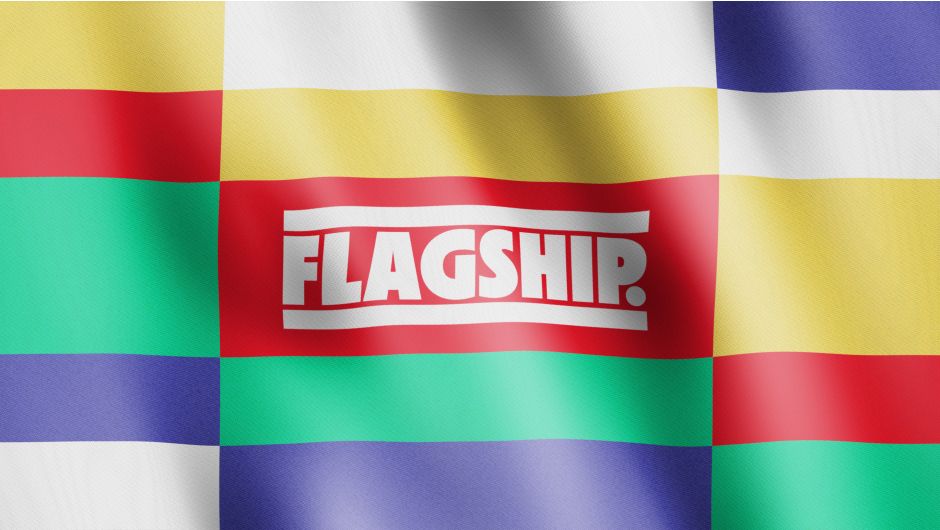
3D Flag is a customizable After Effects project template for making fabric flags wave in the wind. Add your own image, text, or video to a flag, then use the included 3D oscillation and 2D ripple and warping effects to shape its movement. The flag can be viewed with 3D camera movement, and the project includes a 3D flagpole with ropes.
Build and customize a flag
Start with one of 25 included country flags or use your own artwork. Choose a flag composition at 1000x500, 2000x1000, or 4000x2000 pixels. You can adjust its width, while its height is fixed. The main compositions are 1920x1080 by default; you can change the composition resolution and frame rate.
Adjust wind speed, gravity, and ripple speed and shape with slider controls and keyframes. Choose from seven fabric textures or import a texture image. For the pole, use the included 3D version or choose from nine transparent PNG flagpoles, which suit shots without very high or low camera angles. Five flag and flagpole sound effects are included.
Compatibility and usage rights
The template works in Adobe After Effects 17.0 (2020) and later on Windows or macOS, and supports After Effects in any language. It is an After Effects project file, not a plugin, so there is nothing to install. The footage and music shown in the demonstration video are not included.
Creation Effects permits commercial use of exported videos, and the product page says you own the rights to those exports. The project files themselves remain Creation Effects property: you may share them with clients or coworkers collaborating on the same project, but you may not redistribute or post them online. One purchase covers up to three computers for the same primary user; each additional user needs a separate license. The terms also prohibit promoting the effect as a custom service, making it the main focus of a service, or using it to compete directly with Creation Effects.