Curvearray + Magiccurve is a Blender add-on by JobWeek for placing repeated objects along curves and across surfaces. Curve Array operates outside Blender’s modifier system: it keeps arrayed objects separate and does not distort their meshes. Magic Curve creates or changes curves, including curves with tilt set to a surface. Used together, the tools can distribute objects across a surface while keeping their normals aligned.
Curve Array for repeated objects
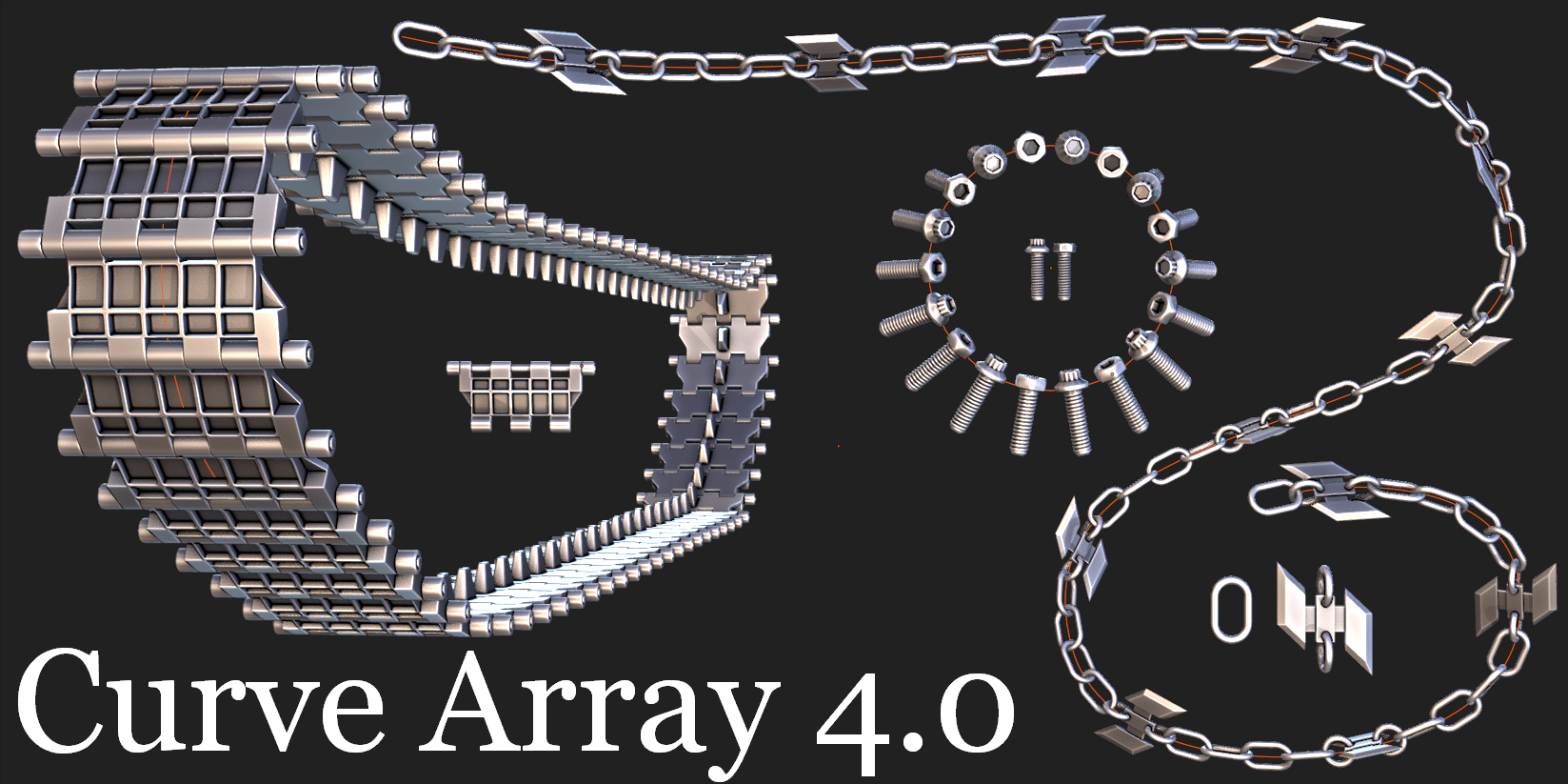
Curve Array creates arrays along a path. Version 4.0 supports curves with multiple splines and gives users control over normal smoothness and cyclicity. Spacing options include Fill by Pivot and Fill by offset (Relative). You can also edit the last array you created if its path or placement needs adjustment.
Sequences and transforms
The Object Editor supports an unlimited number of random groups, which can be added to other groups. It also supports custom sequences. The Len parameter sets the number of unique repetitions in the queue. Each queue item has its own Transform Editor for rotation, scale and movement, including progressive and random values. These controls let you vary objects in an array.
Magic Curve and surface-aware paths
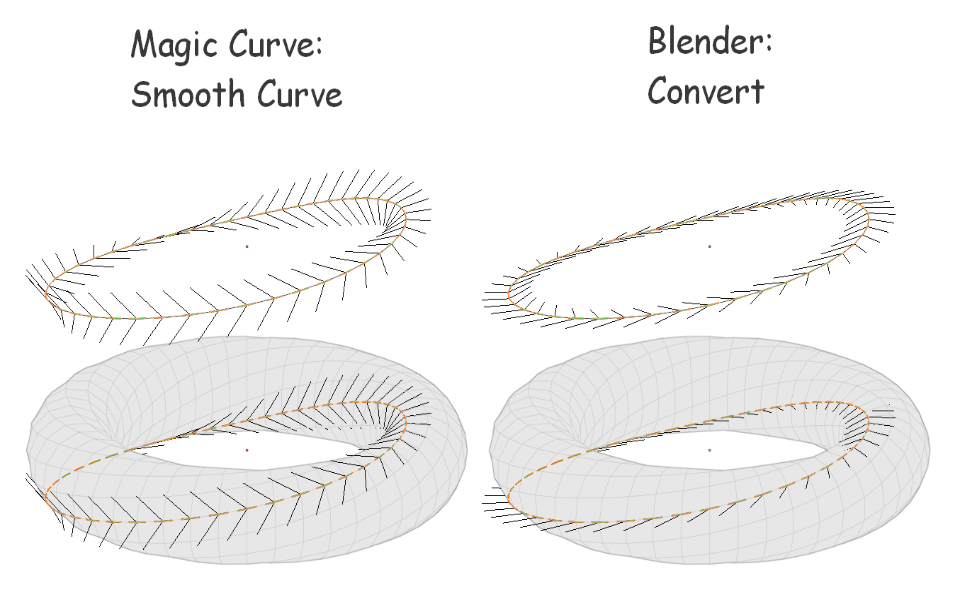
Magic Curve includes tools for creating and changing curves. In the documented mesh-to-curve workflow, select mesh edges, make the intended start vertex active and create the curve. The module includes Split Curve and Smooth Curve methods for curves from a mesh, as well as a method for creating a curve with tilt set to the surface. Paired with Curve Array, it can place objects across another object’s surface while maintaining correct normals.
Changes in version 4.0
AnyPlugins lists version 4.0.0. JobWeek’s Patch 4.0 notes say Curve Array was rebuilt around its own curve representation and that the spacing algorithms were improved. The update added Fill by Pivot and support for curves with multiple splines. The notes also claim it works 100 times faster with heavy mesh objects, without stating benchmark conditions. Magic Curve gained Split Curve and Smooth Curve, along with other curve methods.
Compatibility and documentation
The Superhive listing names Blender 2.9, 2.91, 2.92, 2.93 and versions 3.0 through 3.3. It does not confirm compatibility with later versions, so check the current listing before installing. JobWeek’s CurveArray GitHub repository is linked from the product page. The Superhive documentation tab says feature explanations are provided in short videos on marketplace and Gumroad pages.