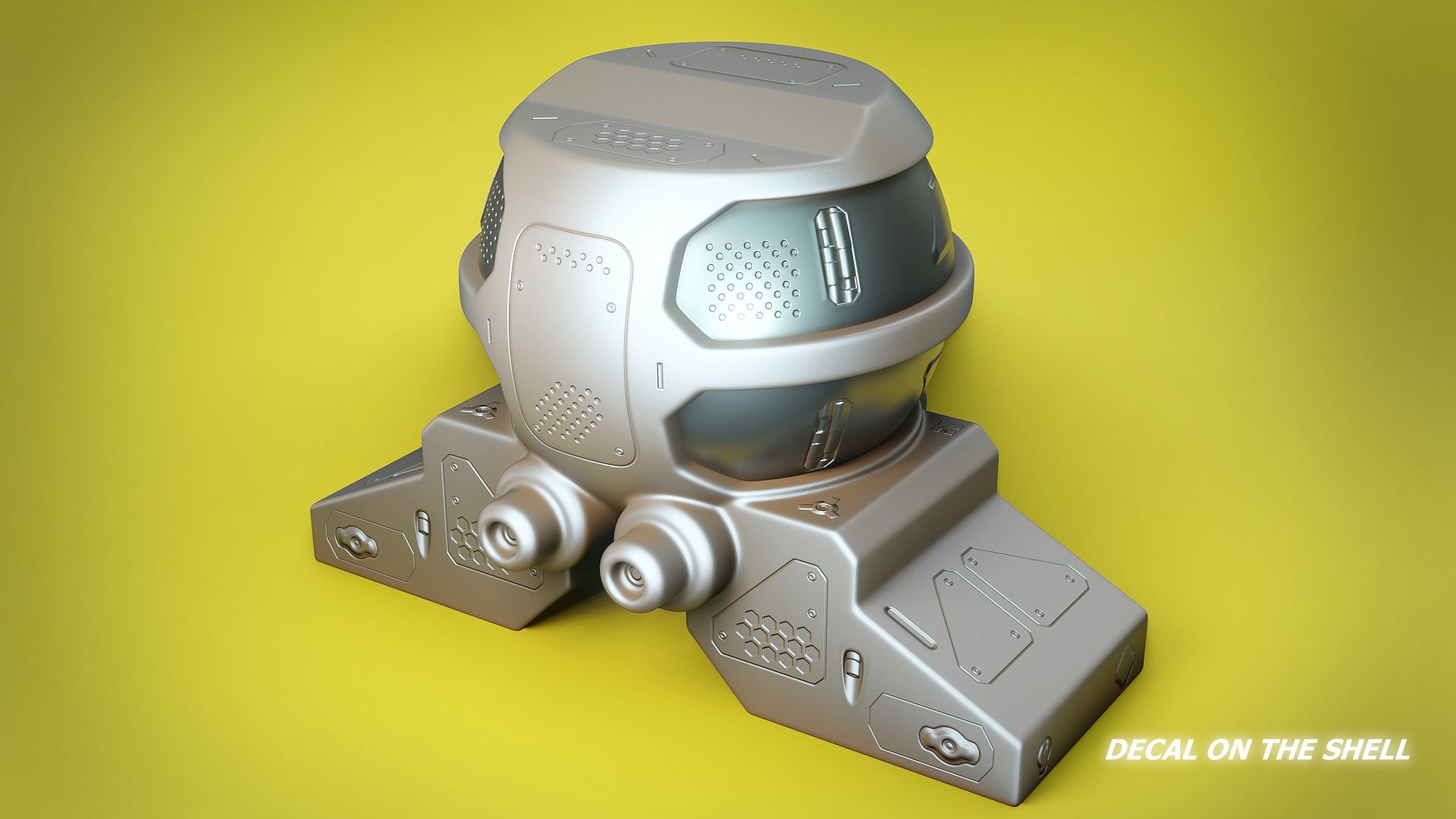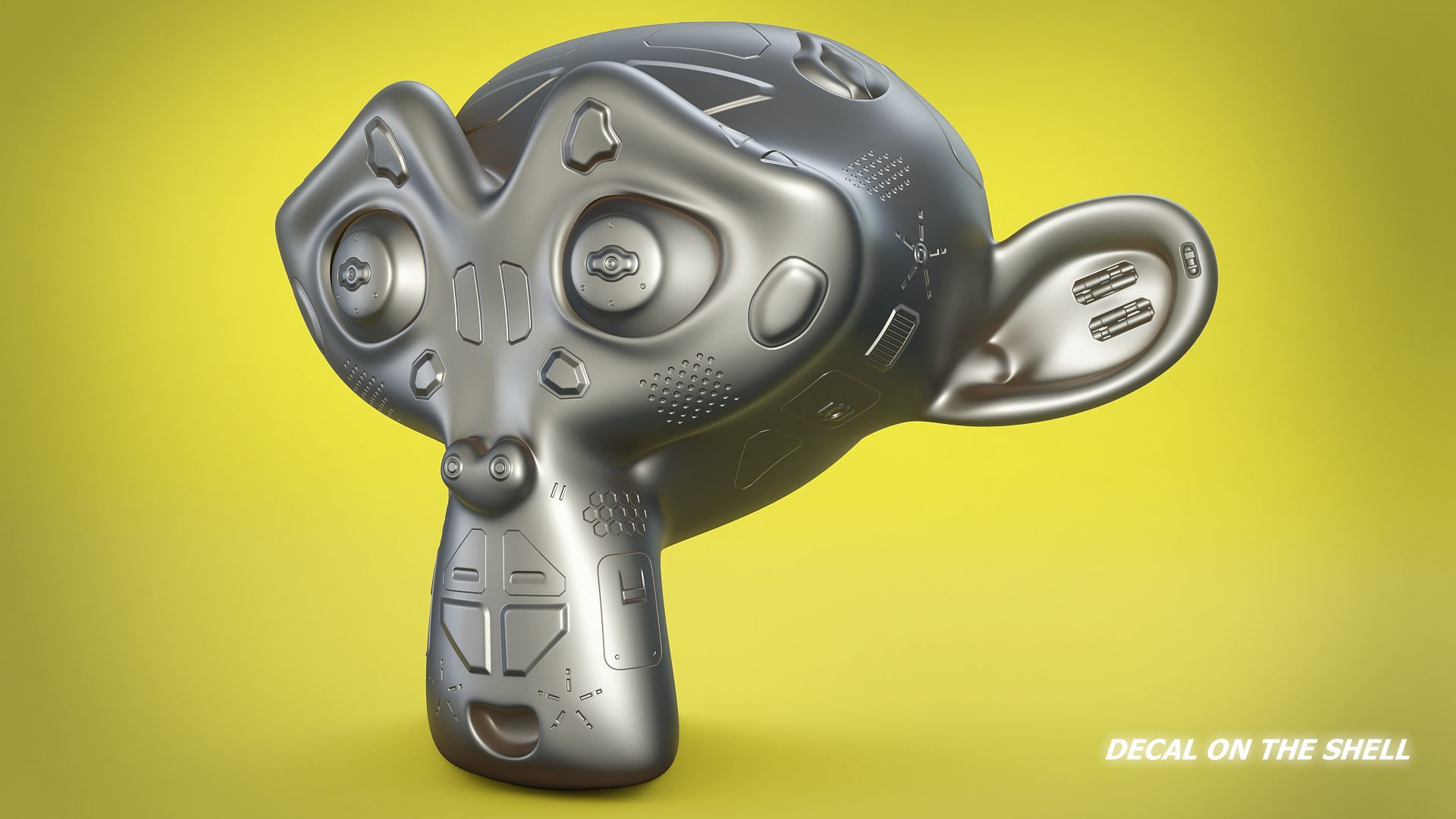
Decal On The Shell is a Blender add-on by Yey! for adding mesh decals to 3D models. Its listing describes more than 50 included decals and a workflow that does not require textures or normal maps. The target mesh needs a SubD modifier, so the add-on is aimed at models built around subdivision surfaces.
How the decal workflow works
The included decals are meshes, and the add-on has tools to prepare them using vertex weights and modifiers. This suits artists who want to add surface details through geometry instead of preparing separate image maps.
The Superhive product listing also links to a video, documentation, a Discord server and a BlenderArtists discussion. These resources can help you review the workflow and appearance before choosing it for a project.
Store custom decal sets
You can save your own decal sets as blend files in addonPath/DecalOnTheShell/Decals_Sets. The add-on also includes tools to prepare decals using vertex weights and modifiers.
Compatibility and license
The product overview says Blender 3.2+, while the details panel lists Blender Version 4.0. Those are separate version references on the listing, so confirm the release you use with the seller before installing. The listing identifies the license as GPL.
Decal On The Shell is worth considering when you want mesh-based details for SubD models and want to avoid texture or normal-map preparation for those decals. If your objects do not use a SubD modifier, check the documentation or ask the developer whether your setup is supported.