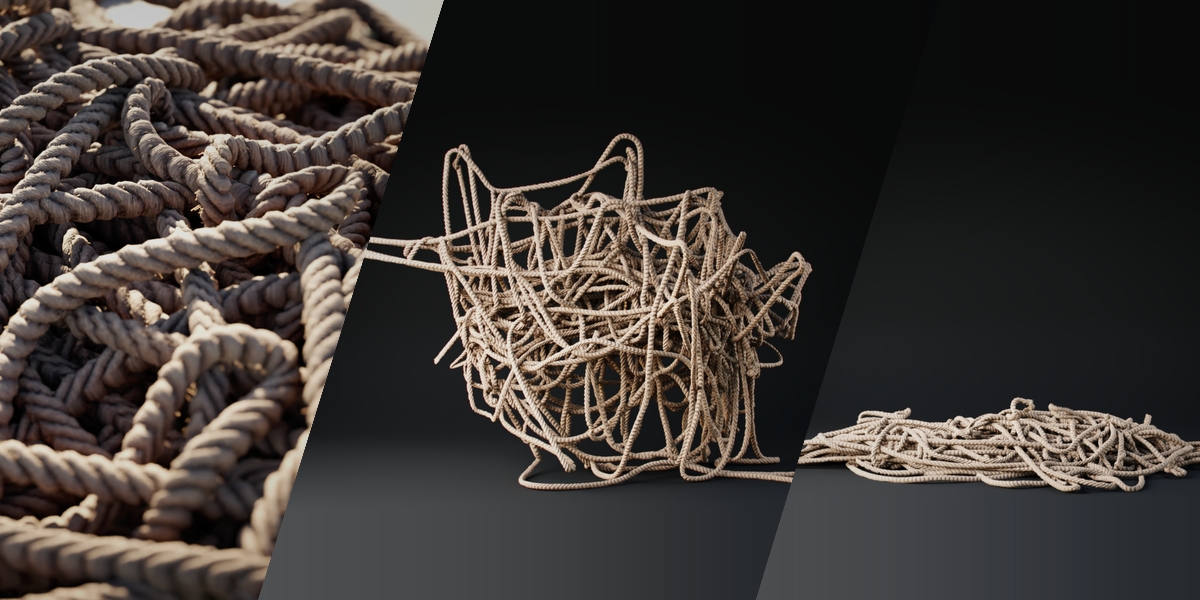
Drop Cast - Physics-Based Scatter Tool is a Blender add-on for scattering a collection of objects across a scene. It uses physics to settle objects into place, which can help artists fill environments or add varied details to concept art without positioning every asset by hand.
The add-on’s documentation covers installation, collider setup, scatter controls, and troubleshooting.
Set up a physics-based scatter
- Put the objects you want to scatter in one Blender collection. The documentation says not to use empties as collection items.
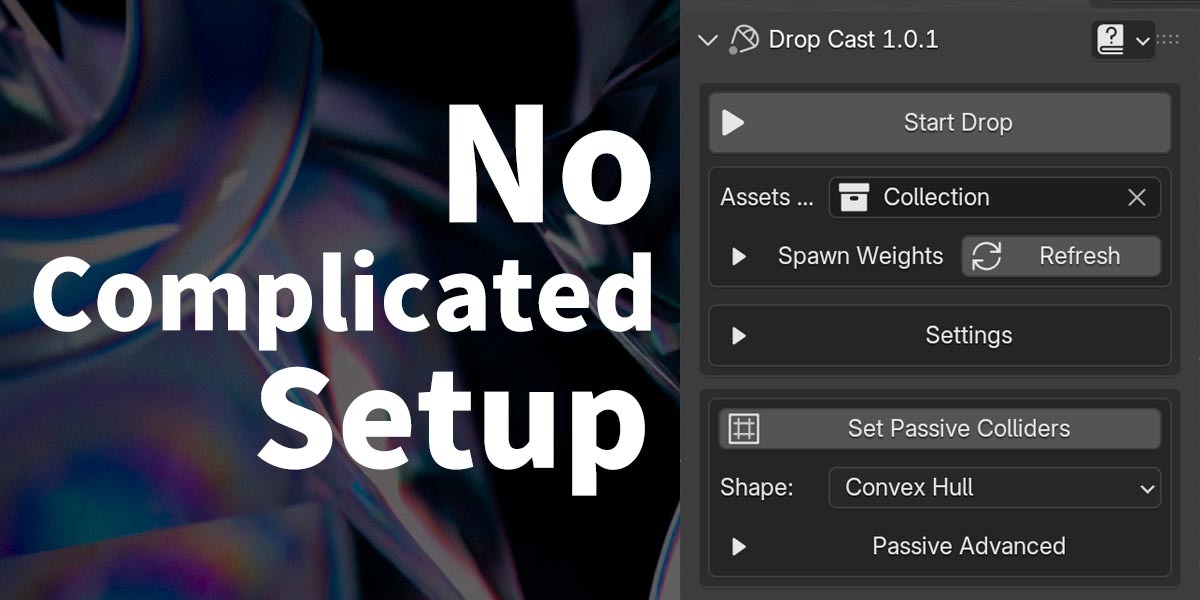
- Select the ground or receiving objects and mark them with Set Passive Colliders. Choose a collision shape: Convex Hull is described as fast, while Mesh is described as accurate. Box and Sphere are also available.
- Assign the collection as the asset source, then click Start Drop. The drop controls appear at the 3D Cursor. Press Tab to spawn an asset, then press Enter or Esc to finish and freeze the results.
Each run is stored in a new collection named DropCast_###. Generated objects are linked instances, which keeps the scene editable while avoiding a separate full copy of each asset.
Adjust the scatter and its variation
Drop Cast lets you set a spawn weight for each asset, so some objects appear more often than others. Hiding an asset gives it a weight of zero while preserving its saved value. Use Refresh after adding objects to the source collection so their settings are initialized.
For more variation, enable random size and set a minimum and maximum scale. Random rotation can be enabled on selected axes, with minimum and maximum angles for each. The base scale applies to every spawn, and the spawn range controls the square area around the drop helper where objects appear.
Compatibility and practical limits
The product listing gives Blender 3.4–4.5 as its supported range. Check the current product page before installing, since compatibility details can change. Physics simulation may demand more system performance, and results can vary with hardware.
A bonus pack of “trash” models is included. The listing says these models lack proper UVs and topology and are not intended for game-ready use. The marketplace details list the add-on’s license as GPL.