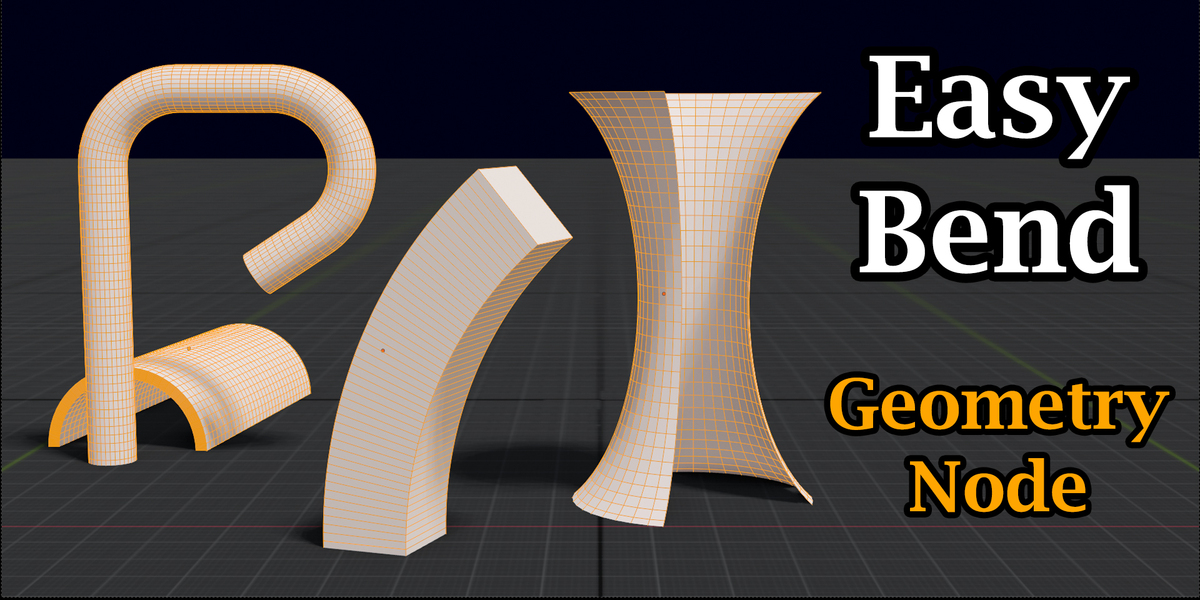
Easy Bend Geometry Node is a Blender Geometry Nodes bending tool from 5 Minutes Blender. Prepare the geometry with subdivisions along the bend direction and apply the object’s rotations before adding its Bend Geometry group to a Geometry Nodes modifier or using it inside your own node tree; then set a bend angle. It works with meshes, curves, point clouds and text. The creator presents it as a procedural alternative to the Simple Deform workflow, without that modifier’s empty-object setup. See the product listing for the current product details.
Set the bend angle, range and direction
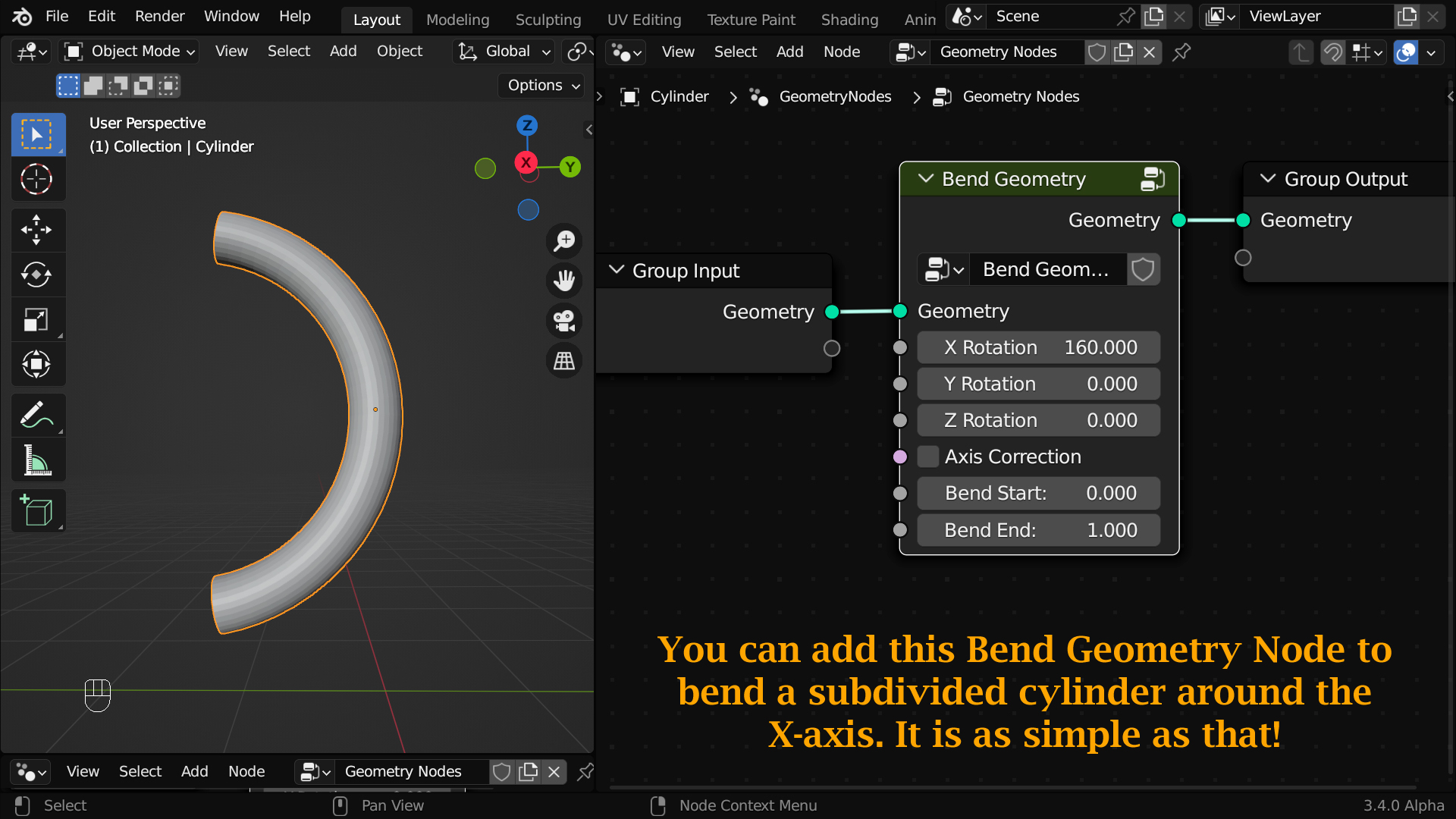
Enter a positive or negative angle to control the bend and its direction. Start Position and End Position accept values from 0.00 to 1.00, letting you limit the bend to part of the geometry. If the result bends in the wrong direction, enable Axis Correction. The usage documentation also advises applying an object’s rotations before adding the node, because unapplied rotations can make the axes behave differently than expected.
Prepare the geometry
The object needs subdivisions along the part that will bend. The developer says at least one subdivision is required and that more subdivisions produce a smoother bend. The documentation suggests 16 or 32 cuts for a smoother, more realistic result. You can add subdivisions in Edit Mode, with a Subdivision Surface modifier, or with a Subdivide Mesh node. For example, a cylinder with segments around its circumference but none along its height will not bend along its length.
Use Easy Bend in a node workflow
For a direct setup, add a Geometry Nodes modifier and select Bend Geometry from its group list. To use it in a custom node tree, add the Bend Geometry group from the Group submenu under Add. When you need bends on multiple axes, chain separate Easy Bend nodes. The documentation cautions that using multiple rotations in one node can produce unpredictable results; use one rotation per node instead. Axis Correction can be enabled on the nodes that need it.
Version and compatibility
The source listing identifies version 1.4, a GPL license and Blender versions 3.4 through 5.2. It also says existing users receive free upgrades. Check the listing for current compatibility and product terms before installing. The listing links to the creator’s video tutorial, and its FAQ covers setup and troubleshooting.